9 Proven On-Page SEO Techniques That Actually Boost Rankings
SearchBlueprint · · 12 min read · scored 100/100

On-page SEO is everything you change on a page itself so search engines understand it and searchers choose it: the content, the title and description, headings, links, images and the URL. These nine techniques cover each part, in the order that usually pays off fastest.
Each technique comes with what Google's own documentation says about it, so you can tell a rule from a rumour. None of them needs a developer on a standard CMS, and most take less than an hour per page.
What on-page SEO covers, and what it does not
SEO work splits three ways. On-page work is the part you control completely, one URL at a time. Technical SEO decides whether Google can crawl and index the site at all. Off-page SEO is your reputation elsewhere, mostly links and mentions.
| Kind of SEO | What it changes | Who usually does it | When you see the effect |
|---|---|---|---|
| On-page | The words, headings, links, images and tags of one page | A writer or marketer in the CMS | Page by page, after Google recrawls |
| Technical | Crawling, indexing, speed and site structure | A developer or technical SEO | Across the whole site |
| Off-page | Links and mentions from other sites | PR, partnerships, outreach | Slowly, over months |
The three overlap. A page with excellent on-page work still fails if a robots.txt rule blocks it, and a page with strong links still underperforms if its title says "Home". But on-page is where most small sites have the most room to improve, because the fixes are in their own hands. The full split is in our guide to on-page vs off-page vs technical SEO.
1. Match the page to what the searcher wants
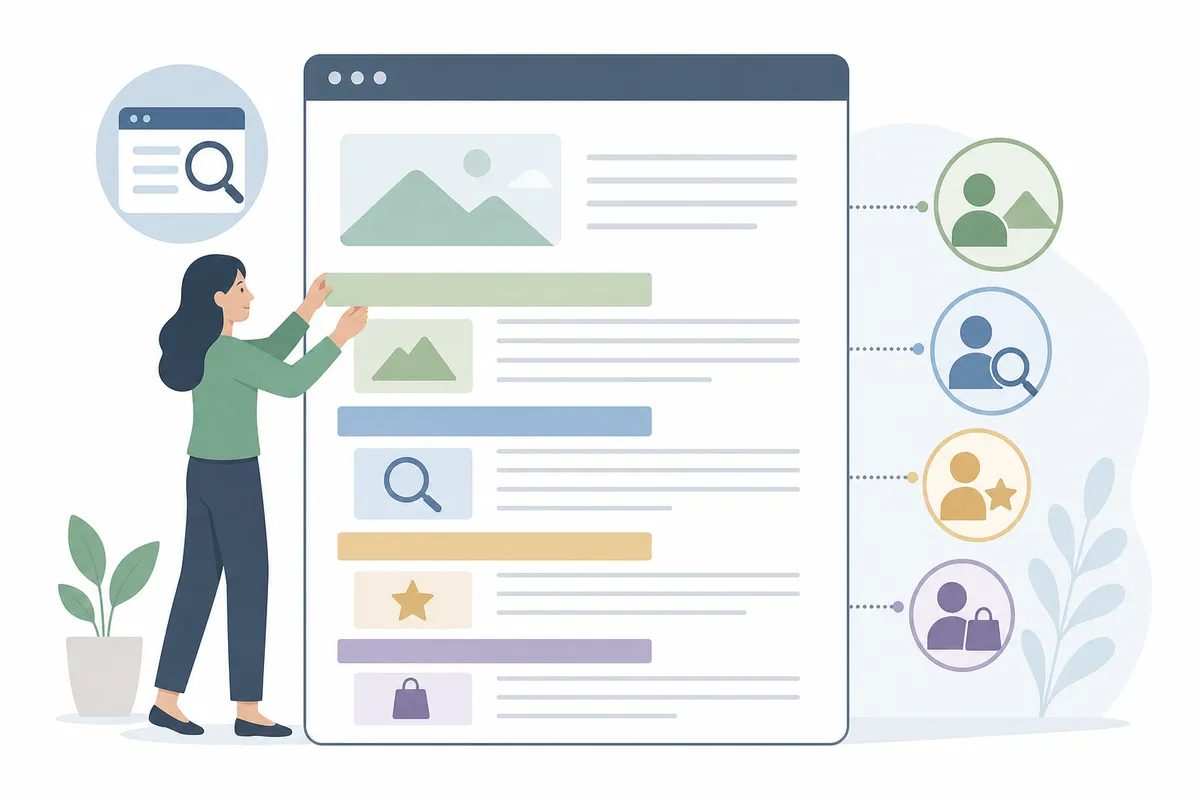
Every other technique on this list assumes the page is the right kind of answer. Before rewriting anything, search your target phrase in a private window and look at page one. If it is all step-by-step guides and your page is a service page, or all product listings and yours is a blog post, the format is wrong and no tag will fix it.
Note three things from page one: the format that wins (guide, list, product page, local listing), the angle (beginner, price-led, comparison) and the questions people also ask. Then decide one main search per page. Two of your pages written for the same search compete with each other, and Google usually picks one of them anyway. Our lesson on search intent shows how to read a results page for this.
2. Write a title element that earns the click
The title element is the text Google most often uses for the blue clickable headline in results, which it calls the title link. Google's documentation describes the title link as often the main thing people use to decide which result to click, and it gives clear rules for the <title> element:
- Give every page its own title. Boilerplate like "Cheap products for sale" on every page makes them impossible to tell apart.
- Be descriptive and concise. "Home" and "Profile" are the examples Google itself uses of titles that say nothing.
- Avoid keyword stuffing. Google's example, "Foobar, foo bar, foobars, foo bars", is the pattern that makes a result look spammy.
- Brand concisely: the site name at the start or end, separated by a hyphen, colon or pipe.
There is no character limit on the element. Google truncates the title link to fit the device width, so put the words that matter first. When a title is vague, repeated or stuffed, Google may build its own title link from your main heading or other prominent text, which is why a weak title sometimes shows up in results as something you never wrote.
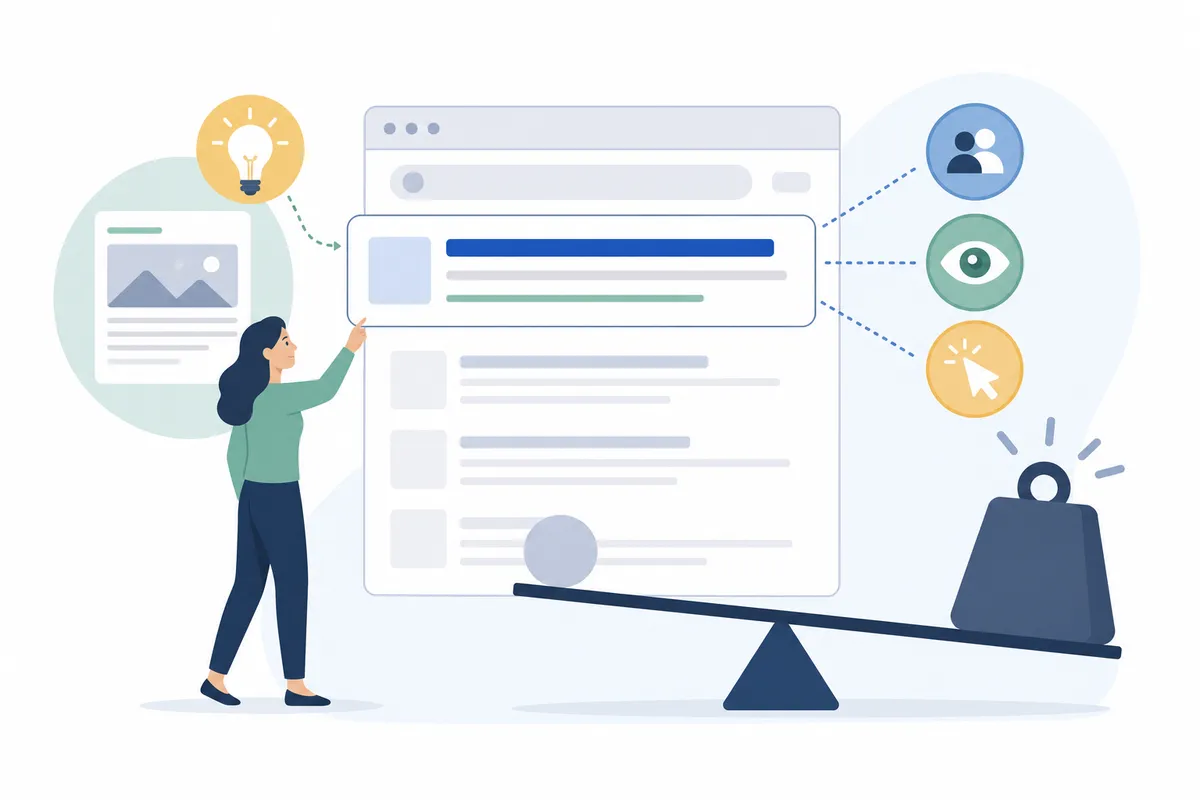
A working pattern for a service page is what you do, where, and one detail that sets you apart: "Emergency boiler repair in Leeds, same-day callouts | Hartley Heating". For a guide, lead with the question the reader typed.
3. Write a meta description that sells the result
Google builds most snippets from the page content itself. It uses your meta description when that describes the page better, so treat the description as a strong suggestion that Google may overrule. It is still worth writing, because on many searches it is the text people read before deciding.
Google's snippet documentation asks for a unique description on each page, written as a short, relevant summary, and notes that it can carry facts such as a price, an author or a date. Like titles, descriptions have no length limit and are cut to fit the screen. Google is explicit about one thing: identical descriptions across a site do not help. If you cannot write one for every page, write them for your home page and your most visited pages first.
4. Give the page one clear main heading and useful subheadings
Google's title-link guidance suggests making the main title the most prominent text on the page, for example in the first visible <h1>. Below it, headings work as the outline a reader skims to find their part. Google's starter guide is relaxed about the details: headings in semantic order help screen readers, but from Google Search's point of view it does not matter if they are out of order, and there is no ideal number.
So write headings for the reader. A heading should say what the section answers. "How much does office cleaning cost?" tells a reader where they are; "Pricing insights" makes them read on to find out. Questions people ask on page one make good subheadings, and a section that answers one in its first sentence is easy for both a reader and an AI answer to quote.
5. Put the searcher's words where they count, once
Google's Search Essentials ask you to use the words people would use to look for your content and to place them in prominent locations: the title, the main heading, alt text and link text. That is the whole keyword placement rule from the search engine's side.
What it does not ask for is repetition. Google's spam policies list keyword stuffing, filling a page with keywords to manipulate rankings, as a violation. The starter guide also notes that Google's language matching connects variants on its own, so a page about "cheese boards" does not need every phrasing of it. Write the phrase into the title and the first paragraph where it reads naturally, use the words your customers use in the body, and stop there. Our explainer on the role of keywords in SEO covers how to choose them.
6. Make the content the best answer on the page
This is the technique the others serve. Google's guidance on helpful content asks whether a page gives original information, analysis or research, whether it provides a substantial and complete description of the topic, and whether a reader would leave feeling they learned enough to reach their goal.
In practice, three habits close most of the gap with the pages above you:
- Answer the question in the first two or three sentences, then explain. A reader who gets the answer early keeps reading for the detail.
- Add something the top results lack: a real price range, a worked example, a photo of your own work, a mistake you have seen clients make.
- Cut what the reader does not need. Google's starter guide states that content length alone does not matter for ranking.
A page that restates the top three results gives Google no reason to rank it above them.
7. Link your pages together with descriptive anchor text
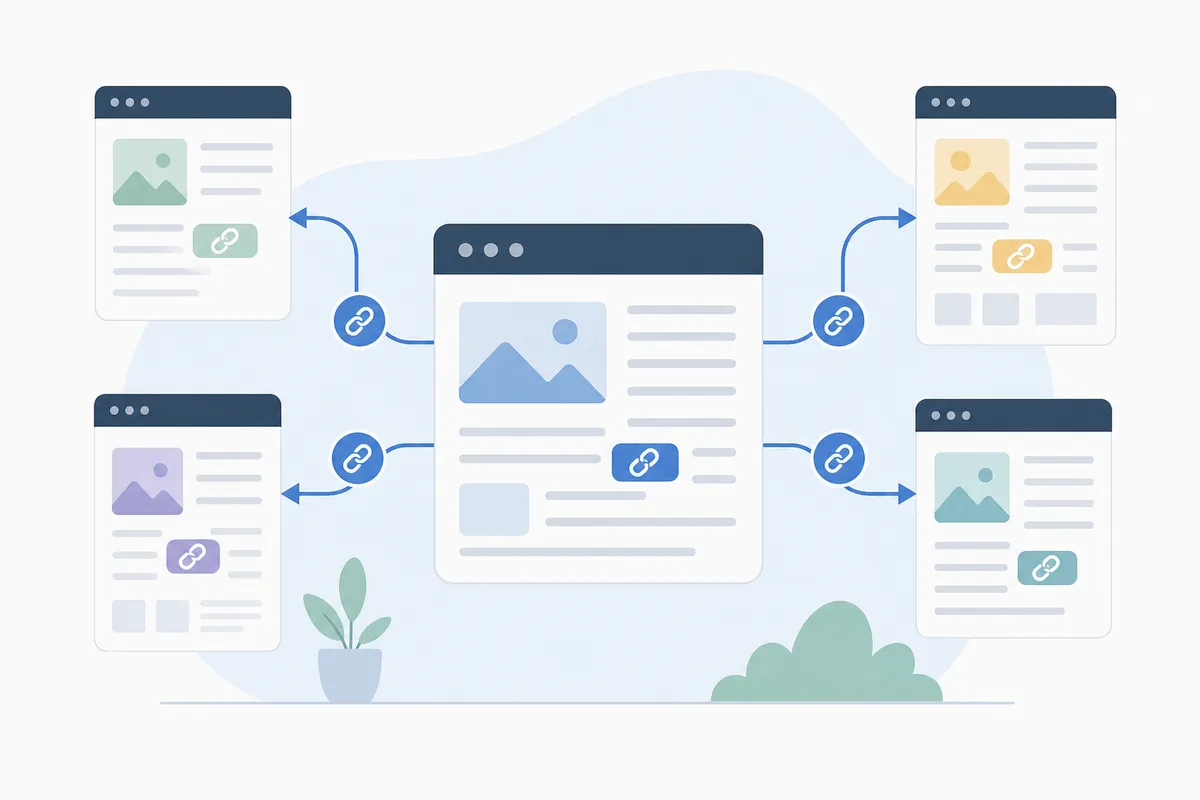
Google uses links to find pages and as a signal of what they are about. Its link guidance says Google can generally only crawl a link that is an <a> element with an href, and that good anchor text is descriptive, reasonably concise and relevant to both pages. "Click here" and "read more" are its examples of what not to write.
Three rules cover most sites:
- Link from pages that already get traffic to the pages you want to rank, inside the body text where a reader would want the next step.
- Make every important page reachable through links. A page that only exists in the sitemap gets discovered but has little to vouch for it.
- Read your anchor text out of context. If "this guide" could mean anything, rewrite it to name the page.
Linking out to a credible source where you state a fact helps the reader check you. Use rel="nofollow" or rel="sponsored" on paid or untrusted links, as Google's guidance on qualifying outbound links asks.
8. Optimize images for meaning and for speed
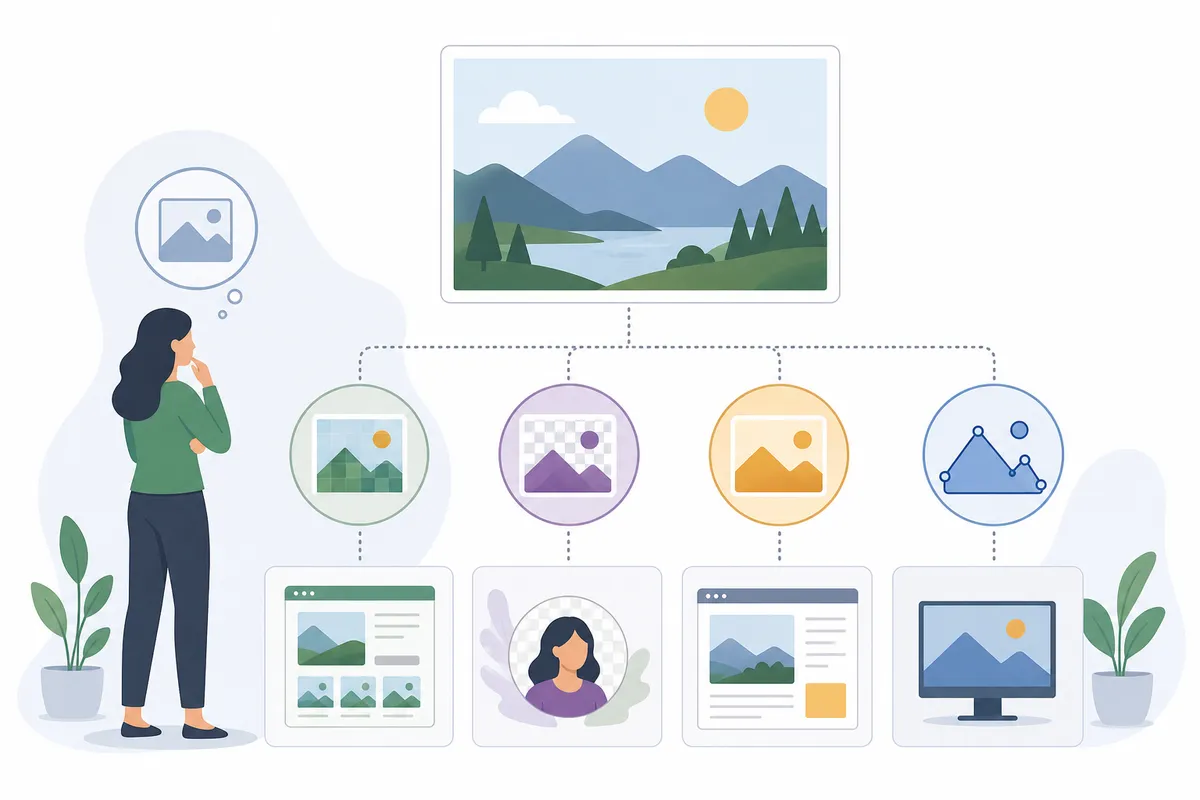
Google's image guidance calls alt text the most important attribute for giving an image meaning. Google reads alt text alongside the page content and its own computer vision to understand the picture, and the same text helps people using screen readers. Write it as a short description of what the image shows, with keywords only where they belong in that description. The same guidance asks for short, descriptive file names instead of image1.jpg.
Size matters for a different reason. Oversized images slow a page down, and loading speed feeds Largest Contentful Paint, one of the Core Web Vitals that Google says its ranking systems use. The thresholds published on web.dev are a Largest Contentful Paint within 2.5 seconds, Interaction to Next Paint of 200 milliseconds or less, and Cumulative Layout Shift of 0.1 or less, measured at the 75th percentile of visits. Resize images to the width they display at and save them in a modern format such as WebP.
9. Keep one readable URL per page, and mark it up honestly
Google's URL guidance recommends readable words over long ID numbers, with hyphens between words rather than the _ character. /services/boiler-repair tells a person and a crawler what to expect; /index.php?id=4471 does not. Change URLs on existing pages only with a 301 redirect, because a new URL starts without the old one's history.
When the same content is reachable at several URLs, such as with and without tracking parameters, tell Google which one you prefer. Its canonicalization guide ranks a redirect and a rel="canonical" link as strong signals, and warns against pointing different methods at different URLs for the same page.
Structured data is the last layer. Markup from the schema.org vocabulary helps Google understand what a page is and can make it eligible for rich results such as product or review details. Google's structured data policies are blunt that correct markup does not guarantee a rich result. Markup has to match what the page visibly shows. Some features no longer exist at all. Google's Search Central changelog records that FAQ rich results stopped appearing on 7 May 2026.
A 20-minute on-page check for any page
Use this before publishing a new page or when an existing page has stalled. Each row is one of the nine techniques.
| Check | What good looks like | Free way to check |
|---|---|---|
| Intent | Same format and angle as page one for the main search | A private-window search |
| Title | Unique, descriptive, main words first, brand at the end | SERP snippet preview |
| Description | Unique summary with one concrete detail | Meta tag checker |
| Headings | One clear H1, subheadings that name what each section answers | Meta tag checker |
| Keywords | In the title, H1, opening and link text; no repetition for its own sake | Keyword density checker |
| Content | Answer in the first sentences, something the top results lack | Read page one side by side |
| Internal links | Linked from at least one page with traffic, descriptive anchors | Your CMS's link search |
| Images | Alt text on meaningful images, files sized for display | Website speed test |
| URL and markup | Readable URL, one canonical, markup matches the page | Schema validator |
How to tell whether your on-page changes worked
Google's starter guide says changes can take from a few hours to several months to show, and suggests waiting a few weeks before judging. In Search Console, open the Performance report, filter to the page you changed and compare the weeks after the change with the same number of weeks before.
Read the four numbers together. Rising impressions mean Google is showing the page for more searches. A higher CTR on the same impressions means the title and description are doing their job. Average position on its own can mislead, because it falls when a page starts appearing for new, harder searches. Our Search Console essentials lesson explains the traps.
Mistakes that undo good on-page work
- Two pages chasing one search, so neither ranks well. Merge them, or give each its own search.
- A title rewritten for keywords until no human would click it.
- Images uploaded at camera size, which slow the page on a phone.
- Internal links that all say "learn more".
- Markup describing content the page does not show, such as reviews that are not on the page.
FAQs
What is the most important on-page SEO technique?
Matching the page to the searcher's intent. Every other technique improves a page Google already considers a fitting answer; none of them can turn the wrong kind of page into the right one.
Does on-page SEO still matter with AI Overviews?
Yes. Google says the same SEO practices apply to AI Overviews and AI Mode, and that a page has to be indexed and eligible for a snippet before either feature can show it as a supporting link, so the on-page basics are the entry ticket. Clear headings and early answers also make a passage easier to quote.
How long should a title tag be?
Google sets no character limit and truncates the title link to fit the device. Put the words a searcher needs first so the important part survives the cut.
Do meta descriptions affect rankings?
Google's documentation treats the meta description as a way to shape the snippet people read, and says nothing about it as a ranking signal. A better description can still bring more clicks from the same position.
How often should I review on-page SEO?
Review a page when it slips in Search Console, or when page one for its search changes format, for example from guides to product listings. Otherwise a quarterly look at your top pages is enough.
Start with one page
Pick the page that already gets the most impressions in Search Console, run it through the nine on-page SEO techniques above, and change only the title, description and internal links first. Then check it with our free on-page SEO checker to see which of the remaining checks it still misses.
Sources
The facts in this guide come from these pages, each read on the date shown.
- Influencing your title links in search results (Google Search Central, read 12 October 2026)
- Control your snippets in search results (Google Search Central, read 12 October 2026)
- SEO Starter Guide (Google Search Central, read 12 October 2026)
- Google Search Essentials (Google Search Central, read 12 October 2026)
- Spam policies for Google web search (Google Search Central, read 12 October 2026)
- Creating helpful, reliable, people-first content (Google Search Central, read 12 October 2026)
- Link best practices for Google (Google Search Central, read 12 October 2026)
- Google image SEO best practices (Google Search Central, read 12 October 2026)
- URL structure best practices (Google Search Central, read 12 October 2026)
- How to specify a canonical URL (Google Search Central, read 12 October 2026)
- General structured data guidelines (Google Search Central, read 12 October 2026)
- Latest Google Search documentation updates (Google Search Central, read 12 October 2026)
- Web Vitals (web.dev, read 12 October 2026)
- AI features and your website (Google Search Central, read 12 October 2026)
- Qualify your outbound links to Google (Google Search Central, read 12 October 2026)
- Understanding page experience in Google Search results (Google Search Central, read 12 October 2026)
About the author
SearchBlueprint researched, wrote and scored this article with the content pipeline our customers run on their own sites. The score in the byline is what our content engine gave this page before it published. Nothing here is reviewed by hand, which is the point: it is the product's output, published where anyone can check it.