Automated SEO Reports: What They Cost and What to Track
SearchBlueprint · · 7 min read · scored 94/100

Automated SEO reports pull ranking, traffic, and technical data from tools like Google Search Console and Google Analytics on a set schedule, so a report refreshes and sends itself instead of getting rebuilt by hand every week. The point isn't just saving time. It's replacing a stack of spreadsheets that go stale the moment someone forgets to update them.
What Automated SEO Reports Actually Track

A report that only shows total visitors tells you almost nothing about whether SEO work is paying off. A useful automated SEO report covers five things at minimum, whether it's built for a client, a manager, or your own tracking.
Rankings. Where your priority pages sit in search results for the keywords you're targeting, tracked over time rather than as a single snapshot.
Organic traffic. Visits from unpaid search, broken out by landing page so you can see which content is actually pulling weight.
Search visibility. Impressions, clicks, and average position from Search Console, the numbers that explain a traffic dip before it shows up in Analytics.
Technical health. Crawl errors, broken links, and indexing problems that block search engines from reading your content in the first place. Core Web Vitals thresholds, documented by web.dev, often sit in this same section since a slow page can undercut rankings a report would otherwise call healthy.
Backlinks. New and lost links, plus referring domains, useful for spotting both link-building progress and a sudden spam attack.
That list covers the full range of what a modern SEO platform can automate, from the first crawl through the report that lands in someone's inbox.
The Manual Reporting Trap

Why Spreadsheets Fall Behind
Manual SEO reports follow a familiar pattern: export from Analytics, export from Search Console, paste into a spreadsheet, fix the date ranges, format the charts, and send it before the deadline. Do that every week for a handful of clients or campaigns and reporting stops being a summary of the work, it becomes a second job.
The cost isn't only time. A hand-built report is one typo away from showing the wrong month, and it's easy to skip a metric that would have flagged a problem early. Agencies running this by hand for multiple clients are the ones most likely to feel it first, which is why automating client reporting tends to cut hours without costing accuracy once the initial setup is done.
Automated SEO Reports vs. Manual Spreadsheets
| Approach | Time per report | Update frequency | Main risk |
|---|---|---|---|
| Manual spreadsheet | Hours, repeated every cycle | Whenever someone rebuilds it | Human error, stale numbers |
| Semi-automated dashboard | Minutes to review, not rebuild | Daily or weekly, per source | Mixed data sources with no labels |
| Fully automated report | Set up once, then near-zero | Scheduled, daily, weekly, or monthly | Too many metrics with no context |
Where the Reporting Data Comes From
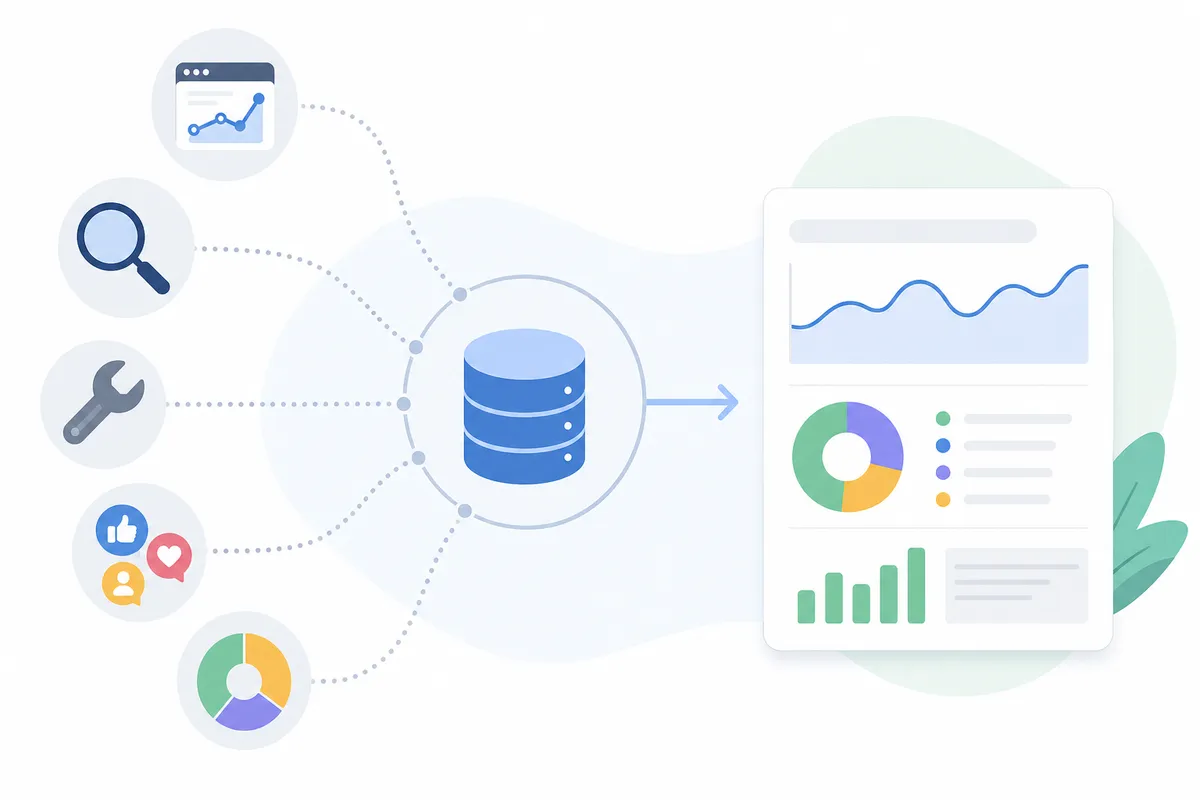
Every automated SEO report pulls from a small set of sources, and each one has a different lag, cost, and blind spot.
Google Search Console gives you Google's own view of how your pages perform in search, impressions, clicks, average position, and indexing status. It updates with a delay of roughly three to four days, so a report built purely from Search Console is always looking slightly into the recent past.
Google Analytics shows what happens after someone clicks through: landing pages, time on page, and conversions. It updates daily, with about a one-day lag, and it's free like Search Console. Neither tool, though, tells you anything about competitors.
That's the gap third-party SEO software fills. Rank trackers and site auditors add competitor visibility and backlink monitoring, but they come at a price. Ahrefs and Semrush, for example, list plans starting around $129 a month, and dedicated reporting platforms follow a similar pattern, SE Ranking lists its Core plan from $103.20 a month and a Growth plan for multi-client agencies from $223.20 a month, with add-ons for extras like AI-search tracking priced separately on top.
| Data source | Typical cost | Update lag | What it adds |
|---|---|---|---|
| Google Search Console | Free | ~3-4 days | Direct ranking and indexing data from Google |
| Google Analytics | Free | ~1 day | On-site behavior and conversions |
| Third-party SEO software (e.g., Ahrefs, Semrush) | From ~$129/mo | Varies by tool | Competitor data, backlink monitoring |
Choosing Your Automation Level
Not every team needs the same setup. A single in-house marketer tracking one site can often run on Search Console and Analytics alone, scheduled through a free dashboard tool. An agency juggling a dozen clients usually needs a paid platform that consolidates multiple data sources, labels which tool each metric came from, and reuses one template across accounts.
The deciding factor is less about budget and more about what you're willing to hand off to automation versus keep a human reviewing. What to automate in SEO, what it costs, and what still needs a person is worth reading before you commit to a tier, since the answer changes depending on how much of the analysis, not just the data pull, you want automated.
How to Set Up Automated SEO Reporting
- Decide who the report is for. A client-facing report highlights progress and ROI. An internal report usually needs more granular, working-level detail.
- Pick the metrics that match that goal. Rankings, organic traffic, and backlink changes cover most needs. Add local visibility only if local SEO is part of the strategy.
- Connect your data sources. Link Search Console, Analytics, and any rank-tracking or audit tool you're using.
- Build the report on a fixed template. Keep the same sections and layout every cycle so period-over-period comparisons stay easy to read.
- Schedule delivery. Set it to send daily, weekly, or monthly, and let it run without manual rebuilding.
Common Mistakes That Undermine Automated Reports
Automation removes the manual work, but it doesn't fix bad report design on its own. The most frequent problems:
- Too many metrics. A report with every available number buries the two or three that actually matter.
- Totals with no comparison. A single traffic figure doesn't say whether performance improved or slipped, always show it against the prior period.
- Unlabeled data sources. Different tools calculate metrics differently. Label which source produced each number so nobody assumes they agree.
- Stale metrics nobody asked for. SEO priorities shift. Review scheduled reports periodically and drop anything that no longer maps to current goals.
Automated Reporting for Agencies
Agencies carry a version of this problem that in-house teams don't: the report has to look like it came from the agency, not from whatever tool built it. White-label reports built for SEO agencies solve that by putting the agency's branding on data pulled from the same automated pipeline, so a client sees consistent, on-brand reporting without anyone manually reformatting a template each month.
FAQs
What is an automated SEO report?
An automated SEO report is a document, usually a dashboard, PDF, or scheduled email, that pulls SEO data like rankings, organic traffic, and technical issues from connected tools and updates on a set schedule without manual rebuilding.
How often should automated SEO reports run?
It depends on the audience. Weekly works well for active campaigns where rankings shift often. Monthly suits client-facing summaries focused on trends rather than day-to-day movement.
Are automated SEO reports accurate?
Reports built directly from Google Search Console and Google Analytics are as accurate as Google's own data, with a short update lag. Third-party tools that estimate metrics like search volume or traffic can be less precise, since they rely on modeled data rather than direct access to Google's numbers.
Can I automate SEO reports for free?
Yes, for the basics. Search Console and Analytics are both free, and free dashboard tools can connect to them and schedule delivery. Competitor and backlink data generally require a paid third-party tool.
What's the difference between automated SEO reporting and rank tracking?
Rank tracking is one input, it monitors keyword positions over time. Automated SEO reporting is the full package: rankings plus traffic, technical health, and backlinks, assembled into one scheduled report.
See What an Automated Report Actually Looks Like
Reading about automated SEO reports and seeing one are different things. Look at a sample SEO report to see how rankings, traffic, and technical findings come together in a single automated report, then talk to the team about setting one up for your own site.
Resources / References
Related reading: Automated SEO Reporting: What to Track and What It Costs.
Sources
About the author
SearchBlueprint researched, wrote and scored this article with the content pipeline our customers run on their own sites. The score in the byline is what our content engine gave this page before it published. Nothing here is reviewed by hand, which is the point: it is the product's output, published where anyone can check it.