Canonical Pagination: The Right Tag for Every Paged URL
By Toy Wen Da, Co-Founder · Updated · 7 min read · scored 93/100
Canonical pagination means choosing which URL in a paged series (a numbered page or a view-all page) search engines should index as the primary one. If the series has no view-all version, give each paginated page its own self-referencing canonical tag. If it does have one, point every paged URL at that view-all page.
Before you touch any code, run the page through the free canonical checker. It shows which canonical tag each paginated URL currently declares, whether that is the page itself, page 1 or something you didn't expect, and whether the tag is consistent across the series. One scan usually tells you whether your setup is broken before you open a single template file.
What canonical pagination actually means
A canonical tag is a line of HTML, <link rel="canonical" href="https://example.com/page" />, that tells search engines which URL is the authoritative version of a piece of content. Canonical pagination applies the same idea to a series of paged URLs such as /blog?page=2 or /products/page/3.
Search engines use canonical tags to consolidate duplicate or near-duplicate content under one indexed URL, which also folds in the authority signals the other pages collected. Pagination is a classic duplicate-content case: pages 2 through 10 of a category listing often share a title tag and meta description, and much of the template content of page 1.
Canonical tag vs. 301 redirect
The two solve different problems. A canonical tag is invisible to users, who stay on the URL they landed on, and that URL still gets tracked in analytics. A 301 redirect moves both the user and the search engine to a new address, and the original URL disappears from your analytics entirely. Paginated series almost always call for canonical tags, because readers need to be able to reach page 2 and every page after it.
Self-referencing vs. view-all canonicalization
Without a view-all page, each paginated URL should self-canonicalize: page 2 points its canonical tag at itself, page 3 at itself, and so on. Canonicalizing every paged URL back to page 1 is a common mistake. It tells search engines that pages 2 and beyond don't deserve to exist independently, so their unique content (different products or different articles) can vanish from search results.
Some sites publish a single view-all page, which is common for long-form articles split into parts. The accepted approach there is to canonicalize each paginated segment to that view-all URL, which consolidates ranking signals onto the one page readers can bookmark and share.
Fixing canonical pagination on your own website
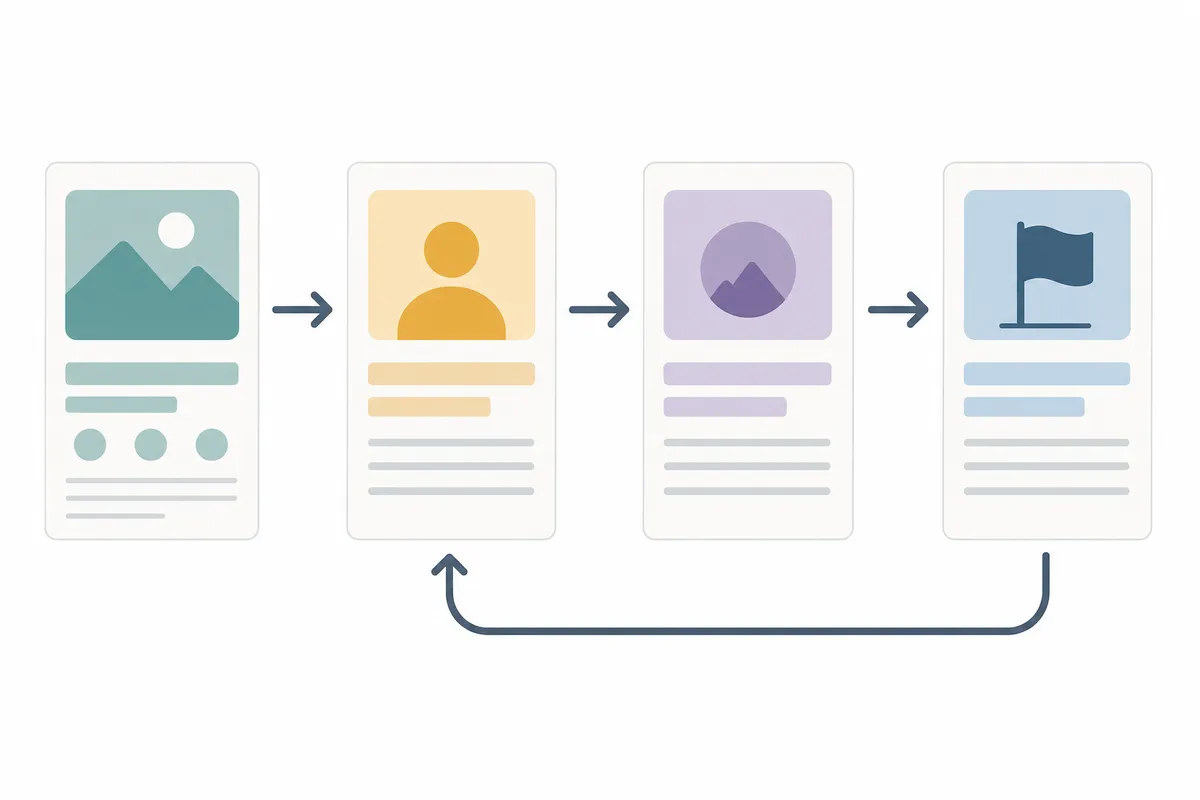
Most canonical pagination problems come from a template setting rather than a single manual edit, so work through these steps in order.
- Open the paginated URL's page source and search for
rel="canonical"in the<head>. You should find exactly one canonical tag. - Check what it points to. If page 2 declares page 1 as canonical and you have no view-all page, that is the bug to fix.
- Find the template controlling pagination. In WordPress it is usually the archive or category template, or a setting inside your SEO plugin. Yoast SEO, for example, has a canonical URL field under its page-level SEO settings; leave it blank and the plugin generates a correct self-referencing tag automatically.
- On Shopify, collection and blog pagination pages generate canonical tags automatically through the theme's
theme.liquidfile. If a custom theme overrides this, a developer will need to edit the<link rel="canonical">line directly. - Republish and re-crawl, then re-check the URL with the canonical checker to confirm each page self-canonicalizes or correctly points to your view-all page.
- Keep an eye on Search Console, since a paged URL previously marked as a duplicate can take a crawl cycle or two to update.
You might see a "Duplicate, Google chose different canonical than user" label in Search Console on a paginated URL. Our guide to why Google sometimes chooses a different canonical than you expect covers that case directly. The "Alternate page with proper canonical tag" label is often expected behavior rather than an error, and our breakdown of why a page shows as not indexed with an alternate canonical tag walks through how to tell the difference.
When your website's own tools are enough, and when they aren't
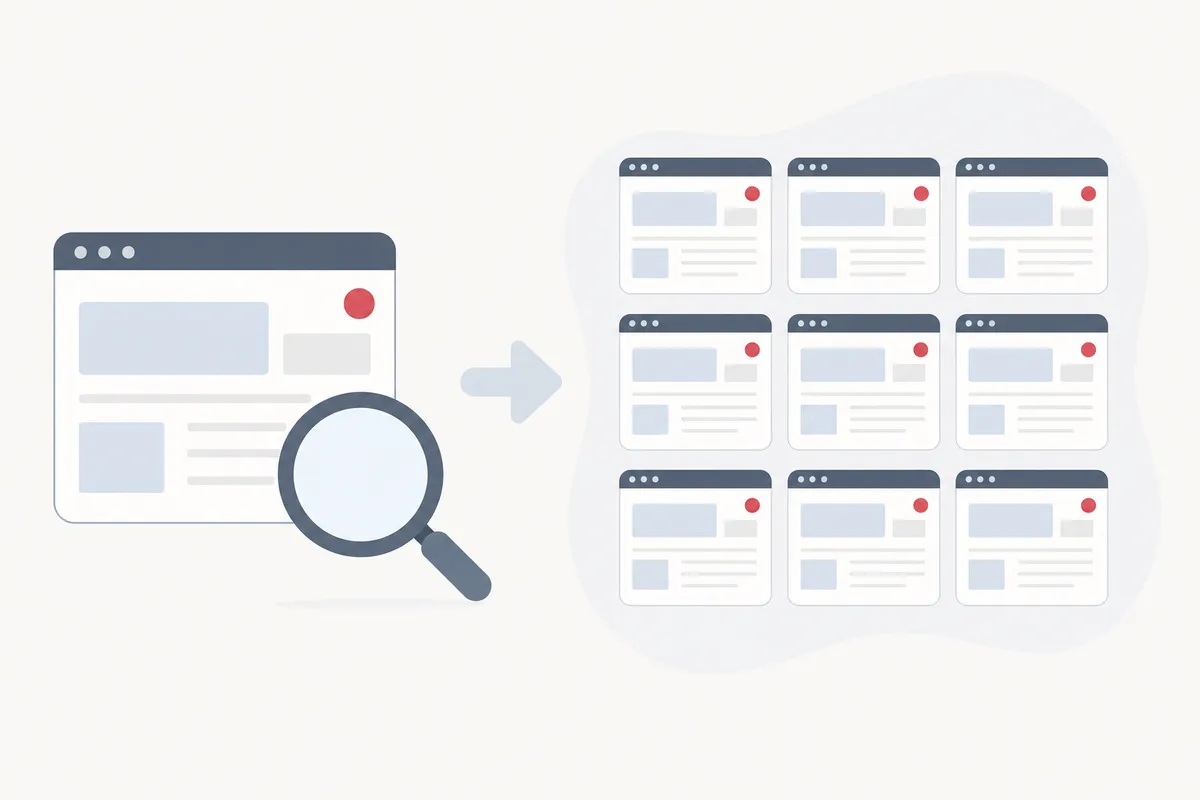
A free, one-page check is enough when you're debugging a single URL. Say you spotted one paginated page in Search Console and want to confirm its canonical tag; once it's fixed you're done, and a canonical checker handles that job well.
It stops being enough when the issue is structural. If your category, blog or product-listing templates generate the wrong canonical logic, every paginated URL on the site inherits the mistake, and checking them one at a time doesn't scale. A template fix has to be verified across dozens or hundreds of URLs.
| Situation | Free tool (one URL at a time) | Site-wide monitoring |
|---|---|---|
| Confirming one page's canonical tag | Enough on its own | Overkill |
| Template change affecting all paginated URLs | Too slow, one URL at a time | Needed to catch every affected page |
| One-off audit before a migration | Enough | Not necessary |
| Recurring pagination bugs after each deploy | Misses new instances between checks | Catches regressions automatically |
Common mistakes with canonical pagination
These are the mistakes that show up most often. Our breakdown of pagination SEO mistakes that quietly sink rankings covers the rest.
| Mistake | Why it hurts | Fix |
|---|---|---|
| Canonicalizing every paged URL to page 1 | Hides unique content on pages 2+ from search results | Self-canonicalize each page unless a view-all page exists |
| Canonical URL differs in content from the canonicalized page | Search engines may ignore the tag entirely | Keep canonical and canonicalized content substantially the same |
| Multiple canonical tags on one page | Both get ignored when they disagree | Keep exactly one canonical tag per page |
| Canonical tag points to a redirecting or broken URL | The tag can't do its job if the target isn't a live, final URL | Point canonical tags only at live, 200-status URLs |
| Inconsistent URL formatting (trailing slash, parameters, case) | Creates accidental duplicate canonical targets | Standardize slashes, casing and stripped parameters across your canonical URLs |
FAQs
Should page 2 of a paginated series have a canonical tag pointing to page 1?
Usually not. Unless you publish a view-all page, page 2 should canonicalize to itself, because pointing it at page 1 tells search engines its unique content doesn't need to be indexed separately.
Does Google still support rel="next" and rel="prev" for pagination?
No, those link attributes have long been retired as an indexing signal. Canonical tags, clear internal linking between paged URLs and a logical URL structure now do the work they used to.
What's the difference between canonical pagination and a noindex tag on page 2?
A canonical tag suggests which URL should be indexed and consolidates ranking signals, while a noindex tag removes a page from the index entirely. For most paginated series, self-referencing canonicals are safer than noindex, since noindex can also stop a page from passing link value.
Can a wrong canonical tag on a paginated page cause it to disappear from search results?
Yes. If page 3 canonicalizes to page 1, Google treats page 3 as a duplicate and may drop it from the index in favor of page 1, even though page 3 has different products or articles.
How do I know if my canonical pagination setup is already correct?
Run each paginated URL through a canonical tag checker. Each one should reference itself, or your view-all page if you have one, with no redirects or mismatched content in the way.
Talk to the team about your canonical pagination setup
Getting canonical pagination right on one URL is a quick fix. Catching it across every category page, blog archive and product listing your site generates is a different job, and it's where most sites quietly lose indexed pages. If you want a clear picture of how your paginated URLs look to search engines, talk to the team. You'll get a sample report built around your own site that covers those URLs and the rest of your technical SEO.
Sources
About the author
SearchBlueprint researched, wrote and scored this article with the content pipeline our customers run on their own sites. The score in the byline is what our content engine gave this page before it published. Nothing here is reviewed by hand, which is the point: it is the product's output, published where anyone can check it.