Duplicate, Google Chose Different Canonical Than User: The Fix
By Toy Wen Da, Co-Founder · Updated · 6 min read · scored 99/100
Duplicate, Google chose different canonical than user means Google indexed a different URL than the one named in your rel=canonical tag. It judged another page the better match for the content and left your preferred URL out of the index. The URL Inspection tool shows exactly which page Google chose.
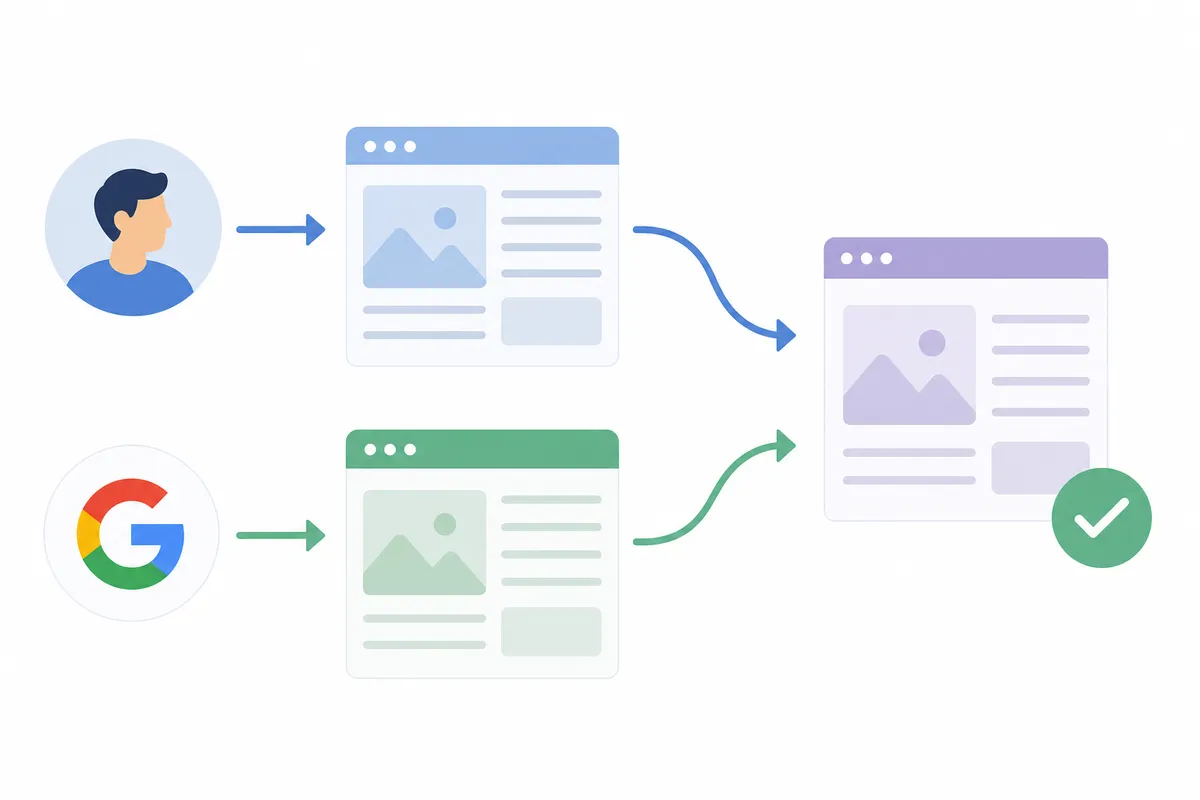
Before you change any tags, run the affected URL through SearchBlueprint's free canonical checker. It pulls the declared canonical from the page's HTML and flags mismatches against what you'd expect. It also shows whether the tag reaches Google in a form it can trust, which is often the quickest way to tell a tagging mistake from a genuine duplicate-content call.
What "Duplicate, Google chose different canonical than user" actually tells you
The status appears in the Page indexing report under "Why pages aren't indexed." It applies only to pages Google has decided not to index because it already has a version it considers equivalent. You asked Google to index one URL through a canonical tag, and it indexed another.
How Google treats your canonical tag
Google treats the tag as a strong hint that it is free to overrule. According to Google's guidance on consolidating duplicate URLs, the canonical choice draws on several signals: redirects, internal linking patterns, sitemap entries and the tag itself. Google picks whichever URL those signals point to most consistently (Google Search Central). When the signals conflict, the evidence doesn't line up behind your preferred page and Google goes its own way.
Why it matters for traffic
If Google's chosen URL is a weaker or less optimized version of your page, it can rank worse, carry thinner metadata, or send users to a URL you never designed for conversions. Ecommerce sites see this constantly with color or size variants. Google picks one variant to stand for the whole group, and if it isn't the one you'd have chosen, you can lose traffic on variant-specific searches.
How to fix it inside Google Search Console
Work through these steps in order before changing any code.
- Open the Page indexing report. In the left sidebar, under Indexing, click Pages.
- Scroll to "Why pages aren't indexed" and click "Duplicate, Google chose different canonical than user."
- Click any listed URL, then open it in the URL Inspection tool. "Google-selected canonical" shows the URL Google actually picked, and "User-declared canonical" shows what your tag specified.
- Open both URLs and compare them. Check whether they're near-duplicates, whether one has thinner content, and whether internal links point more often to Google's pick than to yours.
- Fix the underlying signal. Depending on what you find, that means rewriting thin content or redirecting a true duplicate, and in either case pointing internal links consistently at your preferred URL.
- Request indexing for the corrected URL from the URL Inspection tool.
- Once the changes are live, use Validate Fix on the report so Google re-crawls the affected URLs as a batch instead of waiting for its normal crawl schedule.
Validation takes a while. Google re-crawls over days to weeks, and a fresh "different canonical" result can reappear if the underlying signals haven't changed.
Common causes and their fixes
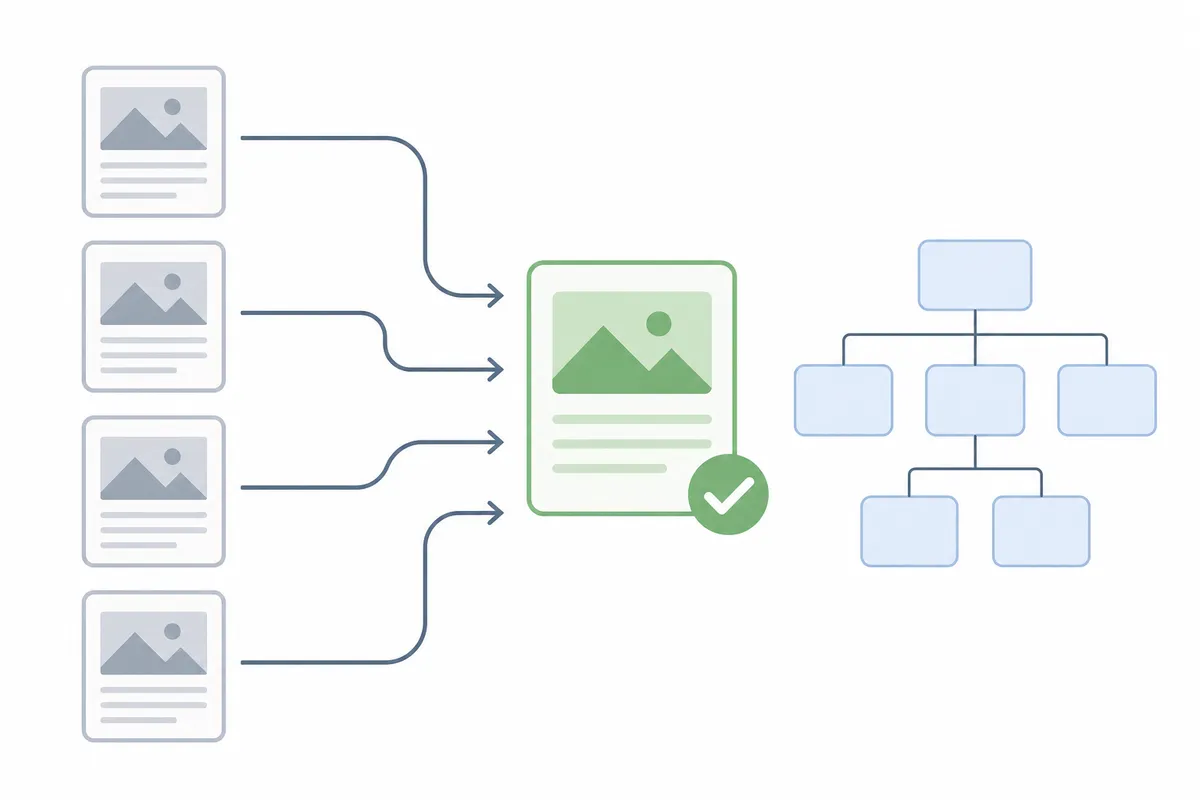
| Cause | How to confirm it | Fix |
|---|---|---|
| Near-duplicate or thin content | Compare the two URLs side by side; look for near-identical text | Rewrite one page to add unique value, or merge and redirect |
| Conflicting internal links | Check which URL internal links and nav menus point to most | Update links site-wide to point only at your preferred URL |
| Inconsistent sitemap entries | Open your XML sitemap and search for the duplicate URL | List only the canonical URL in the sitemap |
| Incorrect or missing canonical tag | Run the page through a canonical checker | Add or correct the rel=canonical tag; fix syntax errors |
| User/click behavior favors another URL | Check Search Console Performance data by page | Improve the preferred page's title and content so it earns the clicks |
| HTTP/HTTPS or www/non-www duplicates | Check whether both versions resolve without redirecting | 301-redirect the non-preferred version |
Our guide to canonical tag SEO covers tag syntax and redirect setup in more depth if your issue turns out to be purely technical.
When Search Console alone is enough, and when it isn't
| Situation | Is GSC enough? | What to do |
|---|---|---|
| One URL flagged, clear near-duplicate cause | Yes | Fix the page, request indexing, validate |
| A handful of product variants (colors, sizes) | Often yes | Consolidate thin variants or redirect, as the Shopify community thread on this exact status describes |
| Dozens or hundreds of URLs flagged | No | Run a full technical audit; the pattern points to a site-wide template or linking problem |
| The status keeps recurring after validation | No | Something upstream (CMS template, plugin, or hosting redirect) is regenerating the conflict |
A single flagged URL is a quick, free fix. A recurring, site-wide pattern is a structural problem that Search Console's reports can describe but can't solve.
Common mistakes to avoid
- Changing the canonical tag without checking which URL Google actually prefers. You may only create a new mismatch.
- Ignoring internal links. A correct tag loses to dozens of internal links pointing elsewhere.
- Treating every instance as urgent. A one-off on a low-value page rarely needs immediate action.
- Forgetting the sitemap. An outdated entry can out-vote your canonical tag.
- Validating before the underlying content or links are fixed.
FAQs
Does "Duplicate, Google chose different canonical than user" hurt my rankings?
Not directly, because it isn't a penalty. If Google's chosen URL is weaker than your intended page, though, you can lose relevant traffic to a worse-performing version of your own content.
Can I force Google to use my canonical URL?
Not with certainty. You can strengthen the signal with consistent internal links, a clean sitemap, a correct tag and unique content, but Google makes the final call.
Is this the same as "Duplicate without user-selected canonical"?
No. "Duplicate without user-selected canonical" means you never specified a canonical at all. This status means you did, and Google overrode it.
How long does it take for a fix to show up in Search Console?
After you click Validate Fix, Google re-crawls the affected URLs on its own schedule, typically within days to a couple of weeks.
Should I worry about this for product color or size variants?
Usually not urgently. If you don't care which variant ranks, the risk is low. If a specific variant drives real search demand, consolidate or fix the canonical so that variant gets indexed on its own.
Check your canonical before you touch anything else
Run the flagged URL through the free canonical checker first. In seconds it tells you whether the tag itself is broken, before you spend time rewriting content or rebuilding internal links. Once that signal is fixed, the duplicate, Google chose different canonical than user status should clear on its own. If the pattern turns out to be bigger than one page, talk to the team for a sample report that shows exactly which URLs are affected and in what order to fix them.
Resources / References
Sources
About the author
SearchBlueprint researched, wrote and scored this article with the content pipeline our customers run on their own sites. The score in the byline is what our content engine gave this page before it published. Nothing here is reviewed by hand, which is the point: it is the product's output, published where anyone can check it.