How to Automate SEO Without Wrecking Your Rankings
SearchBlueprint · · 12 min read · scored 94/100

The safest way to automate SEO is to hand off repetitive, rules-based work, technical audits, rank tracking, keyword clustering, reporting, while keeping strategy, editorial judgment, and the final publish decision with a person. Automation speeds up the grunt work. It should never replace the calls that protect your rankings.
What "automate SEO" actually means
Automating SEO means using software, often AI-powered, to run tasks a person used to do by hand. Some of it is simple: a rank tracker checking your positions every morning instead of you searching manually. Some of it is more involved: an AI agent that crawls a URL, flags technical issues, and drafts a fix list without anyone opening a spreadsheet.
The category splits into a few buckets. Workflow builders like Zapier, Make, and n8n connect your existing tools, Search Console, your CMS, your analytics, and move data between them on a schedule. Purpose-built SEO platforms run narrower, deeper automations: keyword clustering, content briefs, technical crawls, rank tracking, reporting. AI agents sit on top of both, making judgment calls about what to do with the data instead of just moving it around.
None of this replaces a strategy. A tool that automates keyword research still needs a person to decide which keywords actually fit the business. A tool that automates technical audits still needs a person to prioritize which fixes matter most this month. For a task-by-task breakdown of where that line sits, see SearchBlueprint's guide to what to automate and what not to automate before you connect a single tool.
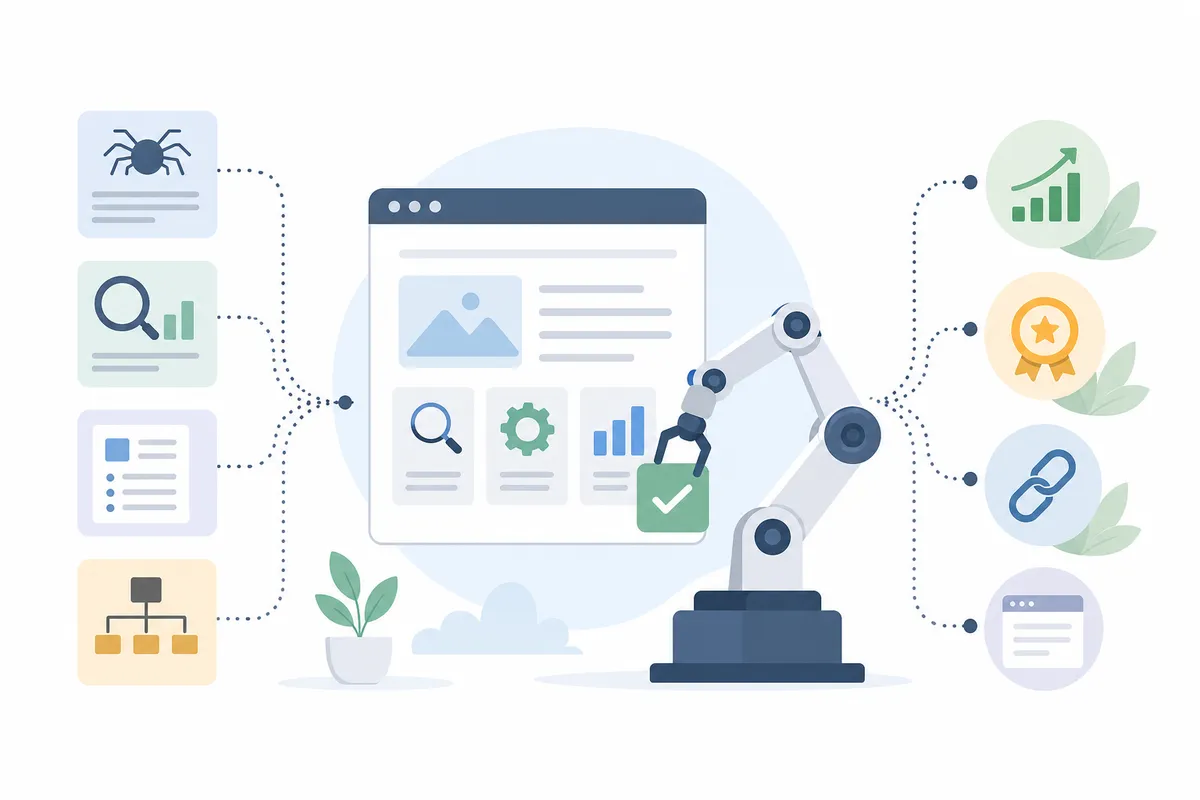
Which SEO tasks are safe to automate first

Some SEO tasks are pure pattern matching. A crawler either finds a broken link or it does not. A keyword either has search volume or it does not. These are worth automating first, because the output is a fact, not a judgment call. Three categories cover most of the ground.
Technical audits and rank tracking
Crawling your site for broken links, missing meta tags, duplicate content, and slow pages is repetitive by nature. A scheduled crawl can run weekly or daily and flag what changed since the last pass. Rank tracking works the same way: instead of checking positions by hand, a tracker logs where you sit for your target keywords every day and alerts you when something moves. SearchBlueprint's AI SEO agent runs this loop from a single URL, crawling, checking rankings, and flagging what needs attention, so the monitoring happens without someone opening a dozen tabs each morning.
Keyword research and clustering
Keyword research automation pulls search volume, competition, and related terms for hundreds of phrases at once, then groups them by topic instead of leaving you with a flat list of 500 rows. Siteimprove frames the payoff plainly: automation can turn a roughly 20-hour manual keyword research process into about 2 hours of review and decision-making. The tool still cannot tell you which keywords match your business goals or your customer's intent. That call stays with a person, even when the data collection does not.
Reporting and dashboards
Client and stakeholder reports eat a predictable chunk of every week. Automated reporting pulls rankings, traffic, and completed fixes into a dashboard or a scheduled email, so the report writes itself instead of getting rebuilt from scratch each month. This is one of the lowest-risk places to automate SEO work, because a report is a summary of facts that already happened. There is no content-quality risk and no spam policy to worry about.
SEO automation tools by task and price
| Task it automates | Example tool | Starting price | What you still have to do |
|---|---|---|---|
| Workflow building across your stack | Gumloop | Free tier, then about $37/month | Design the workflow and set the rules |
| AI-drafted blog content | eesel AI blog writer | Free to try, credit-based plans from about $99 for 50 posts | Edit, fact-check, and approve before publishing |
| On-page content scoring | Surfer AI | About $99/month for 30 articles | Confirm the suggestions actually match search intent |
| Site-wide on-page fixes | Alli AI | About $299/month for 5 sites | Review fixes before they go live sitewide |
| Reporting and AI Overview tracking | SE Ranking | About $65/month | Interpret the numbers against your own goals |
| Content decay monitoring | Clearscope | About $129/month | Decide which decaying pages are worth a refresh |

What to keep human, no matter how good the tools get

Automation is good at facts. It is bad at judgment. Three things belong to a person no matter how advanced the tooling gets: strategy, first-hand expertise, and the final publish decision.
Strategy means deciding which keywords actually connect to revenue, which pages deserve investment, and which competitors are worth chasing. A tool can surface the data. It cannot weigh your business against it.
First-hand expertise is part of what Google calls experience, expertise, authoritativeness, and trust. An AI agent has never run your business or fixed the problem your article claims to solve. A person who has actually done the work needs to check the claims before they publish, or the content reads as generic and ranks that way too.
The final publish decision matters because automated output can be confidently wrong. A keyword tool can suggest a term with real volume but no buying intent. SearchBlueprint's breakdown of what to hand off and what to keep goes through this line role by role, useful if you manage a team rather than just your own site.
Automating content creation without triggering Google's spam policies
Content is the riskiest place to automate SEO, because Google's spam policies can act against automatically generated content when it exists to manipulate rankings rather than help a reader. That does not mean AI-assisted writing is banned. It means the output has to be genuinely useful, not just fast to produce.
What Google actually restricts
Google's Search Essentials describe generating many pages with little to no value to users, primarily to manipulate rankings, as a violation Google can act against, whether or not AI was involved in producing them. The policy is about intent and quality, not the tool. A site publishing 200 AI-drafted pages with no editing and no fact-checking fits that description. A site using AI for a first pass, then having someone verify the facts and add real examples, does not.
Where the review step has to stay
One SEO agency owner writing for Marketer Milk put it directly: he does not advocate publishing AI-generated content without a person rewriting and fact-checking it, even after years of using automation to speed up research and formatting. eesel AI's own case study reports its organic impressions grew from about 700 to 750,000 a day over three months using AI-assisted content production, a result the company ties to pairing automation with an editing process, not to publishing raw drafts. SearchBlueprint's real AI content workflow documents what that review step should actually check before anything goes live.
Automating link building: what works and what gets penalized
Link building automation splits cleanly into two piles: monitoring, which is safe, and outreach or acquisition, which turns risky the moment it becomes a link scheme.
Safe to automate: tracking new and lost backlinks, alerting you when a competitor earns a link you do not have, flagging toxic links pointing at your domain, and scoring prospects by domain quality before a person reaches out. These are read-only tasks. The tool observes; it does not create anything Google could flag.
Risky to automate: mass outreach with generic templates, paid link networks, and automated guest post placement at scale. Google treats links exchanged, bought, or placed purely to manipulate rankings as a link scheme that can trigger a manual action. Bing's webmaster guidelines take a similar position on manipulative link building. The tools are not the problem. Running them without a person deciding which sites are actually relevant is what turns automation into a penalty risk.
SearchBlueprint's look at what works and what gets penalized in link building automation goes deeper into where that line sits for outreach specifically.
A 5-step framework to automate SEO without losing control
Once you know which tasks are safe to hand off, the order you automate them in matters. Rushing content and link automation before your technical foundation is solid just scales whatever is already broken.
Audit what you have. Before connecting any tool, run a full technical and content audit. You need a baseline: current rankings, indexed pages, crawl errors, and content gaps. Automating on top of an unknown baseline makes it impossible to tell later whether a change helped or hurt.
Connect your data sources. Link Search Console, analytics, and your CMS to whatever platform will run the automation. This step is plumbing, not strategy, but skipping it leaves every tool working from partial information.
Automate the safe tasks first. Start with rank tracking, technical crawls, and reporting. Let these run for a few weeks before touching content or links, so you have a stable read on what is actually happening on your site.
Add guardrails before scaling content or links. Set a review step for anything AI drafts, and a relevance check for anything a tool suggests as a link prospect. This is the step teams skip when they are in a hurry, and it is the one that prevents the risks covered above.
Verify results against real numbers. Automation should show up in rankings, traffic, and conversions, not just a dashboard that says tasks completed. Check performance every few weeks against your pre-automation baseline.
The 5-step SEO automation framework
| Step | What it automates | Human checkpoint |
|---|---|---|
| 1. Audit | Nothing yet, this sets your baseline | Decide what "improved" will mean before you start |
| 2. Connect data | Data flow between your tools | Confirm access and permissions are scoped correctly |
| 3. Automate safe tasks | Rank tracking, crawls, reporting | Review flagged issues before acting on them |
| 4. Add guardrails | The review layer itself | Set the editorial and relevance checks a person must run |
| 5. Verify results | Checks the automation's own output | Compare rankings and traffic against your baseline |
Scaling automation as your site grows
Tasks that work fine as isolated automations on one site get messy across ten, or across a site with 500 pages instead of 50. Two problems show up first: tool overlap, where three platforms are doing the same job and nobody remembers which one is the source of truth, and fragmented data, where your CMS, your analytics, and your automation tool disagree about what is actually live.
Neither problem is really about the automation itself. Both come from adding tools faster than you add process. Before adding a new automated task, check whether an existing tool already covers it. Before scaling an automation from one site to twenty, confirm the guardrails from step four still apply at that scale, because a review step that works for 5 pages a week can quietly disappear once a tool is generating 50.
SearchBlueprint's guide to scaling automation without breaking it walks through what tends to break first as SEO automation scales across more pages, more sites, or more team members.
The payoff: what automated SEO actually buys you
Done in the right order, automating SEO buys back time, not just tasks. The Marketer Milk breakdown above puts a real number on it: a workflow that used to take about 8 hours from keyword idea to published post, done manually, dropped to roughly 3 hours once the research and formatting steps were automated, with the actual writing still done by a person.
That time comes back in consistent places: technical issues get caught within a day or two instead of surfacing in a monthly audit, rank changes get flagged the morning they happen instead of the week after, and reporting stops being a task anyone has to remember.
None of that shows up as a ranking boost by itself. What it does is free up the hours a strategist would otherwise spend on maintenance, so that time goes toward the decisions automation cannot make. SearchBlueprint's rundown of the real advantages of automated SEO covers how to put those hours back to use instead of just banking the time saved.
Why more teams choose SEO automation over hiring up
Hiring a full SEO team to run audits, track rankings, cluster keywords, and write reports by hand is expensive, and the work is largely the same from one site to the next. That repetition is exactly what automation is good at. It is not a replacement for strategic hires. It is a replacement for the hours those hires would otherwise spend on tasks a tool can do in minutes.
For a small team or a solo operator, that math matters even more. Automating the technical and reporting side of SEO means one person can manage a workload that used to need two or three. For an agency, it means the strategist's time goes toward client strategy instead of manual crawling and spreadsheet formatting. SearchBlueprint's case for choosing automated SEO over adding headcount lays out the numbers behind that trade-off in more detail.
FAQs
What parts of SEO can you actually automate?
Technical audits, rank tracking, keyword research and clustering, and reporting automate cleanly because the output is factual. Content drafting and link outreach can be automated too, but both need a person reviewing the output before it goes live or goes out.
Is automated SEO content bad for rankings?
Not by itself. Google's spam policies target content built to manipulate rankings with little value to readers, regardless of whether AI wrote it. AI-drafted content that gets fact-checked, edited, and genuinely helps the reader is not what that policy is aimed at.
How much does SEO automation cost?
It depends on scope. Tools in this space list starting prices from around $37 a month for a workflow builder up to roughly $299 a month for site-wide on-page automation across multiple sites. Most platforms price by credits, articles, or number of sites managed.
Can a small business automate SEO without hiring an agency?
Yes, for the tasks covered in this guide: audits, rank tracking, keyword research, and reporting. Content and link building still benefit from a person who understands the business reviewing the output, whether that is an in-house owner or an outside specialist.
Does Google penalize businesses for using SEO automation tools?
No, not for using the tools themselves. Google's policies target the outcome, mass-produced content or manipulative links with little real value, not the software used to produce them. The same automation used with a review step in place carries none of that risk.
Automate SEO on the tasks that actually move rankings
Start with one task: pick your slowest recurring SEO job, whether that is a monthly report, a manual rank check, or a technical crawl, and automate just that one first. That is the fastest way to automate SEO without breaking anything that already works. Watch it run for a few weeks before adding the next. If you want a clearer picture of where your own site stands before you automate anything, see a sample SEO report to know exactly what a baseline audit should cover.
Resources / References
Related reading: Automated SEO for Shopify Stores: What Actually Scales.
Sources
About the author
SearchBlueprint researched, wrote and scored this article with the content pipeline our customers run on their own sites. The score in the byline is what our content engine gave this page before it published. Nothing here is reviewed by hand, which is the point: it is the product's output, published where anyone can check it.