Local SEO Tips: Fix Your Google Business Profile First
By Toy Wen Da, Co-Founder · Updated · 7 min read · scored 99/100
Local SEO tips are the specific moves that get your business to show up when someone nearby searches for what you sell. The first and most important one is almost always inside Google Business Profile: claim it, verify it, and fill in every field before you touch anything else on your website.
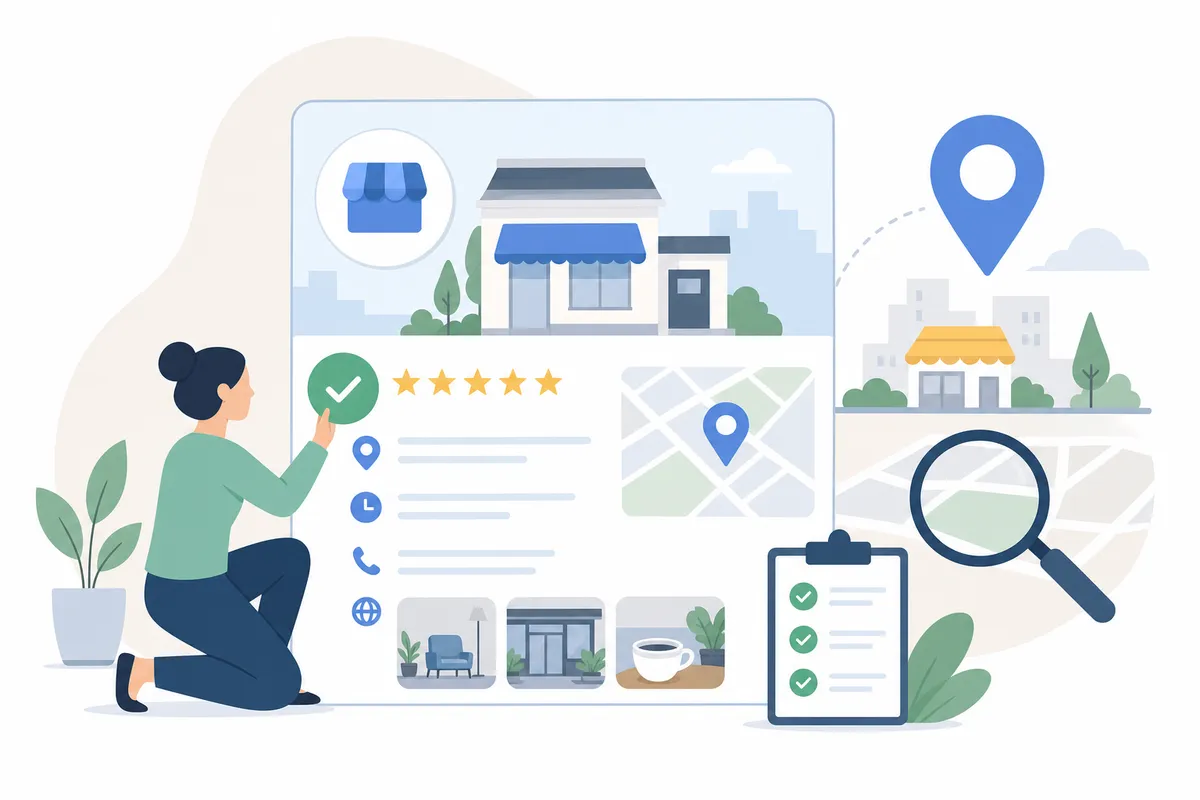
Fix your Google Business Profile, step by step
Google Business Profile is the free listing that controls how your business looks in Search and Maps. Most local SEO advice starts here for a reason: Google itself has said that customers are far more likely to visit and buy from businesses with a complete profile. Here is the order to work through it in.
Claim and verify the profile
Search your business name on Google or go to Google Business Profile Manager directly. If a listing already exists, claim it; if not, create one and complete Google's verification, which usually arrives as a postcard, a phone call or an email depending on your business type. An unverified profile barely shows up at all.
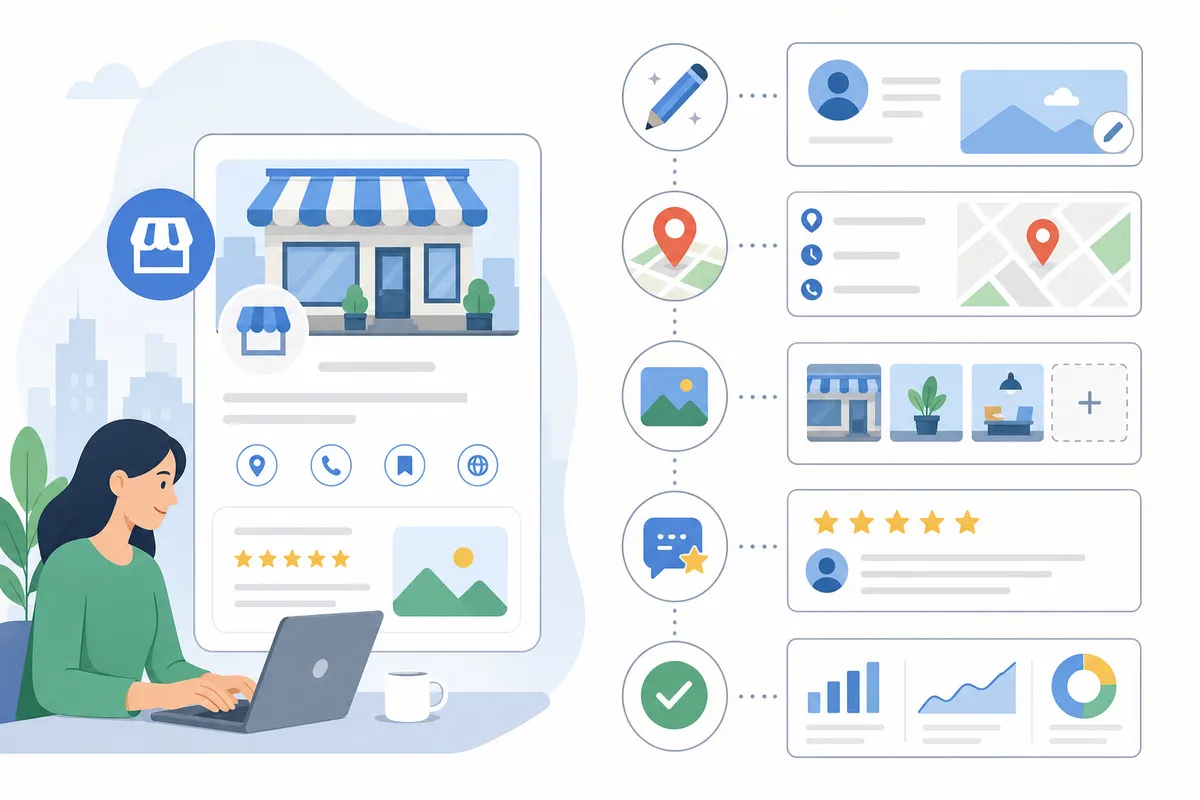
Fill in business information completely
Open the profile editing screen and work through every section: business name, primary and secondary categories, hours (including holiday hours), service area or address, phone number and website. Leave nothing blank. Google rewards complete profiles, and so do customers scanning a crowded results page.
Add photos and a real business description
Upload clear photos of your storefront, your team and your work. Profiles with more photos tend to get more clicks and direction requests. For the description, explain what you do and where in natural local language, and leave the keyword stuffing out.
List your products and services
Add every service or product you offer, each with a short description. This helps Google match your profile to specific searches like "drain repair" instead of just "plumber," and it helps a browsing customer decide you're the right fit before they ever visit your site.
Turn on messaging and keep hours current
Enable direct messaging so customers can reach you from the search result itself. Update your hours whenever they change, especially around holidays, because a listing that says "open" when you're actually closed does real damage to trust.
Get reviews, then respond to them
Ask happy customers directly, or share the review link Google generates for your profile. Respond to every review, good or bad, since a thoughtful reply signals that someone is paying attention. Paying for reviews or discouraging negative ones violates Google's policies.
Post updates and check your performance
Use the Updates or Posts feature to share offers, events or news. Then check the performance section of your profile regularly, where you can see how customers found you, what they searched and what actions they took, such as calling or requesting directions.
When Google Business Profile alone is enough, and when it isn't
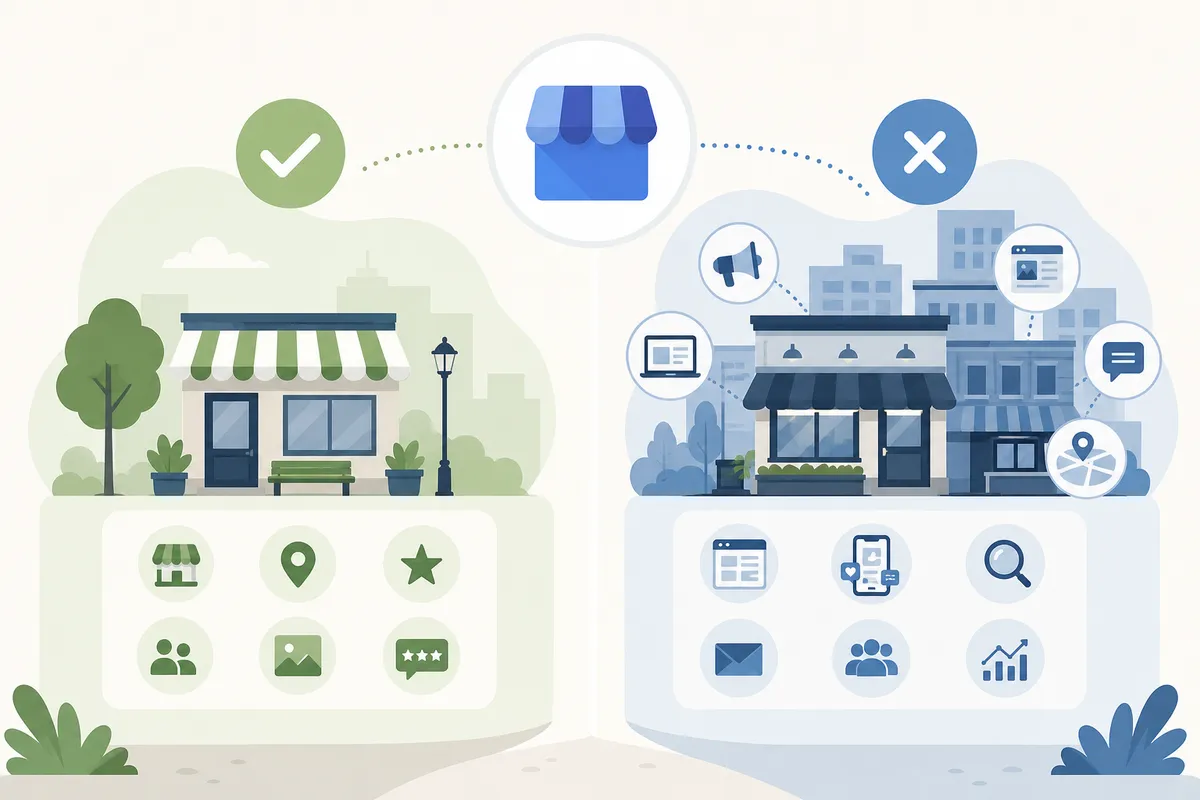
Most local SEO checklists skip this part. A free, well-maintained profile covers a lot of ground for a single location with no real competition problem. It falls short once you have multiple locations, a slipping website, or a recurring issue that keeps coming back no matter how many times you fix it.
| Situation | Is Google Business Profile enough? | What you actually need |
|---|---|---|
| One location, listing just created | Yes, for now | Complete the profile fully, then wait for Google to index the changes |
| Business name/address wrong on one directory | Yes | Edit the directory listing directly; recheck it in a few weeks |
| Ranking well downtown but invisible three miles out | No | A rank grid showing performance across the whole service area, not just one point |
| Multiple locations or service areas | No | Dedicated location pages with locally specific content for each one, linked from the main site |
| Rankings keep sliding every few months | No | Ongoing monitoring and content refreshes, not a one-time edit |
| Reviews are fine but organic site traffic is flat | No | A broader look at site structure, keywords, and technical SEO beyond the profile |
If your situation matches the "Yes" rows, Google's own tools are genuinely enough. If it matches the "No" rows, a profile edit treats a symptom and leaves the cause alone. Service businesses that cover a whole metro area usually need more than a single polished listing, and our guide on local SEO for contractors walks through what a multi-area service business needs beyond the basics.
Why distance matters more than people expect
About 30% of all mobile searches relate to location, according to data Google has shared through Think with Google. Nearly 76% of people who search for something nearby on a smartphone visit a business within a day, and 28% of those "near me" searches lead to a purchase. Ranking well in one neighborhood but not another is therefore a real, measurable revenue gap and more than a cosmetic inconsistency.
Common local SEO mistakes to avoid
Even businesses that follow every item on a local SEO checklist can undo their progress with a few habits:
- Inconsistent NAP data. If one directory lists "St." and another spells out "Street," the mismatch confuses both search engines and customers.
- Changing your address too often. Frequent changes can make Google treat your business as less trustworthy.
- Buying or faking reviews. This breaks Google's policies and can get a profile suspended.
- Ignoring negative reviews. A missing response reads as indifference to anyone comparing you to a competitor.
- Treating local SEO as a one-time task. Profiles, citations and rankings all drift, so revisit them on a schedule and not only when something breaks.
- Using the city name as a template swap. Location pages copied word-for-word with only the city changed rarely rank, because they need real local detail.
Picking the right tools matters here too. Some free tools handle one listing well but can't track rankings across a whole service area or multiple locations over time, and our comparison of local SEO tools, free versus paid breaks down which jobs each type actually covers.
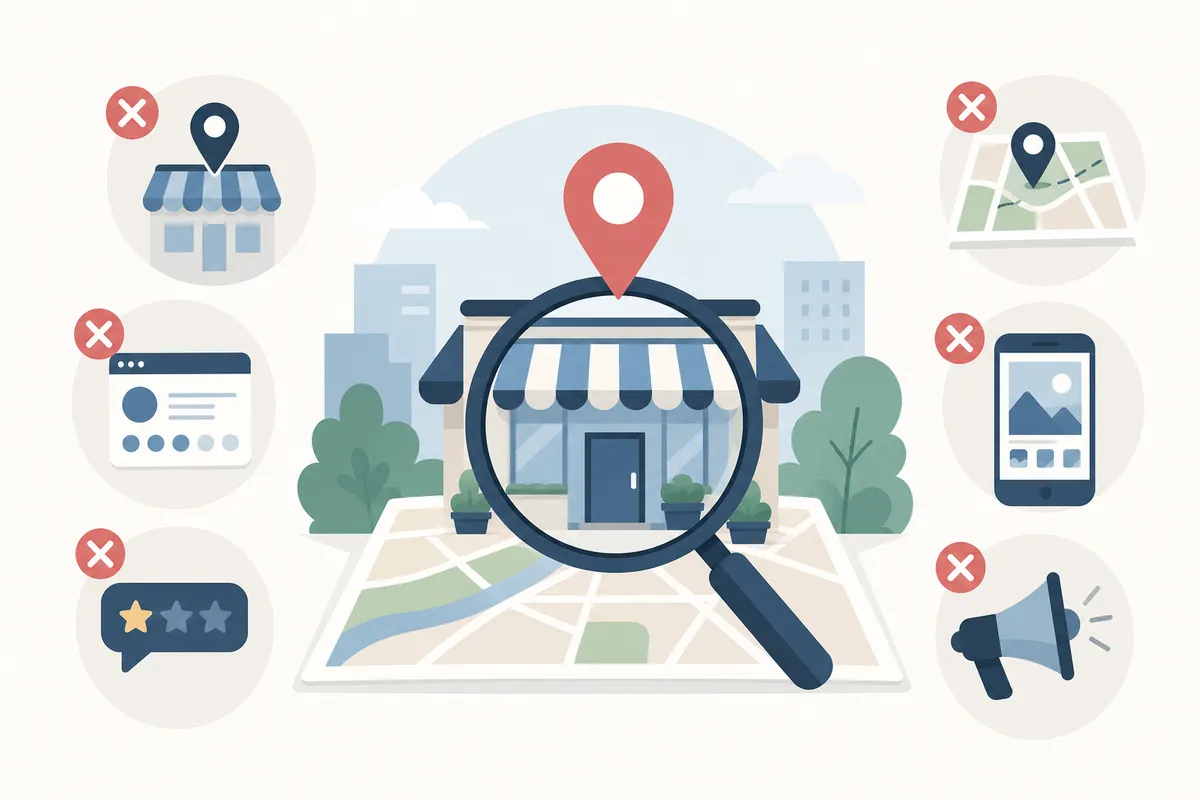
Where to go beyond the profile
Once your Google Business Profile is complete, the next layer of local SEO tips moves to your website itself. That means local keywords in your page titles and copy, a dedicated page per location you serve, mobile-friendly design, and local business schema markup so search engines can read your address and hours directly from your code. The W3C's accessibility guidelines and Google's own Search Essentials both stress that a page needs to be usable and crawlable before any of these tactics can help, so check that the foundation isn't already broken.
Surveyed SEOs consistently rank the Business Profile as the most important map pack factor, well ahead of citations or on-page tweaks, which is why it's the right place to start.
FAQs
How long does it take to see results from local SEO tips?
Profile changes can show up in weeks, but competitive rankings usually take a few months of consistent reviews, accurate listings and site-level work to stabilize.
Do I need a physical address to show up in local search?
No. Service-area businesses without a storefront can still create a Business Profile and set a defined service area instead of a public address.
Is Google Business Profile the same thing as local SEO?
No. It's the biggest single piece, but local SEO also includes your website's local content, citations across other directories, and backlinks from local sources.
Can I do local SEO myself, or do I need an agency?
A single, well-maintained profile is manageable on your own. Multiple locations, ongoing content and rank tracking across a service area usually need more consistent time than most owners can spare.
Why do I rank well in one part of town but not another?
Google ranks results partly by distance from the searcher, so a single listing can perform very differently just a few miles from your address. A rank grid across your service area shows exactly where that gap shows up.
Start with the one listing that matters most
Pick the weakest field on your Google Business Profile right now, whether that's missing photos, stale hours or reviews you haven't answered, and fix it today. If your profile has sat untouched for months, that one change is worth more than any other local SEO tip on this page. Once it's current, check how your rankings look across the areas you serve and not just from your own front door.
If you want a clearer picture of where your business stands and what to fix next after acting on these local SEO tips, talk to the team.
Resources / References
Related reading: Google Business Profile Example: A Filled-In Listing to Copy.
Related reading: Why Is My Google Business Profile Only Visible to Me? Here's the Fix.
Related reading: Local SEO Malaysia: The Google Business Profile Fixes That Move You Up.
Related reading: Google Business Profile ID: Find Yours in 60 Seconds.
Related reading: Google Business Profile for Restaurants: The Complete Setup Guide.
Related reading: Hyperlocal SEO: What It Means and How to Fix It in GBP.
Related reading: SEO for Florists: The Fixes That Actually Bring In Local Orders.
Related reading: Local SEO Benefits: What You Actually Gain in 2026.
Related reading: Google Business Profile Performance: What the Numbers Mean.
Sources
About the author
SearchBlueprint researched, wrote and scored this article with the content pipeline our customers run on their own sites. The score in the byline is what our content engine gave this page before it published. Nothing here is reviewed by hand, which is the point: it is the product's output, published where anyone can check it.