No Self-Referencing Hreflang? Here's the Fix, Step by Step
By Toy Wen Da, Co-Founder · Updated · 6 min read · scored 92/100
A no self-referencing hreflang warning means one of your language or region pages doesn't list itself among its own hreflang alternates. Every URL in a hreflang set must point back to itself as well as to its sibling versions, so the first job is to find the URL missing its self-tag and add it.
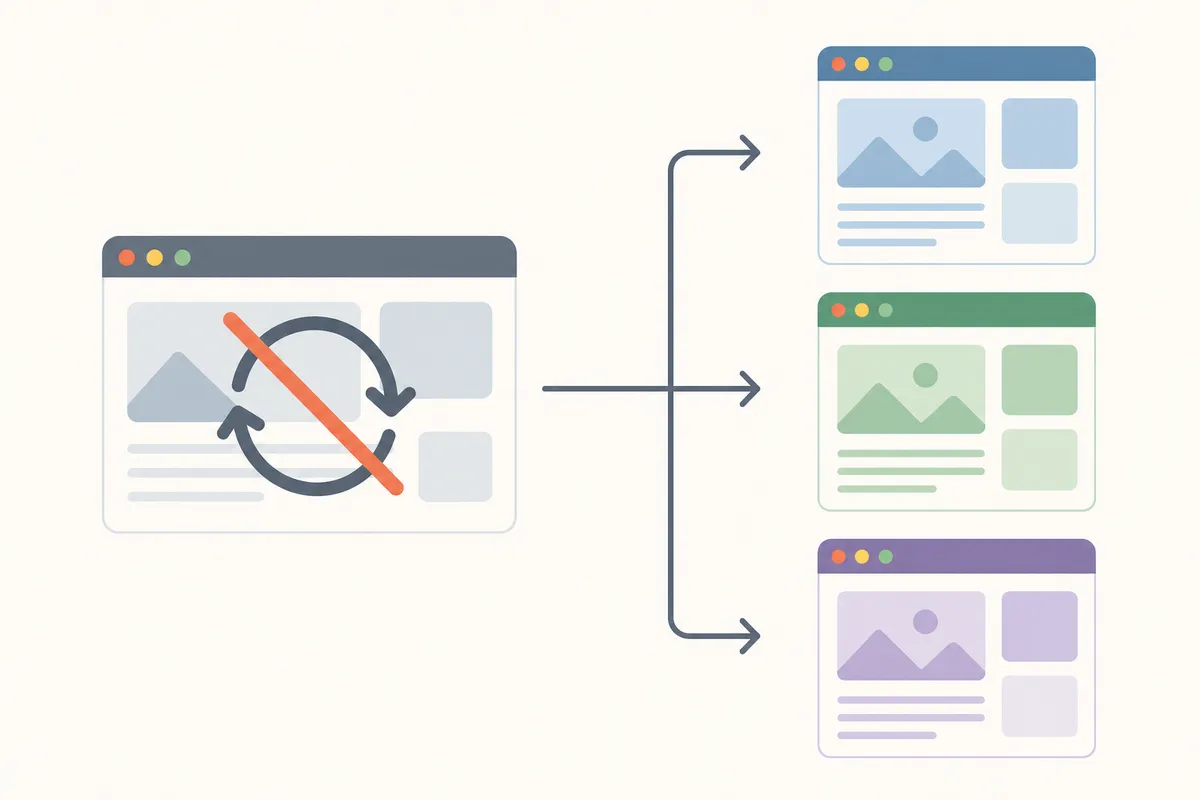
Before you touch any code, run the page through the free hreflang validator. Paste in the flagged URL and it shows every hreflang annotation it found, which one lacks a self-reference, and whether the return tags match across the cluster. It's the fastest way to confirm the problem is real before you start editing templates.
What "no self-referencing hreflang" actually means
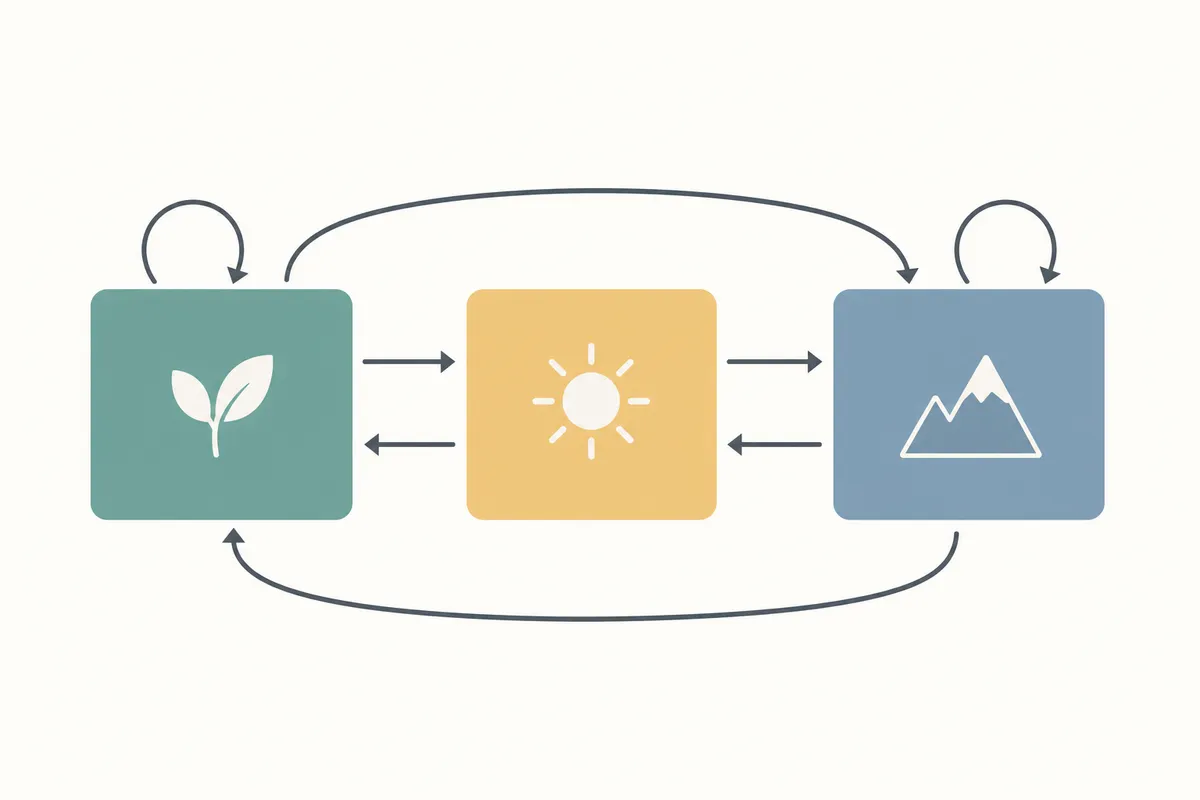
Hreflang tags tell search engines which page serves which language or region. Google's documentation on international targeting is explicit that each page in a set should reference itself as well as its counterparts. If /en/ links to /fr/ and /de/ but never lists itself, the set is incomplete, even when the other pages are configured correctly.
The topic comes up often on Google's Search Console help forums. Contributors on the Google Search Central Community have confirmed repeatedly that hreflang annotations must be reciprocal and self-inclusive: every URL, including the one being viewed, has to appear in its own alternates list. A skipped self-reference is one of the most common reasons hreflang clusters get partially or fully ignored.
The codes inside those tags matter too. Hreflang values follow the IETF's BCP 47 standard for language tags, and when a region is included, the ISO 3166-1 Alpha-2 code for the country. A missing self-tag is one failure mode and a self-tag with a code that fits neither standard is another, so rule out the second while you're checking the cluster.
Why it happens
A few patterns show up again and again:
- A developer templated the hreflang block to loop through "other" language versions and forgot the current page.
- A CMS plugin generates alternates automatically but only for translated pages it detects, so the source page is left out.
- A migration or redesign dropped the self-tag when hreflang moved from the page
<head>into an XML sitemap. - Manual edits added new language versions without updating the tag list on the original page.
Fixing it inside your website
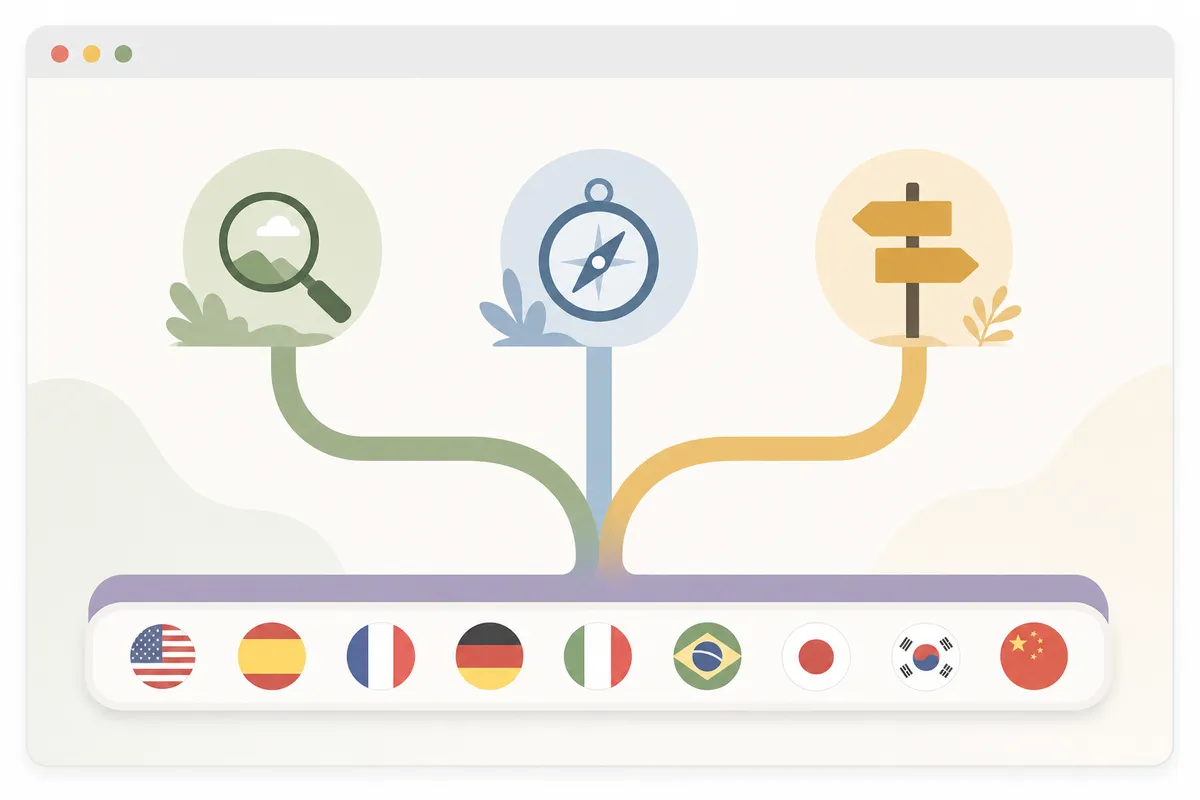
The steps differ slightly depending on how your hreflang is implemented, but the logic is the same everywhere.
- Find your implementation method. View the page source and search for
hreflang. You'll see<link rel="alternate" hreflang="...">tags in the<head>, an HTTP response header, or no tags at all, which means hreflang lives in your sitemap file. - Locate the list of alternates. On WordPress with a multilingual plugin such as WPML or Polylang, open the language or translation settings for that page and find the section listing connected translations.
- Add the missing self-entry. The page's own URL and its own language and region code belong in that same list, written exactly as the other versions are.
- Repeat for every page in the cluster. If three language versions link to each other, all three need a complete, self-inclusive set, not only the one that was flagged.
- Re-crawl and re-validate. Run the hreflang validator again on each URL to confirm the self-tag now appears and the return tags match.
When your website's own tools are enough, and when they aren't

A free tool on a single flagged URL is enough for one page, a one-off bug, or a check on a fix you just made. It's fast, free and gives a clear pass or fail.
It stops being enough once the problem is systemic: the same missing self-tag across dozens or hundreds of templated pages, or a recurring issue each time new language pages are published.
| Situation | Right tool | Why |
|---|---|---|
| One flagged URL, checking before/after a fix | Free hreflang validator | Instant, no login, shows the exact tags found |
| Entire site, dozens of language pairs | Full site crawl (Screaming Frog, Sitebulb, or similar) | Finds every instance at once, not one URL at a time |
| Recurring issue after every new page publish | Template or CMS-level fix | A one-off patch won't survive the next publish cycle |
| Confirming Google's indexed view of international targeting | Search Console's International Targeting-style reports | Shows what Google actually processed, not just what's in your HTML |
Google's Search Console Help documentation confirms that the International Targeting report reflects what Googlebot actually detected while crawling. That's why it's worth checking there even after your on-page fix validates clean.
Common mistakes to avoid
- Fixing only the flagged page. The whole cluster needs matching, self-inclusive hreflang sets.
- Adding a self-tag with the wrong language or region code. A typo here creates a new error instead of solving the old one.
- Mixing implementation methods. If the sitemap and the page
<head>carry conflicting hreflang values, pick one method per page. - Treating a warning as a ranking penalty. It's a missed signal, not necessarily a manual action, though it's still worth fixing promptly.
FAQs
Does a missing self-referencing hreflang tag hurt my rankings?
Not like a penalty, but it weakens Google's confidence in your international targeting setup, which can lead to the wrong version showing in the wrong market.
Can I fix this without a developer?
Often yes, if your CMS or multilingual plugin manages hreflang through a settings panel. If hreflang is hardcoded in templates, you'll likely need someone comfortable editing code.
Do I need to fix this on every page, or just the homepage?
Every page in a hreflang set needs its own self-reference. This isn't a sitewide setting you flip once.
How long does it take Google to recognize the fix?
There's no fixed timeline, since it depends on your crawl frequency. Validate right away to confirm the fix is live, then watch your Search Console international reports over the next crawls.
Why can't I just ask Google support to check it for me?
Google doesn't offer direct phone or ticket support for this kind of issue. It's handled through documentation and community forums, which is also why self-diagnosis tools matter. This breakdown of why there's no phone line for Search Console support covers the gap in more detail.
Get a full picture of your international SEO
Fixing one no self-referencing hreflang warning is a good start, but it's rarely the only international SEO issue on a multilingual site. Talk to the team and get a sample report that shows where your hreflang stands, along with your canonical and indexing signals, across every language version you run.
Sources
About the author
SearchBlueprint researched, wrote and scored this article with the content pipeline our customers run on their own sites. The score in the byline is what our content engine gave this page before it published. Nothing here is reviewed by hand, which is the point: it is the product's output, published where anyone can check it.