Optimizing Images for SEO: A Step-by-Step Guide to Smaller Files and Higher Rankings
SearchBlueprint · · 14 min read · scored 92/100

Optimizing images for SEO means doing five jobs in order: choose an image that belongs on the page, serve it in a modern format such as WebP or AVIF, compress it to roughly 500 KB or less, describe it with a plain filename and honest alt text, and place it in a real img tag that crawlers can reach.
Each job is small, and this guide works through all five in order. Together they decide whether your pages load fast enough to rank, and whether Google and the AI answer engines understand what your pictures show. On one April 2024 reading, Semrush's Sensor found image packs on 55.62% of standard US search results pages. Images are not decoration in search results. They are inventory.
Why optimizing images for SEO matters
Search turned visual while most sites were still compressing nothing. Google now surfaces images in standard results, in Google Images, in Discover, and inside AI-generated answers. If your images are oversized, unlabeled, or hidden in CSS, you are absent from every one of those surfaces at once.

Where images appear in search
Four surfaces matter, and each rewards the same preparation:
- Standard results. Semrush's Sensor data showed image packs in over half of standard US SERPs on an April 2024 measurement. An image pack is a ranking opportunity your text alone cannot win.
- Google Images. A search surface in its own right, now with filters, metadata, and attribution. Google increasingly knows what is inside an image and how it relates to the page around it.
- Google Lens. Industry write-ups put Lens at nearly 12 billion visual searches a month. People point a camera at a product and land on whoever optimized for it.
- AI answers. Google's AI Overviews, ChatGPT, and Perplexity quote pages whose images are captioned, labeled, and placed next to relevant text, because that context is what the systems read.
Speed, accessibility, and compounding returns
Google's documentation notes that images are often the largest contributor to overall page size. A heavy page loses twice: visitors leave before it paints, and search systems record a slow experience. That penalty lands hardest on phones, and most industry counts put mobile above 60% of web traffic.
Alt text carries a second duty. It is how screen-reader users and people on weak connections experience your images, and Google reads it too. Image work straddles two of the three SEO disciplines: the labels are on-page, the delivery is technical. If that split is fuzzy, this guide to on-page, off-page, and technical SEO draws the lines. The best part is durability. An image you optimize once keeps paying for as long as the page ranks, which is exactly the logic behind an organic SEO strategy that compounds.
Choose the right image before you optimize it
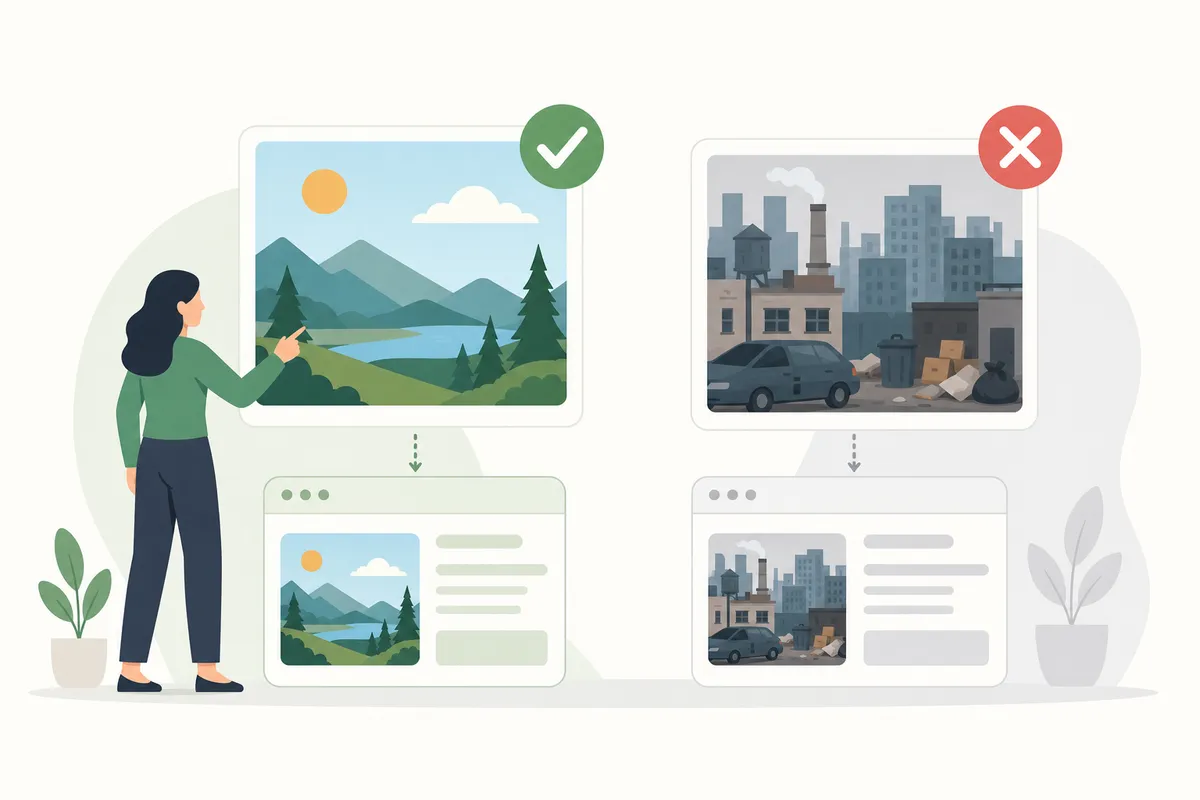
No compression setting rescues an image that should not be there. Original images beat stock photos in almost every case: your team page needs your actual team, your product pages need your actual products, and your tutorials need real screenshots. Search engines have seen every stock photo thousands of times, and so have your visitors.
Match the image type to the job. Photos show products, charts carry data, screenshots give instructions, and diagrams explain systems. Animated GIFs deserve caution: they are heavy to load and pull attention away from the text around them.
Placement matters as much as choice. Put each image near the text it illustrates, and put the image you most want to rank close to the top of the page. Google reads captions, headings, and surrounding copy to work out what a picture shows, so an image stranded far from its context ranks worse than the same image placed well. Image choice is one of the 27 checks worth running before you publish any page.
Pick the right format for every image
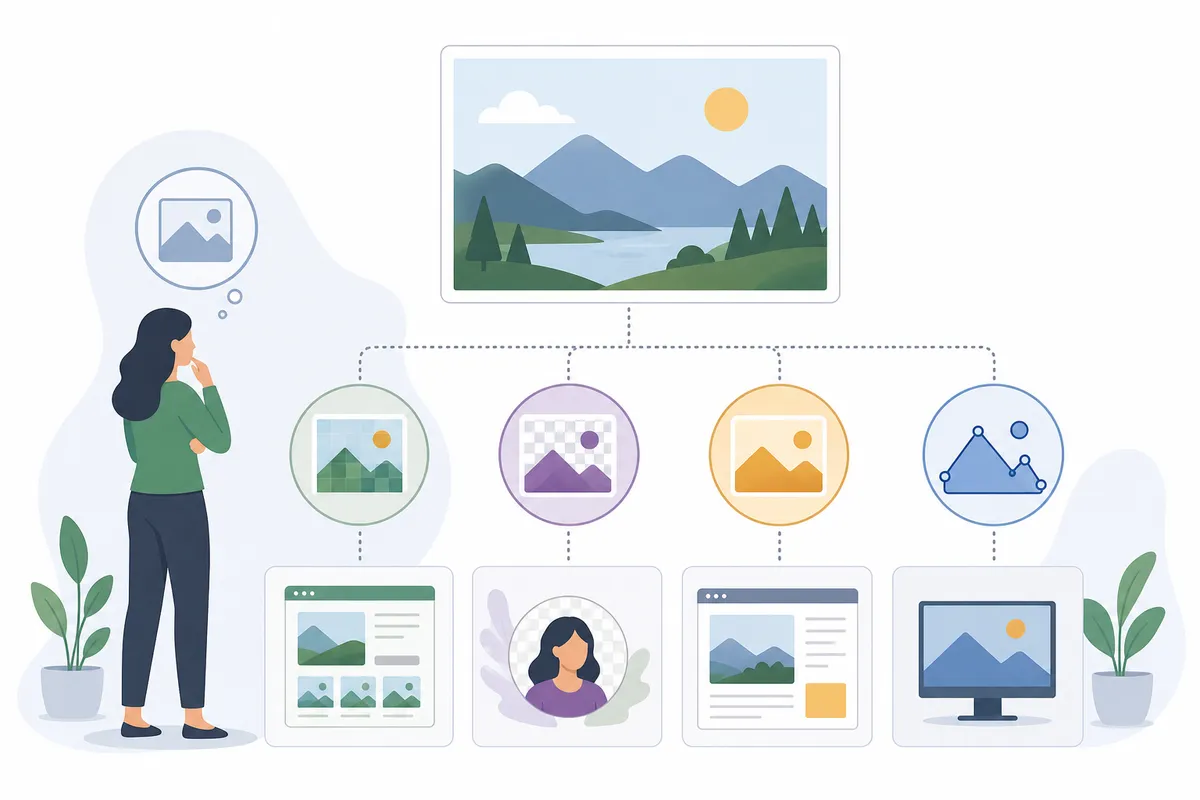
Google's Search Central documentation lists seven supported formats: BMP, GIF, JPEG, PNG, WebP, SVG, and AVIF. Support is not the same as suitability, though. The format decides your starting file size before compression even begins.
WebP and AVIF: the modern defaults
WebP produces high-quality results at smaller sizes than JPEG or PNG, supports transparency and animation, and handles both lossy and lossless compression. AVIF compresses even further, and Google has added support for it across Search, Images, and Discover. For most new images, exporting to one of these two is the single biggest size cut you can make. The only real cost is workflow: some older browsers and design tools handle them poorly, so you keep a fallback.
Where the older formats still win
JPEG remains a sound choice for photographs when a fallback is needed. PNG earns its larger files when an image needs transparency, sharp text, or fine detail. SVG is the right call for logos and icons because it scales to any size with no quality loss and can be styled with CSS. GIF survives only for simple animations, and WebP usually does that job smaller.
| Format | Best use | Compression type | Trade-off to watch |
|---|---|---|---|
| WebP | Default for most web photos, screenshots, and graphics | Lossy and lossless | A few legacy browsers and tools still need a JPEG or PNG fallback |
| AVIF | Photos where every kilobyte matters, on modern stacks | Lossy and lossless | Newest format, so check your CMS and CDN handle it before switching |
| JPEG | Photographs when broad compatibility is required | Lossy | No transparency, and visible artifacts at aggressive quality settings |
| PNG | Transparency, UI screenshots, images containing text | Lossless | Files run large, so never use it for ordinary photographs |
| SVG | Logos, icons, and simple diagrams | Vector, not pixel-based | Unsuitable for photos, and inline SVG needs a title element for accessibility |
| GIF | Very short, simple animations | Lossless, 256 colors | Heavy files that distract readers; WebP animates smaller |
Keep the file extension matching the actual format. A WebP file named .jpg confuses tooling and helps no one.
Resize and compress until the page feels fast
Format sets the floor. Sizing and compression decide how far above it you land.
Resize to the size you display
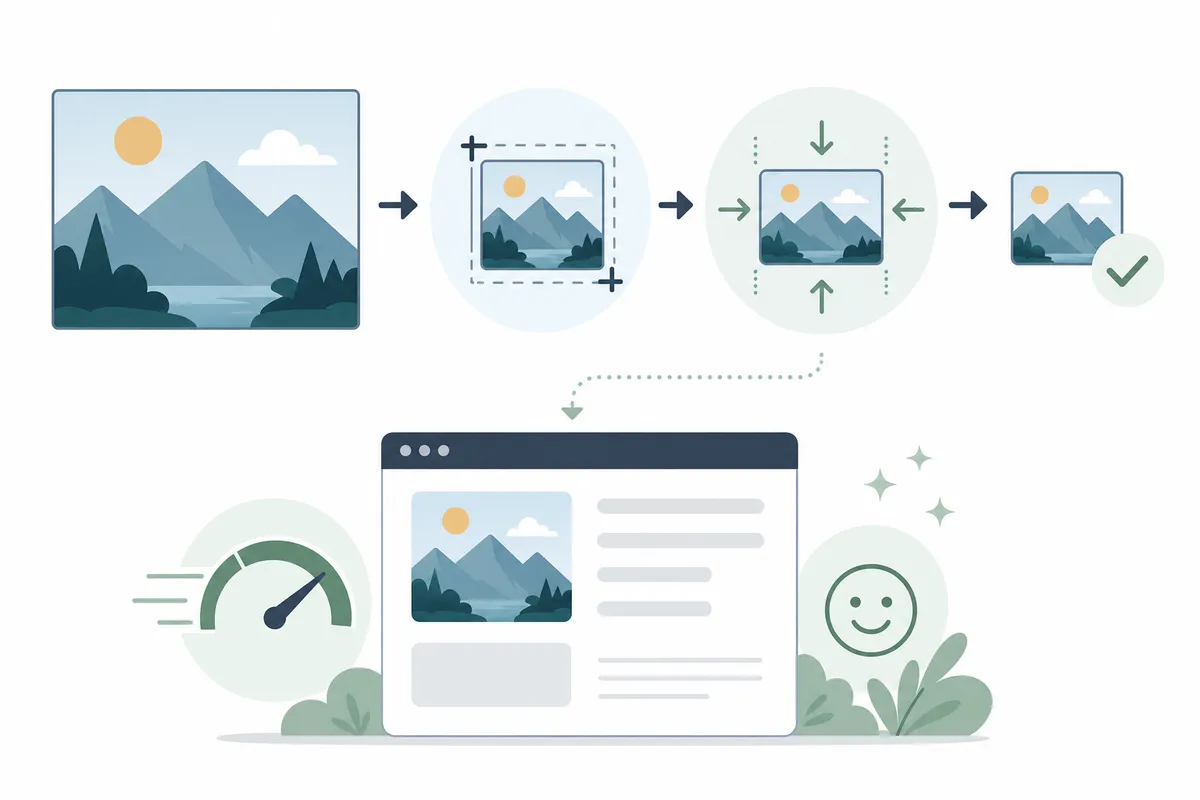
Yoast's team gives the classic example: a 2500 x 1500 pixel image displayed at 250 x 150 still forces the browser to download the full file. The display size changed; the payload did not. Resize before upload instead. Common guidance from the major SEO publishers: most site images need no more than 2,500 pixels of width, hero images do well around 1600 x 500, and thumbnails and background images can go far smaller. WordPress generates several display sizes automatically on upload, but that does not optimize the original file you gave it.
Compress with intent
Compression comes in two kinds. Lossy discards pixel data you will not miss, and suits photographs. Lossless keeps every pixel, saves less space, and suits logos and UI art. The settings below follow the published guidance from Semrush and other major SEO publishers:
| Setting | What it controls | Common guideline | Why it matters |
|---|---|---|---|
| Lossy vs lossless | Whether pixel data is discarded to shrink the file | Lossy for photos, lossless for logos and text-heavy images | Lossy on a photo is invisible; lossy on a logo shows fuzz around edges |
| Quality factor | How aggressively lossy compression trims detail, on a 0 to 100 scale | 75 to 85 | Below this band artifacts appear; above it, file size grows with no visible gain |
| Resolution | Pixel density of the exported file | 72 dpi for anything shown on a screen | Print resolutions multiply file size without any visible improvement on monitors |
| Maximum width | Pixel dimensions of the uploaded file | 2,500 pixels for most site images | Anything wider ships bytes no screen will ever render |
| Target weight | Final file size after compression | Roughly 500 KB or less for content images | Heavier files drag load time, and load time drags rankings |
Squoosh, TinyPNG, and ImageOptim are popular free tools for the job, and stripping EXIF metadata during export shaves further weight for free.
Test the page, not the image
A small file proves nothing until the page confirms it. Run the URL through a free website speed test before and after your changes and compare the numbers. Marketing benchmarks often cite average page loads around 2.5 seconds, with zero to two seconds as the target worth chasing.
Name files and write alt text people can trust
Filenames and alt text are the language layer of image SEO, and they sit squarely inside on-page SEO, which matters even more now that AI systems read pages the way people do.
Filenames: a small, free signal
Google's documentation describes the filename as a light clue about an image's subject. Light is not zero. A file called golden-retriever-puppy-fetch.jpg tells Google something; IMG00023.JPG tells it nothing. Keep names short but descriptive, separate words with hyphens as Google recommends, and translate filenames on localized pages so the Spanish version of a page does not carry English file paths. If your site holds thousands of images, automate the naming rather than skipping it.
Alt text: describe, never stuff
Alt text exists first for accessibility. Screen readers speak it aloud, and it renders when an image fails to load on a slow connection. Google combines it with the page content and its own computer vision to understand the image, so an accurate description serves both audiences with one sentence.
The working rules:
- Describe what the image shows and why it matters in this context, in about 125 characters. Some assistive technologies stop reading around that point.
- Skip filler openers like "image of." The reader already knows it is an image.
- Give decorative images an empty alt attribute so screen readers pass over them.
- If the image is a link, the alt text acts as its anchor text. Write it accordingly.
- Never stack keywords. Google's guidance warns that stuffed alt attributes read as spam, and its spam policies apply to image markup the same as body copy.
Missing alt text is one of the most common findings on any crawl. Paste a URL into the free on-page SEO scorer and it flags missing alt text alongside the rest of the page's on-page basics.
Make images easy to crawl and index
Images are indexed differently from HTML, and a handful of technical choices decide whether yours make it in at all.
Put images in real img elements
Google finds images through the src attribute of an img element, including inside a picture element. It does not index CSS background images. Any image that matters for search belongs in real markup, not in a stylesheet.
Serve responsive sizes with srcset
The srcset attribute lets the browser pick the right image size for the screen, so a phone stops downloading a desktop-width file. Pair it with the sizes attribute, and always keep a plain src fallback for clients that ignore the newer syntax. The picture element adds format fallbacks on top: offer AVIF, then WebP, then a JPEG img child, the fallback the HTML standard itself requires. WordPress has added srcset automatically since version 4.4, so on that platform your job is mostly to upload sensible originals.
Lazy-load below the fold only
Adding loading="lazy" to an img tag defers it until the reader scrolls near it, which speeds up the initial paint. Apply it only to images below the fold. Lazy-loading your hero image delays the largest element on the page and worsens the exact metric you are trying to improve.
Reserve space with width and height
Declaring width and height lets the browser hold space for the image before it arrives. Content stops jumping while images load, which protects Cumulative Layout Shift, and the browser renders the page more efficiently, which helps Largest Contentful Paint.
Give crawlers a map
An image sitemap lists the images you want crawled, and unlike a regular sitemap it may include URLs from other domains. That is what makes CDN-hosted images indexable: list the CDN URLs, and verify the CDN's domain in Search Console so crawl errors reach you. Reference each image by one consistent URL everywhere it appears, so Google caches it once instead of re-crawling variants.
| Technique | What it fixes | How to add it | One caution |
|---|---|---|---|
| srcset and sizes attributes | Phones downloading desktop-sized images | Add size variants to the img element with a plain src fallback | Some crawlers only read src, so never ship srcset alone |
| picture element with format fallbacks | Serving AVIF or WebP without breaking older clients | List source elements by format, ending in an img child | The HTML standard expects that img fallback; omitting it breaks old browsers |
| loading="lazy" | Below-the-fold images slowing first paint | Add the attribute to below-fold img tags | Never lazy-load the hero image; it delays Largest Contentful Paint |
| Width and height attributes | Content jumping as images load | Declare both on every img element | Set display size in CSS too, or large images overflow small screens |
| Image sitemap | Images crawlers never discovered | Generate and submit one via Search Console | Verify your CDN's domain or its crawl errors stay invisible |
| Stable image URLs | The same image re-crawled under many URLs | Reference one canonical URL per image site-wide | Every URL variant spends crawl budget on a file Google already has |
A 60-minute SEO audit will surface most of these gaps in one sitting, images included.
Earn rich results and AI citations
Indexed is the floor. The ceiling is your images appearing with badges in Google Images and being cited inside AI answers.
Structured data and preview images
For structured data types such as Product, Recipe, and Article, the image property is a required field for rich-result eligibility, including the prominent badge treatment in Google Images. The vocabulary itself lives at Schema.org. You can also steer which image Google uses as your page's preview: declare it with the og:image meta tag or the primaryImageOfPage property. Choose an image that genuinely represents the page, at high resolution, and avoid logos, text-heavy graphics, and extreme aspect ratios, all of which Google's guidance warns against.
What AI engines look for
AI Overviews, ChatGPT, and Perplexity favor images they can explain: a figure with a caption, honest alt text, and a paragraph beside it that states what the image shows. A self-contained, well-labeled chart is quotable; an unlabeled decorative photo is not. The full playbook for that layer is in the guide to image SEO from alt text to AI citations.
A page-by-page image SEO routine
Run this sequence on every new page, and on your top existing pages first:
- Confirm each image earns its place and sits beside the text it supports.
- Export to WebP or AVIF, with fallbacks where your audience needs them.
- Resize to the largest size the layout displays, capped around 2,500 pixels.
- Compress at quality 75 to 85 and check the file lands near 500 KB or under.
- Rename the file descriptively, words separated by hyphens.
- Write alt text within about 125 characters; leave it empty on decorative images.
- Add width, height, and lazy loading below the fold.
- Update the image sitemap and re-test the page's speed.
Do it yourself or bring in help
Most of this list is honestly DIY. Choosing, resizing, compressing, renaming, and writing alt text all happen in free tools and your CMS, and one focused afternoon covers a typical site's key pages. Where a developer earns their fee: template-level srcset, CDN setup, sitemap automation, and bulk migrations of thousands of files, because those are one-time engineering jobs that then run themselves.
Either way, image work belongs inside a plan rather than beside one. If you are starting from zero, begin with how to build an SEO strategy from scratch. And keep the lever honest: optimized images amplify a strong page rather than rescue a weak one, so pair this routine with the six steps that still get pages onto Google's first page.
FAQs
What is the best image format for SEO?
WebP for most images, and AVIF where your platform supports it, because both produce smaller files than JPEG or PNG at similar quality and Google indexes both. Keep JPEG for photo fallbacks, PNG for transparency and fine detail, and SVG for logos and icons.
Does Google index CSS background images?
No. Google finds images through the src attribute of an img element and does not index images applied through CSS. Any image you want appearing in Google Images must sit in real HTML markup.
How long should alt text be?
About 125 characters is the widely used ceiling, because some assistive technologies stop reading at that point. Describe what the image shows and why it matters in context, skip phrases like "image of," and leave the attribute empty on purely decorative images.
Do image filenames really affect rankings?
Google's documentation calls the filename a light clue about the image's subject, so it is a small signal rather than a decisive one. It costs nothing to get right: short, descriptive, hyphen-separated names beat camera defaults every time, and at scale the renaming is worth automating.
How do images affect Core Web Vitals?
Heavily. The largest element on many pages is an image, so its weight often sets Largest Contentful Paint, and images without declared width and height cause the layout jumps that Cumulative Layout Shift measures. Compressing your hero image and declaring dimensions on every img tag are two of the quickest vitals wins available.
See how your images score in a real audit
Optimizing images for SEO goes fastest when someone shows you exactly which pages and files are costing you rankings. Talk to the team and flip through a sample SEO report from SearchBlueprint to see how image issues, speed, and on-page gaps get found and prioritized on a real site. Bring one URL; the report does the rest.
Resources / References
- Semrush's Sensor
- Search Central documentation
- Yoast's team
- accessibility
- the HTML standard
- Cumulative Layout Shift
- Largest Contentful Paint
- schema.org
Sources
- Image SEO Best Practices | Google Search Central
- Image SEO: Optimizing images for search engines
- Image SEO: How to Optimize Images for Search Engines & ...
- Optimizing Images for SEO: Alt Text & Beyond
- Image SEO: Tips for Image Optimization
Disclaimer: This article is general information about rules and figures that applied when it was written, not personalised financial, tax or investment advice. It does not take account of your income, obligations, risk tolerance or goals, and rates and thresholds change. Verify the current position with the relevant authority, and speak to a licensed adviser or a qualified accountant before acting.
About the author
SearchBlueprint researched, wrote and scored this article with the content pipeline our customers run on their own sites. The score in the byline is what our content engine gave this page before it published. Nothing here is reviewed by hand, which is the point: it is the product's output, published where anyone can check it.