PageSpeed Tools Insights: 7 Tools Compared on Price and Depth
By Toy Wen Da, Co-Founder · Updated · 11 min read · scored 95/100
Google PageSpeed Insights is the free baseline every site should check first. GTmetrix, Pingdom, Site24x7, Search Atlas, Moz's Site Crawl and Semrush Site Audit each trade a monthly fee for deeper monitoring, broader test locations or automated fixes, so the right pick depends on your budget.
What a Page Speed Tool Actually Measures

A page speed tool loads your page the way a browser would, then times every step. It tracks when the server responds, when the first pixel appears, when the page becomes interactive, and whether anything shifts around while loading.
Most of today's tools report against Core Web Vitals, the three metrics Google folds into its ranking signals:
- Largest Contentful Paint (LCP), how long the biggest visible element takes to load. Under 2.5 seconds is considered good.
- Cumulative Layout Shift (CLS), how much the page jumps around while loading. Under 0.1 is good.
- Interaction to Next Paint (INP), how fast the page responds to a click or tap. Under 200 milliseconds is good.
A short delay costs you real visitors. Google's own mobile research, often cited as the industry benchmark, found that 53% of mobile site visits are abandoned when a page takes more than three seconds to load. That's not a rounding error, it's over half your mobile traffic walking away before they see anything.
Why "Insights" Matters More Than the Score
A number on its own doesn't tell you what to do next. The useful pagespeed tools insights come from the diagnostics underneath: which image is too big, which script is blocking the page, which third-party widget is adding seconds to load time. If a tool only hands you a grade, you still need to hunt for the cause yourself.
What to Look For Before You Pick a Tool
Before comparing prices, decide what you actually need the tool to do. Three questions narrow the field fast.
Do You Need Lab Data, Real User Data, or Both?
Lab data runs a simulated test from one location and gives you a repeatable score. Real user monitoring (RUM) collects data from actual visitors, across whatever device and connection they happen to have. Lab data is great for before-and-after comparisons after a fix. RUM is better for understanding what your slowest, most impatient users actually experience. Run the same URL through GTmetrix three times in a row and you'll often see the score shift by five to ten points, server load and network variance alone can move the number without any code change.
Do You Need Ongoing Monitoring or a One-Off Check?
A free, single-URL test is fine if you're troubleshooting one page today. If you're managing a site that changes weekly, new product pages, new blog posts, plugin updates, you need a tool that checks automatically and alerts you when something regresses.
Will You Fix the Issues Yourself?
Some tools stop at diagnosis. Others, like Search Atlas with its OTTO assistant, attempt automated fixes for things like metadata and page structure. If your team doesn't have a developer on call, that automation is worth paying for. If you do have technical help in-house, a cheaper diagnostic-only tool may be all you need, paired with a technical SEO audit that explains the fixes in plain terms.

7 Page Speed Tools Compared on Price and Depth
Here's how the seven most commonly recommended tools stack up on cost, depth of diagnostics, and how reviewers rate them.
| Tool | Starting Price | Depth of Diagnostics | Review Score |
|---|---|---|---|
| Google PageSpeed Insights | Free | Core Web Vitals, lab + field data, mobile/desktop split | TrustRadius: 9.1/10 |
| GTmetrix | $4.25/month (Micro plan) | Load time, page weight, video playback of page load, historical graphs | G2: 4.6/5 (39 reviews); Capterra: 4.9/5 (33 reviews) |
| Pingdom | $15/month (Synthetic or Real User Monitoring) | Per-element load breakdown, synthetic transaction monitoring, RUM | Capterra: 4.5/5 (78 reviews); no G2 rating listed |
| Site24x7 | $49/month (Professional plan) | Testing from 120+ global locations, uptime, log management, API monitoring | G2: 4.6/5 (292 reviews); Capterra: 4.7/5 (289 reviews) |
| Search Atlas | $99/month (Starter plan) | Core Web Vitals plus full technical SEO audit, AI-assisted fixes via OTTO | G2: 4.8/5 (91 reviews); Capterra: 4.9/5 (64 reviews) |
| Moz's Site Crawl | $49/month (Starter plan) | Site-wide crawl for speed issues, broken links, missing tags, on-page grading | Included in Moz Pro suite ratings |
| Semrush Site Audit | Included with Semrush subscription | Site-wide technical audit with speed flagged alongside crawlability and indexability | Part of broader Semrush suite |
Only Google PageSpeed Insights is free across the board. Everything else charges for either broader monitoring, more test locations, or automated remediation, and the depth generally scales with the price.
1. Google PageSpeed Insights
This is Google's own tool, built on the same Lighthouse engine the company uses internally. Enter a URL and it returns a 0–100 performance score for both mobile and desktop, plus a diagnostics list ranked by impact. It's the only tool on this list with zero cost and zero signup, which makes it the natural first stop for anyone checking a single page. The tradeoff: it tests from one simulated condition at a time, and some of the fixes it recommends, like eliminating render-blocking resources, require development knowledge to act on.
2. GTmetrix
GTmetrix layers a visual, frame-by-frame playback of your page loading on top of standard speed metrics. That makes it easier to see exactly where a visitor would be staring at a blank screen. Pricing starts at $4.25 a month for the Micro plan, rising to $12.33 for Solo, $23.75 for Starter, and $47.33 a month for Growth, with each tier unlocking more monitored URLs and more frequent automated tests. The free tier exists too, but caps test volume and skips mobile device simulation.
3. Pingdom
Pingdom splits its offering into two products: Synthetic Monitoring, which simulates user journeys to catch broken pages, and Real User Monitoring, which tracks actual visitor data. Both start at $15 a month. The synthetic plan includes 10 uptime checks, one advanced check, and 50 SMS alerts. The RUM plan covers 100,000 pageviews with unlimited sites and users. It's a solid choice if you want to blend uptime monitoring with speed testing in one dashboard.
4. Site24x7
Site24x7 tests your site from more than 120 locations worldwide, which matters if your traffic is global and you need to know whether a visitor in Singapore gets the same experience as one in Ohio. The Professional plan runs $49 a month and covers one app, five servers, 20 sites, and 100,000 views. The Enterprise tier jumps to $625 a month for sites with 250,000-plus tracked assets, clearly built for larger infrastructure, not a single marketing site.
5. Search Atlas
Search Atlas folds page speed into a full technical SEO platform rather than selling it as a standalone product. Its Site Audit checks Core Web Vitals, server response times, redirects, and blocking scripts, then hands the fix list to OTTO, its built-in AI assistant, which can restructure pages and optimize metadata automatically. Plans run $99 a month for Starter, $199 for Growth, and $399 for Pro, scaling up in user seats, tracked keywords, and real-time site monitoring (available from the Growth tier up). It's less a speed tool and more an SEO suite with speed built in, useful if you want one subscription instead of three.
6. Moz's Site Crawl
Moz treats speed as one symptom among many in a broader technical audit. Site Crawl flags slow-loading pages alongside broken links, missing tags, and on-page SEO gaps, which is handy if you want speed context next to everything else affecting your rankings. The Starter plan is $49 a month for one tracked site and 50 keywords; Standard moves to $99 a month for three sites and 300 keywords. It won't replace a dedicated speed tool for deep diagnostics, but it's efficient if you already use Moz for rank tracking.
7. Semrush Site Audit
Semrush's Site Audit runs a similar play to Moz: a site-wide crawl that surfaces speed issues inside a larger technical SEO report, covering crawlability, indexability, and on-page health in the same pass. It's bundled into Semrush subscriptions rather than sold separately, so it suits teams who already lean on Semrush for keyword research and want speed checks without adding another tool to the stack.
How the Pricing Tiers Actually Scale

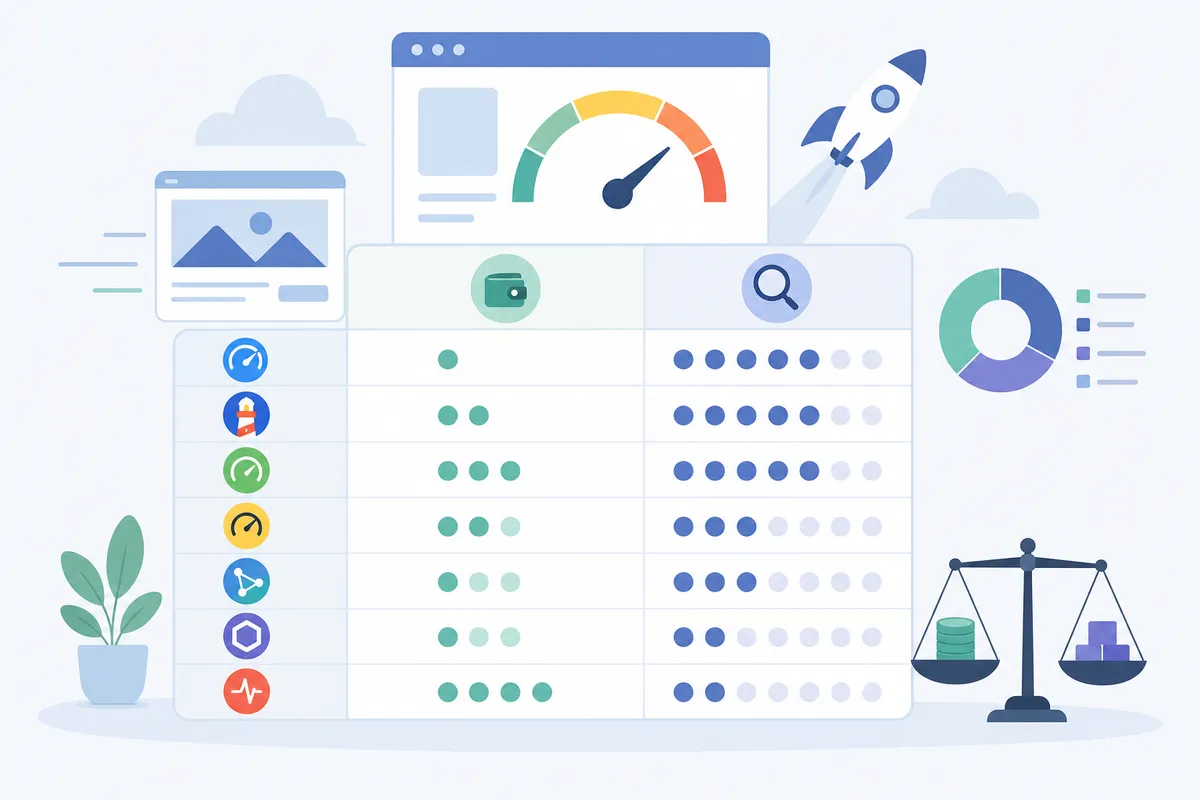
The jump from "free" to "paid" isn't the only decision, within paid tools, each tier buys you something specific. Here's what three of the tools above actually unlock as you move up a plan.
| Tool | Entry Tier | Mid Tier | Top Tier | What Changes |
|---|---|---|---|---|
| GTmetrix | Micro: $4.25/mo | Starter: $23.75/mo | Growth: $47.33/mo | More monitored URLs, more frequent automated retests, mobile device testing |
| Search Atlas | Starter: $99/mo (1 OTTO activation, 2 seats, 5 GSC projects) | Growth: $199/mo (3 seats, 15 GSC projects, real-time monitoring) | Pro: $399/mo (5 seats, 100 GSC projects, 1,000 rank-tracking projects) | User seats, GSC projects, real-time monitoring, keyword tracking volume |
| Site24x7 | Professional: $49/mo (5 servers, 20 sites) | , | Enterprise: $625/mo (250K+ assets, custom quote) | Scale of infrastructure monitored, log storage, support level |
If you're a solo site owner, the entry tier of almost any tool here covers you. The jump to enterprise pricing only makes sense once you're managing dozens of sites or servers at once.
Where Page Speed Tools Stop and SEO Fixes Start
Running a test is the easy part. A speed tool will tell you your Largest Contentful Paint is 4.2 seconds and your layout shift score is 0.25, both bad. What it won't always do is explain, in plain language, which of your 20 open issues to fix first.
That's the gap a technical SEO audit is meant to close: taking the raw diagnostics and turning them into an ordered list of fixes, starting with whatever is dragging your score down the most. If you want the deeper mechanics of what actually moves rankings once speed is handled, this guide to technical SEO fixes that actually move rankings walks through the rest of the checklist.
Mobile Speed Deserves Its Own Pass
Every tool in the comparison table above splits its score between mobile and desktop, and the mobile number is almost always worse. Slower networks, smaller processors, and heavier page weight on mobile all compound. If your mobile score lags well behind desktop, that's a separate project, see this breakdown of building a mobile-friendly site for what usually causes the gap.
Single-Page Apps Need a Different Read
If your site is built as a single-page app in React, Vue, or a similar framework, standard speed tools can show misleading numbers. The page might render fast for a user already on the site but appear nearly blank to a crawler or a first-time visitor, since content loads in after the initial HTML. This guide on why single-page apps vanish from Google explains the rendering gap that a plain speed score won't catch.
User Experience Signals Beyond Speed
Speed is one input into a bigger picture of how people experience your pages, things like readability, navigation, and whether content actually answers the search. For a fuller view of what Google weighs, this piece on UX signals that actually rank is worth a look once your speed numbers are under control, and this companion read on the signals that actually rank rounds out the rest.

AI-Assisted Fixes vs. Manual Diagnosis

Search Atlas's OTTO assistant is part of a wider shift: tools that don't just diagnose, they attempt the fix. AI-driven audits can restructure a page, compress metadata, and flag issues faster than a manual review. They're also not infallible, automated suggestions sometimes miss context a human reviewer would catch, like a slow-loading image that's actually a required compliance badge. This look at what an AI SEO audit finds and still misses is a useful gut check before you let any tool apply fixes unsupervised.
Starting Cheap: What Beginners Should Install First

If you're new to speed testing, you don't need five subscriptions on day one. Start with the free Google PageSpeed Insights check, then add one paid tool once you know what you're actually troubleshooting, ongoing monitoring, global test locations, or automated fixes. This rundown of SEO tools for beginners and what to install first covers the rest of a starter toolkit beyond speed testing alone.
For a no-cost way to check more than just speed, SearchBlueprint's own free SEO tools cover keyword checks, page audits, and domain lookups without a signup wall, a reasonable companion to any of the seven tools above while you're still deciding what to pay for.
Tying Speed Back to Content
Speed fixes matter most on the pages actually driving traffic. Once your load times are solid, the next lever is making sure each page itself is structured to earn and hold rankings, covered in this practical guide to on-page SEO optimization. Keep this comparison of pagespeed tools insights, pricing, and depth bookmarked for when you're ready to add a second tool to your stack.
FAQs
Is Google PageSpeed Insights enough on its own, or do I need a paid tool too?
For a single site with infrequent changes, Google PageSpeed Insights alone is often enough. It's free, covers Core Web Vitals, and splits mobile from desktop results. Add a paid tool once you need ongoing monitoring, multiple test locations, or automated alerts when a score drops.
Which page speed tool gives the most detail for the money?
GTmetrix offers strong depth at a low entry price, starting at $4.25 a month, including a frame-by-frame view of page load. Search Atlas and Site24x7 go deeper still, but at $49 to $99 a month and up, since they bundle in broader monitoring or full technical SEO auditing.
Does a better page speed score actually improve search rankings?
Core Web Vitals are a confirmed part of Google's ranking signals, though they're one factor among many, not a guarantee of a ranking jump. The stronger, better-documented effect is on user behavior: slow pages lose visitors before they even finish loading, which hurts conversions regardless of rank.
Can I test page speed without installing anything?
Yes. Google PageSpeed Insights, GTmetrix's free tier, and Pingdom's basic test all run from a browser with no signup beyond entering a URL. Paid plans only become necessary once you want recurring, scheduled checks instead of one-off tests.
Why do my mobile and desktop speed scores differ so much?
Mobile tests simulate slower networks and less powerful processors, which exposes bottlenecks desktop connections can mask. A page that scores 85 on desktop might drop into the 40s on mobile if large images or heavy scripts aren't optimized for weaker hardware.
Put These Numbers to Work

Pick one tool from this comparison, run it against your homepage and your top landing page today, and note the three issues with the biggest impact score. That's your starting list. If you'd rather see what a full audit, speed included, looks like on a real site before committing to a tool, talk to the team and walk through a sample report built from actual pagespeed tools insights, not a generic demo.
Resources / References

Sources
- Google PageSpeed Insights Tool: A Complete Blueprint
- Is Google PageSpeed Insights actually reliable? What ...
- Google PageSpeed Insights: The Complete Guide
- Introducing Google PageSpeed Insights
Disclaimer: This article is general health information, not individual medical advice. It cannot account for your history, medication or examination findings. For advice about your own symptoms, speak to a qualified clinician; if symptoms are severe or worsening, seek urgent care.
About the author
SearchBlueprint researched, wrote and scored this article with the content pipeline our customers run on their own sites. The score in the byline is what our content engine gave this page before it published. Nothing here is reviewed by hand, which is the point: it is the product's output, published where anyone can check it.