SEO Activities: The On-Page and Off-Page Checklist
By Toy Wen Da, Co-Founder · Updated · 7 min read · scored 93/100
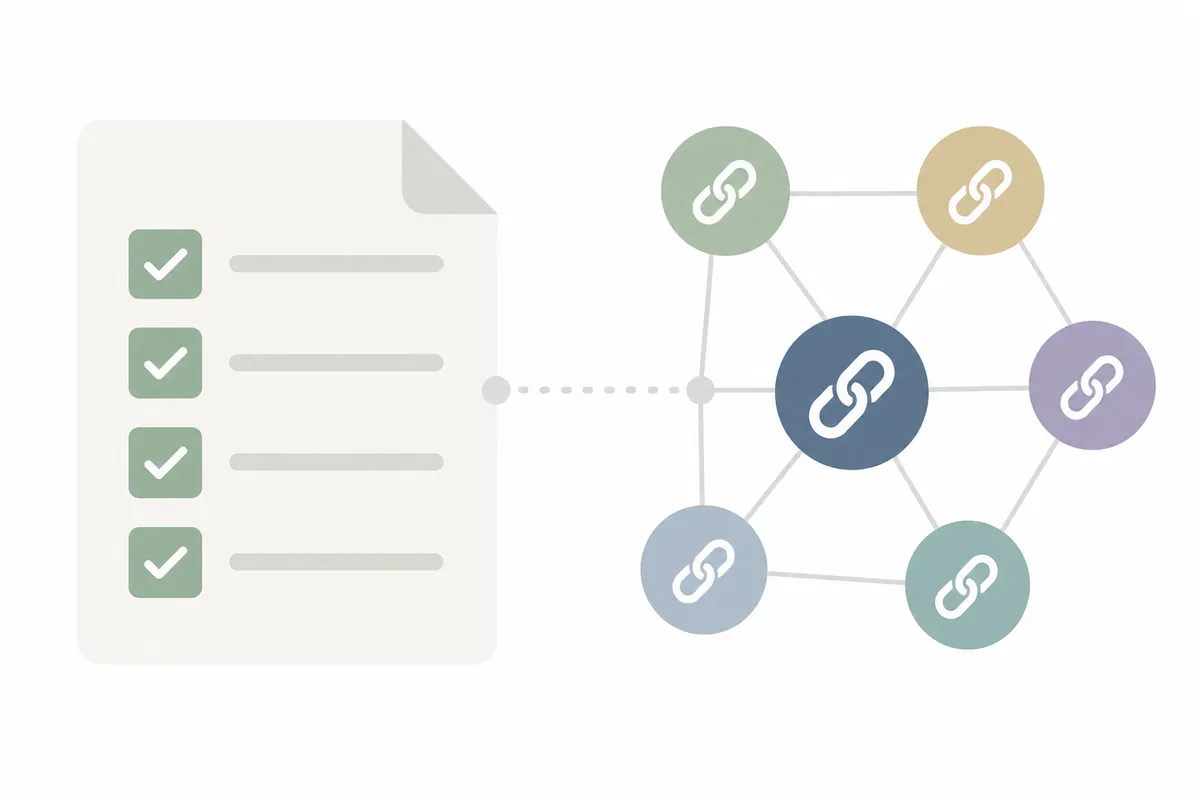
SEO activities are the recurring tasks that help a website rank and get clicked. They split into on-page work, like titles, headings and content, and off-page work, like links, citations and mentions elsewhere. Before you plan anything bigger, check one page against both lists.
What counts as an SEO activity
"SEO activities" is a catch-all term, so it helps to split it by where the work happens: inside your website or outside it.
On-page SEO activities
These are tasks you do directly in your CMS or codebase. They're the fastest to act on because you own every setting involved.
| Activity | What It Does | Where You Do It | How Often |
|---|---|---|---|
| Title tag and meta description | Shapes what shows in the search result | Page/post SEO settings panel | Once per page, revisit if rankings or clicks drop |
| Heading structure (H1, H2, H3) | Signals topic and subtopics to readers and crawlers | Page editor/content body | Once at publish, update when content changes |
| Keyword placement | Confirms the page matches the search intent it's targeting | Content body, title, first paragraph | Checked at publish |
| Image alt text | Describes images for accessibility and image search | Media library or image block settings | Every image you add |
| Internal linking | Spreads authority and helps visitors find related pages | Content body, during editing | Ongoing, as you publish new pages |
| Page speed and Core Web Vitals | Affects both rankings and user experience | Hosting, image sizes, theme/plugin settings | Checked quarterly or after redesigns |
| Schema markup | Helps search engines understand content type (FAQ, product, article) | Theme settings or a schema plugin | Once per page type, then reused |
Two of these rows deserve a check against the source before you rely on them. Google defines the Core Web Vitals thresholds in its page experience documentation, and pages outside the recommended ranges can lose ground even with strong content. For schema, Google's structured data guidelines list which markup types it can use in search results, so read that list before adding markup for its own sake.
Off-page activities
Off-page work happens away from your own site, so you can influence it but not control it directly:
- Link building means earning links from other relevant sites. Google and Bing both weigh links heavily, and they remain one of the strongest ranking signals.
- Local citations are consistent name, address and phone listings across directories, and they matter most for local search.
- Digital PR and mentions cover press coverage, guest posts and brand mentions that build topical authority.
- Reviews and reputation come from customers on Google Business Profile and industry sites.
- Social signals are shares and engagement that indirectly drive traffic and links.
Google's guidance for representing your business online spells out what's allowed in listings and reviews, which is why accurate, consistent citations matter more than sheer volume.
Google's Search Essentials is explicit that buying links or joining link schemes violates its spam policies. Earn links with genuinely useful content instead.
How to run on-page work inside your own website
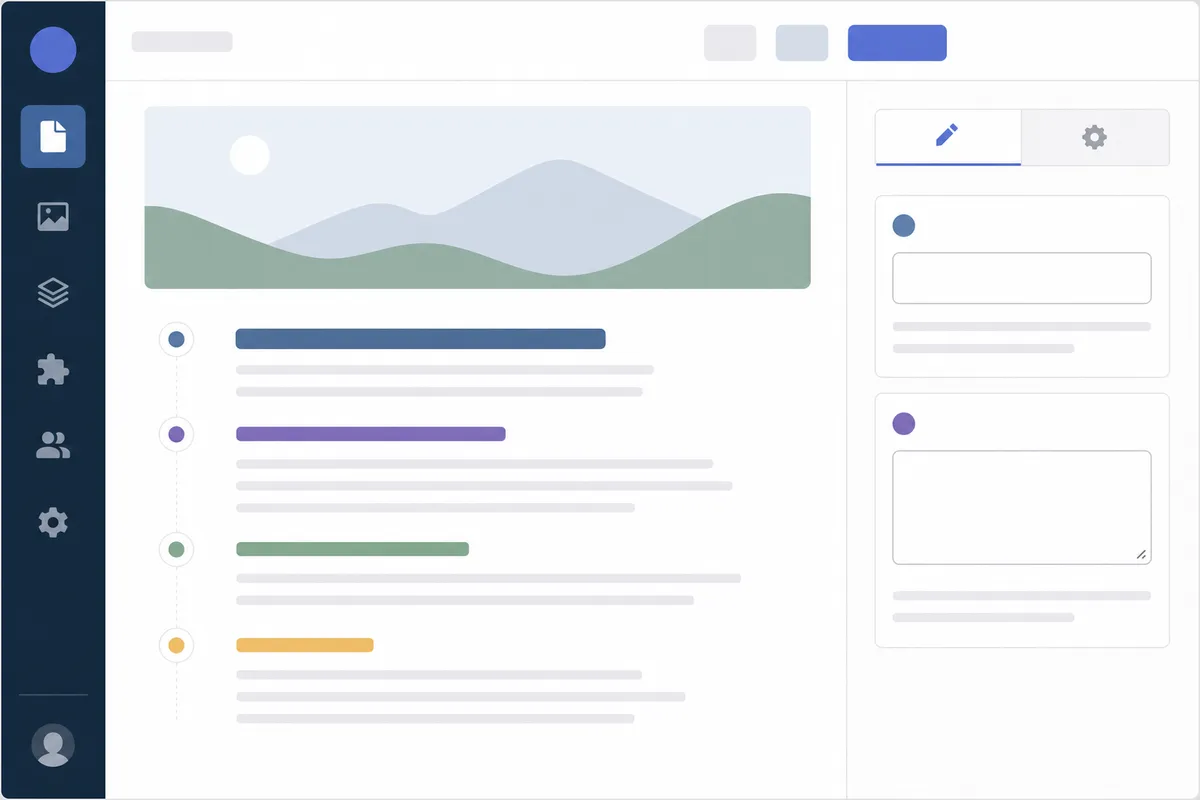
Most on-page work happens in one place: your CMS's page or post settings.
Fixing titles, descriptions and headings
- Open the page or post you want to improve.
- Look for the SEO or metadata panel. Most CMS platforms place it just below the content editor or in a sidebar labeled something like "SEO" or "Page Settings."
- Edit the title tag field and the meta description field directly.
- Scan the content body for your H1 and H2 tags and confirm they follow a logical order, with one H1 per page.
- Save and republish, then recheck the page with a scorer tool to confirm the change registered.
If you're not sure which settings panel applies to your platform, the CMS SEO guides walk through the exact settings in order for major platforms. Duda and Framer users get platform-level walkthroughs, including Duda's blog SEO setup and Framer's publishing-based SEO guide. Both platforms handle metadata fields a little differently from a typical WordPress install.
Adding alt text and internal links
Alt text usually lives in the image settings when you insert or edit an image block. Write a short, literal description of what's in the photo rather than a string of keywords. Internal links work like any hyperlink in the content editor: highlight the relevant phrase, add the link, and point it at a page genuinely related to what the reader will want next.
When your own website tools are enough, and when they're not
A free, single-page tool is enough for some tasks and nowhere near enough for others.
| Situation | Tool Is Enough | You Need More Than a Tool |
|---|---|---|
| Checking one landing page's title, meta and headings | Yes, a single-page audit covers this fully | n/a |
| Finding a one-off broken link or missing alt tag | Yes, quick, fixable immediately | n/a |
| Auditing every page on a 200-page site | Partially, you'd run it page by page | A full-site crawl or recurring monitoring |
| Building backlinks or local citations | No, this is an off-page activity, not a settings fix | Outreach, PR, or a link-building service |
| A ranking drop that recurs month after month | No, a snapshot won't show the pattern | Ongoing tracking and a person reviewing trends |
| Judging content quality or search intent match | Limited, tools flag structure, not nuance | Editorial review or an experienced writer |
If the problem sits on one URL and needs a one-time check, your own website's free tools are enough. If it spans the whole site, repeats over time or lives off-page entirely, you're past what a single checker can tell you.

Common mistakes with SEO activities
- Treating on-page and off-page as the same task. Fixing title tags doesn't build links, and link building doesn't fix titles, so budget time for both.
- Running a one-time audit and stopping. Rankings shift as competitors publish and algorithms update, which makes SEO a routine rather than a single event.
- Chasing link quantity over relevance. A handful of relevant links typically outperforms a large batch of low-quality ones.
- Skipping alt text on "decorative" images. The W3C's guidance on alt text treats truly decorative images as the exception, and accessibility and image search both depend on getting the distinction right.
- Ignoring page speed because content "looks fine." Slow pages still lose rankings and visitors.
FAQs
What are the most important SEO tasks to do first?
Start with the on-page basics: title tags, meta descriptions, heading structure and page speed. They're fully in your control and usually the fastest to fix.
How often should SEO work be repeated?
Revisit on-page checks every few months or after a redesign. Off-page activities like link building and reputation management are ongoing and never really finish.
Is on-page or off-page SEO more important?
Both matter, but they solve different problems. On-page SEO determines whether a page can rank at all, while off-page SEO, especially links, often determines how high it ranks against competitors.
Can I do SEO activities myself, or do I need an agency?
Most on-page work is manageable yourself once you know where the settings live. Off-page work such as link building and digital PR is harder to scale alone, and many site owners bring in outside help for it.
Do these efforts guarantee higher rankings?
No single activity guarantees a ranking change. Consistent, honest SEO work that follows Google's Search Essentials guidance improves your odds over time, but no legitimate SEO activity offers a guarantee.
Turn this checklist into a routine
Pick one page today, run it through the free audit tool, and fix whatever it flags. Then decide which off-page activities, such as links, citations or reviews, deserve your next hour. If you'd rather see where your whole site stands before committing more time, talk to the team, and you'll walk through a sample report built around your own pages.
Related reading: Total SEO: The Full-Site Checklist That Covers Every Page.
Resources / References
About the author
SearchBlueprint researched, wrote and scored this article with the content pipeline our customers run on their own sites. The score in the byline is what our content engine gave this page before it published. Nothing here is reviewed by hand, which is the point: it is the product's output, published where anyone can check it.