What Is the Role of Keywords in SEO? What Still Moves Rankings
SearchBlueprint · · 11 min read · scored 98/100

Keywords in SEO are the words and phrases people type or say into a search engine, and the role they play is matching: they tell Google, and the AI answers built on it, which searches a page deserves to appear for. Choose the right ones and each page has a clear job.
What changed over the years is how literal that matching is. Google no longer needs a phrase repeated word for word; its language systems connect variants, synonyms and questions to the page that answers them. So the work moved from repeating phrases to choosing them well and giving each one the right page. This guide covers both, with what Google's own documentation says at each step.
What a keyword is
A keyword is any search query you would like a page on your site to appear for. It can be one word ("accountant"), a phrase ("accountant for freelancers") or a full question ("do freelancers need an accountant"). SEO people say "keyword" for all three, and our glossary entry on SEO keywords keeps the short definition.
A keyword is two things at once. It is the searcher's words, which tell you what they want. And it is a unit you can measure: how many people search it, how hard it is to rank for, and where your page sits for it today. The first makes it useful for writing. The second makes SEO measurable.
Why keywords still matter
Google's Search Essentials list a short set of practices with the most effect on ranking and appearance. One of them is to use the words people would use to look for your content, and to put them in prominent places on the page. That is the whole case for keyword work, from the search engine itself.
Keywords do four jobs for a business:
- They show what customers call your service, which is often different from what you call it. Google's starter guide gives the example of one reader searching "charcuterie" and another "cheese board" for the same thing.
- They qualify visitors. Someone who searched "emergency electrician open now" has told you exactly what they need.
- They turn into a content plan, because every question your customers search is a page you could answer.
- They make results measurable, because Search Console reports clicks and impressions per search and shows whether each page is doing its job.
Types of keywords
Keywords get sorted in three ways. Each one answers a different planning question.
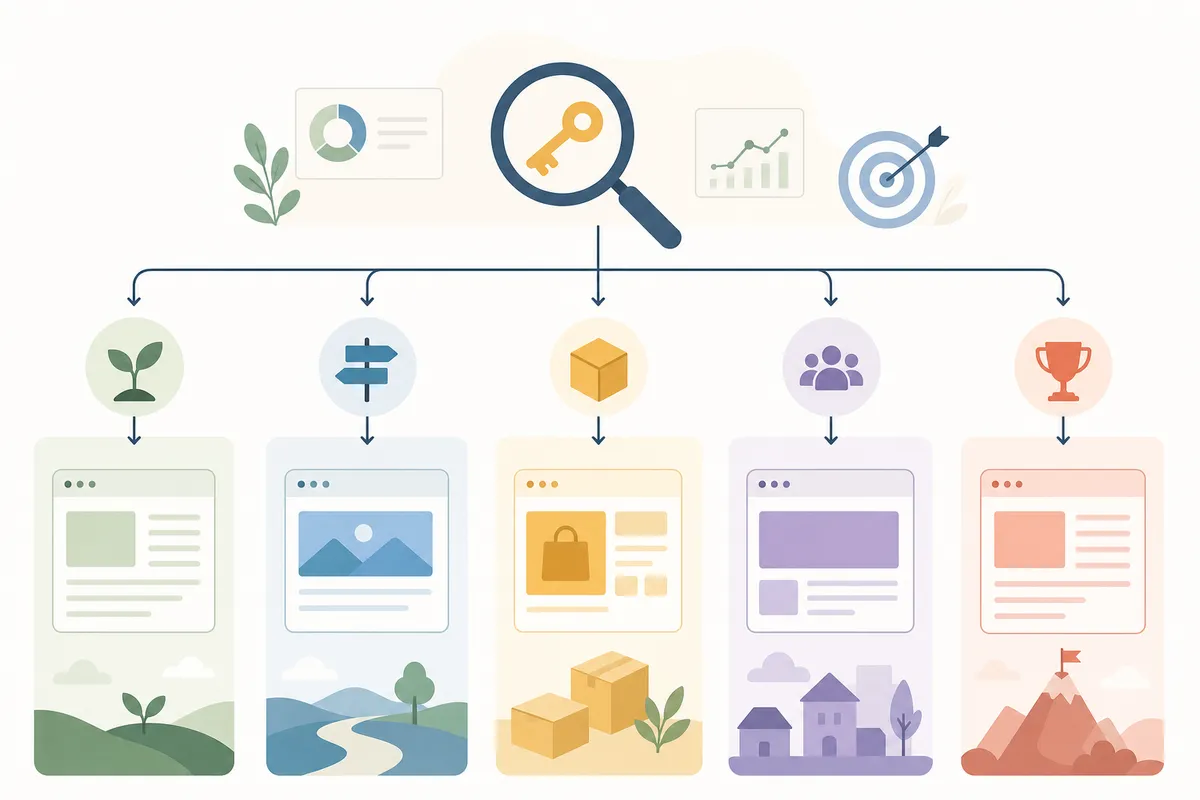
By length: how specific is the search?
| Type | Shape | Example | Usual home |
|---|---|---|---|
| Head term | One or two broad words | "running shoes" | A category or hub page |
| Mid-tail | Two or three words that narrow it | "trail running shoes" | A subcategory or comparison page |
| Long-tail | Four or more specific words | "trail running shoes for wide feet" | A product page or a focused article |
Head terms get the most searches and the most competition. Long-tail phrases each get few searches, but there are many of them and the searcher usually knows what they want. Our guide to long-tail keywords covers how to find and use them.
By intent: what does the searcher want to do?
| Intent | The searcher wants to | Example | Page that fits |
|---|---|---|---|
| Informational | Learn or understand | "how often should you service a boiler" | A guide or article |
| Commercial | Compare before buying | "best boiler brands for small homes" | A comparison or review page |
| Transactional | Buy or book now | "boiler service price Leeds" | A service or product page with a price |
| Navigational | Reach a specific site | "British Gas login" | That brand's own page |
The quickest intent check is free: search the phrase and look at what ranks. If page one is all how-to guides, a sales page will struggle there however well it is written. The free keyword intent checker sorts a list by how close each search is to buying.
By role: what job does it have on your site?
- Primary keyword: the one search a page exists for. It goes in the title, the main heading and the opening.
- Secondary keywords: related phrases and sub-questions that the same page answers in its sections.
- Branded keywords: searches containing your business name, which your home and about pages should own.
The numbers behind a keyword
Every keyword tool shows some version of the same few figures. Read them as estimates that help you compare options, not as forecasts.
| Metric | What it tells you | Where to read it | Watch out for |
|---|---|---|---|
| Search volume | Roughly how many searches a month | Google Keyword Planner, keyword tools | Ranges and averages; seasonal searches swing |
| Keyword difficulty | How hard the current top pages are to beat | Third-party tools, each with its own formula | Scores from different tools do not match |
| Cost per click | What advertisers bid for the search | Keyword Planner, keyword tools | High bids usually mean buying intent |
| Intent | What the searcher wants to do | The results page itself | A tool's label is a guess; page one is the evidence |
| Your position | Where your page ranks today | Search Console's Performance report | An average across many searches and places |
Google's own Keyword Planner is free inside a Google Ads account. Its help page says it suggests keywords related to your products or website, shows estimates of monthly searches, and shows what it costs to target a keyword with ads. You have to complete the account setup, including billing details, before it shows ideas, but you do not have to run a campaign.
How to find keywords for your site
Start from what customers say, then use tools to measure it. The order matters, because a tool only expands the seed you give it.
- Write down how customers describe the problem: the words in enquiry emails, sales calls and reviews.
- Open Search Console's Performance report and sort queries by impressions. These are searches Google already shows you for, often at positions where a better page would win clicks.
- Type your seed into Google and note the autocomplete suggestions and the "People also ask" questions. The free People also ask finder pulls those questions for any search.
- Expand the list with a tool. Our free keyword suggestions tool returns up to 50 related searches for one keyword, each with monthly volume and a difficulty score from 0 to 100.
- Look at what competitors rank for that you do not. The lesson on finding competitor keyword gaps walks through it.
For a full method from a blank page, see our step-by-step keyword research guide.
How to choose the keywords worth a page
Making a long list takes an afternoon with any tool, so the real skill is cutting it down to the searches worth a page. For each candidate, answer four questions:
- Does the searcher want something we sell or know? If not, the traffic will not convert, however large the volume.
- Can we be the best answer on page one? Read the top results honestly. If they are national brands with deep guides and your site is new, choose a narrower search for now.
- What kind of page does page one show? That tells you whether you need a guide, a service page or a product page.
- Do we already have a page for it? If yes, improve that page instead of writing a second one.
Then group what is left. Searches that mean the same thing, such as "boiler service cost" and "how much is a boiler service", belong on one page. Searches with different jobs need different pages. Writing this down as a keyword map, each search beside the one page that owns it, is what stops two of your pages chasing the same search. That problem has a name, keyword cannibalization, and it is common on sites that publish without a map.
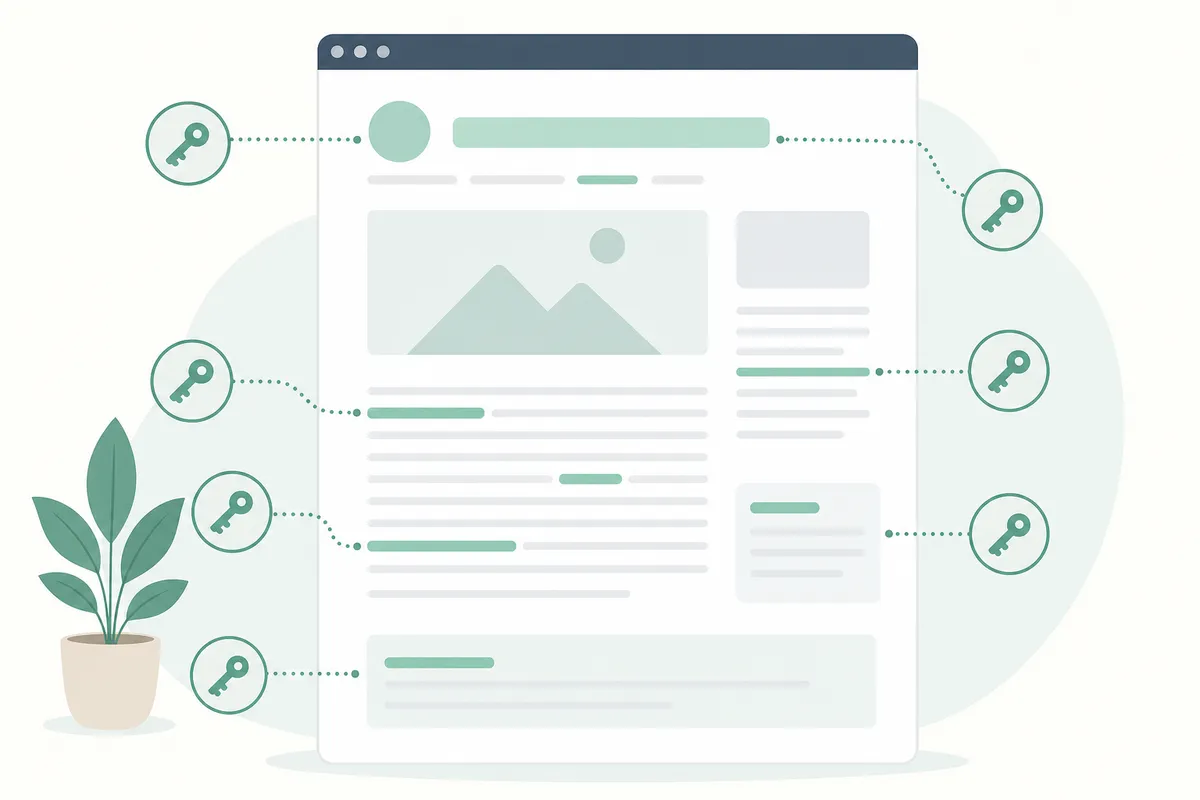
Where keywords go on the page
Google's Search Essentials name the prominent places: the title, the main heading, alt text and link text. In practice that gives a short placement list.
| Place | What to do | What Google's documentation says |
|---|---|---|
| Title element | Main search near the start, once | Write descriptive, concise titles; avoid keyword stuffing |
| Main heading (H1) | The main search or a close variant | A prominent main title helps Google pick the title link |
| Opening paragraph | Answer the search in its own words | Use words people would search, in prominent places |
| Subheadings | Secondary searches and real questions | No ideal number of headings; write them for readers |
| Image alt text | Describe the image; include the search only when true | Alt text is the main way Google reads an image |
| Link text | Name the page you link to | Anchor text tells people and Google about the target |
| URL | Short readable words, hyphens between them | Readable words beat long ID numbers |
Two things are missing from that list on purpose. Google's starter guide states that Google Search does not use the keywords meta tag. And it says content length alone does not matter for ranking, which is also why there is no keyword density to hit. Our article on why the keyword density percentage is a myth goes into the history.
How many keywords per page?
One main search per page, plus its close variants and the secondary questions the page answers. A page about boiler servicing can rank for "boiler service", "annual boiler check" and "how long does a boiler service take" at once, because they are one job. A page that also tries to rank for "new boiler installation cost" is doing two jobs, and usually does both less well than two focused pages would.
Keywords in SEO compared with keywords in Google Ads
The same words do different jobs in paid search. In Google Ads you bid on keywords, and a match type decides which searches can trigger your ad. Google's help page on keyword matching describes three: broad match, the default, can show ads on searches related to the keyword even when they do not contain its direct meaning; phrase match on searches that include the keyword's meaning; and exact match on searches with the same meaning or intent.
Organic search has no match types and no bids. Google decides which searches a page is relevant for from the page itself, which is why the placement and intent work above matters. Even so, one keyword list can serve both channels. The cost per click Keyword Planner shows is a fair clue to which searches lead to sales, and the search terms report in a running Ads campaign shows real queries you can then answer with organic pages.
Keywords and AI answers
Google's guide to AI features and your website says AI Overviews and AI Mode may use a "query fan-out". Behind one question, the system may run several related searches across subtopics before it writes an answer. That changes what a keyword list is for. The main search still matters, but so do the follow-up questions a person or a model would ask next.
Two practical changes follow for keyword work:
- Treat questions as keywords. A section that answers "how long does a boiler service take" in its first sentence can be used for that sub-question even when the page is about boilers in general. The query fan-out entry in our glossary explains the mechanism.
- Keep the basics. Google says there are no extra requirements for its AI features: a page must be indexed and eligible for a snippet, the same as any search result.
ChatGPT and Perplexity do not publish their methods in the same way. What they quote is still text on a page, so a clear answer in plain words gives them the same thing to use.
Keeping your keyword list current
Search changes under a fixed list. Google's Search status page for ranking lists two core updates and four spam updates in 2026 up to October. It lists seven across 2024. Seasons, news and new products move what people search too.
A schedule a small team can keep:
- Monthly: check clicks and position for the ten to twenty searches that bring paying customers.
- Quarterly: find pages that slipped on their main search and refresh them; look for new questions in Search Console's queries.
- Yearly: rebuild the map, merging any pages that compete and adding pages for harder searches your site can now realistically win.
Keyword mistakes to avoid
- Choosing by volume alone, then wondering why the traffic never buys.
- Writing a second page for a search an existing page already targets.
- Repeating the phrase until sentences bend around it, which Google's spam policies name explicitly as keyword stuffing.
- Trusting difficulty scores from one tool as if they were Google's own numbers. Google says third-party tools have no access to its internal ranking data.
- Letting an AI tool invent a keyword list without checking each phrase against real search data.
FAQs
What are keywords in SEO, in one sentence?
They are the searches you want a page to appear for, chosen so each page has one clear job.
Are keywords still important in 2026?
Yes. Google's own key best practices still ask you to use the words people search in prominent places. What lost importance is exact repetition, because Google's language matching connects variants on its own.
What is a good keyword?
One where the searcher wants what you offer, page one shows the kind of page you can build, and the top results are pages you could realistically beat.
How do I find keywords for free?
Start with Search Console's queries, Google's autocomplete and "People also ask", then Google Keyword Planner for volume estimates. Free tools such as our keyword suggestions tool add related searches with volume and difficulty.
What is the difference between a keyword and a topic?
A keyword is one search. A topic is a group of searches that one page, or a cluster of linked pages, can answer together.
Your next step
Pick the three pages that matter most on your site and write down the one search each should answer. That short list is what keywords in SEO come down to. Check whether page one shows your kind of page for each search, and whether the phrase sits in your title and heading. Start with our free keyword suggestions tool to see the related searches each page could also answer.
Sources
The facts in this guide come from these pages, each read on the date shown.
- Google Search Essentials (Google Search Central, read 12 October 2026)
- SEO Starter Guide (Google Search Central, read 12 October 2026)
- Spam policies for Google web search (Google Search Central, read 12 October 2026)
- Use Keyword Planner (Google Ads Help, read 12 October 2026)
- AI features and your website (Google Search Central, read 12 October 2026)
- Influencing your title links in search results (Google Search Central, read 12 October 2026)
- Link best practices for Google (Google Search Central, read 12 October 2026)
- Google image SEO best practices (Google Search Central, read 12 October 2026)
- Do you need an SEO? (Google Search Central, read 12 October 2026)
- Ranking incident history (Google Search status page, read 12 October 2026)
- About keyword matching options (Google Ads Help, read 12 October 2026)
About the author
SearchBlueprint researched, wrote and scored this article with the content pipeline our customers run on their own sites. The score in the byline is what our content engine gave this page before it published. Nothing here is reviewed by hand, which is the point: it is the product's output, published where anyone can check it.