Why Is My Google Business Profile Only Visible to Me? Here's the Fix
By Toy Wen Da, Co-Founder · Updated · 6 min read · scored 99/100
If you're asking why your Google Business Profile is only visible to you, the listing is almost always unverified, under review or suspended, and Google hasn't cleared it for public search and Maps yet. Open the profile in your Google Business Profile account and check its status before you touch anything else.

What "only visible to me" actually means

When you're logged in as the owner or manager, Google shows you a preview of your listing even if the public can't see it yet. It's by design: you get to review and fix details before customers find the listing. Seeing your profile fine on your own screen therefore tells you nothing about what a customer searching for your business sees.
A profile that was live and then vanished is a different problem, tied to suspensions or policy flags. For the specific triggers and fixes, read why a Google Business Profile disappears and what to do instead.
Common causes and fixes
| Cause | What It Looks Like | How to Confirm | Typical Fix |
|---|---|---|---|
| Pending verification | Listing shows a "Verify now" or pending badge | Open Business Profile Manager, check the status banner | Complete verification by postcard, phone, email, or video |
| Under review after edits | Recent name, address, or category change | Status shows "In review" | Wait it out; avoid further edits during review |
| Suspended profile | No status shown, listing unsearchable | Account shows suspended or no profile listed | File a reinstatement request with accurate business info |
| Duplicate listing | Two profiles for the same address | Search your business name plus city on Google Maps | Request a merge or remove the duplicate |
| New listing, not yet indexed | Brand-new profile, just created | Listing is only a few days old | Give it time; Google often needs several days to publish a new profile |
How to fix it inside Google Business Profile
Work through these steps in order inside your Google Business Profile account.
- Sign in to Google Business Profile Manager and, if you manage more than one business, confirm you have the right listing open.
- Check the status at the top of the dashboard for a banner mentioning verification, review or suspension. This one step explains most cases of a profile only the owner can see.
- If a verification prompt appears, pick the offered method (postcard, phone call, email or video) and finish it. An unverified listing does not appear in public search or Maps results.
- Search your business name and city on a separate device or in a logged-out browser, so you see what the public sees instead of what your signed-in session shows.
- Search Google Maps for your exact business name and address. A second listing at the same location can suppress the one you're managing.
- If you recently changed your business name, category or address, Google may be re-reviewing the listing, and further edits while it's under review can restart the clock.
- If the dashboard shows no live listing or flags a suspension, submit a reinstatement request through the support option in your account, using accurate and consistent business details.
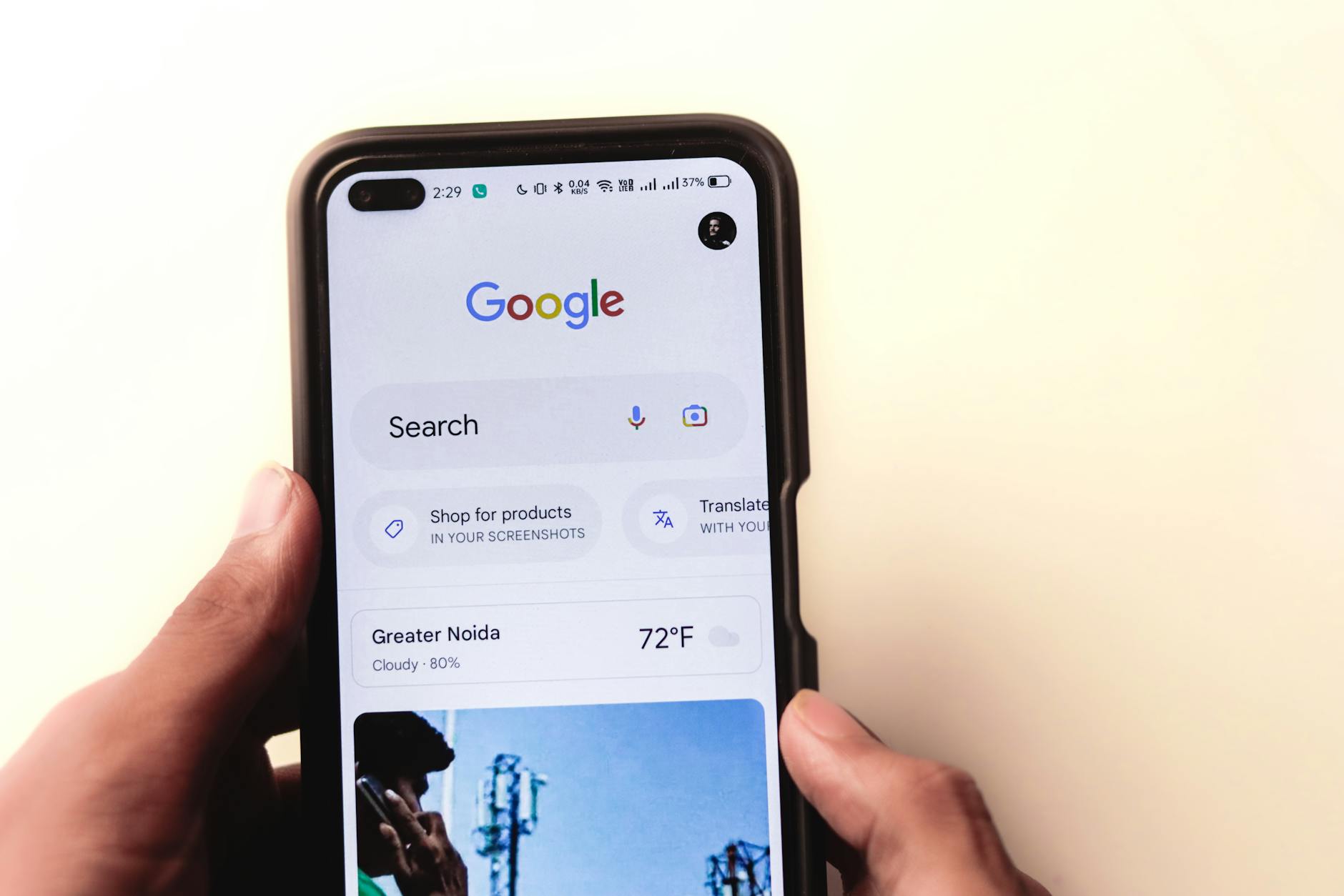
Google's own guidance confirms that a listing's information and verification status directly affect whether it's eligible to appear in search and Maps results. Google Search Central explains how indexing and eligibility generally work.
When Google's own tools are enough, and when they're not

For a single listing with one clear problem, such as an unfinished verification, one duplicate or one suspension, the built-in dashboard and support flow are genuinely enough. You check the status, fix the one thing and wait.
The tools stop being enough when the problem repeats or spreads:
- You manage several locations and more than one is affected.
- The profile keeps getting flagged or suspended after you fix it.
- Your Google Business Profile is fine, but you still don't rank for local searches once it's live.
- You're not sure whether the real issue is the profile itself or weak signals elsewhere, like inconsistent listings across directories or thin location pages on your site.
The last case is where a one-off fix becomes a recurring local SEO problem rather than a single bug. To compare a complete, properly filled-in profile with yours, use this example of a filled-in Google Business Profile as a side-by-side reference.
Common mistakes to avoid
- Re-verifying repeatedly. Submitting several verification requests while one is pending can confuse the review and slow things down.
- Editing the listing mid-review. Changing your name, address or category while Google is reviewing often restarts the review clock.
- Assuming it's permanent. A new profile that isn't public after a day or two is often still in Google's queue.
- Ignoring duplicate listings. A second profile at the same address can suppress yours even when yours is fully verified.
- Checking only while logged in. Confirm visibility from a logged-out browser or another device.
FAQs
Why can I see my Google Business Profile but customers can't?
Because you're logged in as the owner, Google shows you a management preview regardless of public status. Customers only see the listing once it's verified and has cleared review.
How long does it take for a new Google Business Profile to go public?
It varies, but new listings commonly need several days after verification for Google to index them publicly. Recent edits can add further review time.
Can a duplicate listing cause this?
Yes. If Google has two profiles at the same address, it may show one and suppress the other, which can look like your real listing is only visible to you.
Does a suspended profile show up to anyone?
No. A suspended profile is not visible to the public and typically shows no active status in your dashboard until you file a reinstatement request.
Is this the same as my profile disappearing after being live?
No. A profile that was public and then vanished points to a suspension or policy issue, while this article's problem usually comes from an unverified listing, and each has its own troubleshooting path.
Get your listing and your local search presence checked properly
Confirm your profile's exact status in Google Business Profile Manager today, since that check answers the question in most cases. If the fix doesn't hold, or you suspect the real issue sits in your broader local search presence rather than one setting, talk to the team. A sample SEO report shows what a fuller local SEO review would surface for your business.
Resources / References
Sources
About the author
SearchBlueprint researched, wrote and scored this article with the content pipeline our customers run on their own sites. The score in the byline is what our content engine gave this page before it published. Nothing here is reviewed by hand, which is the point: it is the product's output, published where anyone can check it.