Wix 301 Redirect: Fix a Broken Link in Under 5 Minutes
By Toy Wen Da, Co-Founder · Updated · 7 min read · scored 93/100
A Wix 301 redirect sends visitors and search engines from an old, dead URL to a new, working one. It also tells Google the move is permanent, so the old page's rankings transfer to the new address. To set one up, open the redirect manager in your Wix dashboard and map the old path to the new one. You don't need any code or an app install.
SearchBlueprint's Wix SEO guide covers what happens when you delete or rename a page in Wix and which settings control how Google treats the old URL. It's worth a look if you want more than this one fix.
Why you need a 301 redirect on Wix
When you delete a page, rename a blog post's slug or restructure your navigation, the old URL stops working. Visitors who click an old link hit a dead end, and so does Google, which still has that URL indexed.
A 301 status code tells browsers and search engines "this moved permanently, go here instead" (MDN's HTTP status reference defines the code this way). Without it, people get a 404 error page. With it, visitors land where they meant to go, and most of the page's accumulated ranking signals carry over to the new URL.
This matters most when:
- You're deleting a page that has backlinks or search traffic.
- You're changing your URL structure, for example by moving blog posts into a new folder.
- You're merging two pages into one and don't want duplicate content fighting itself in search results, which Google's guidance on consolidating duplicate URLs treats as a crawling and ranking issue.
- You're migrating onto Wix from another platform, or off Wix onto something else.
A whole-site move is a different job from fixing one link. For that case, read doing a 301 redirect without losing your rankings, which covers the bigger migration in more depth.
How to set up a Wix 301 redirect, step by step
Find the redirect manager
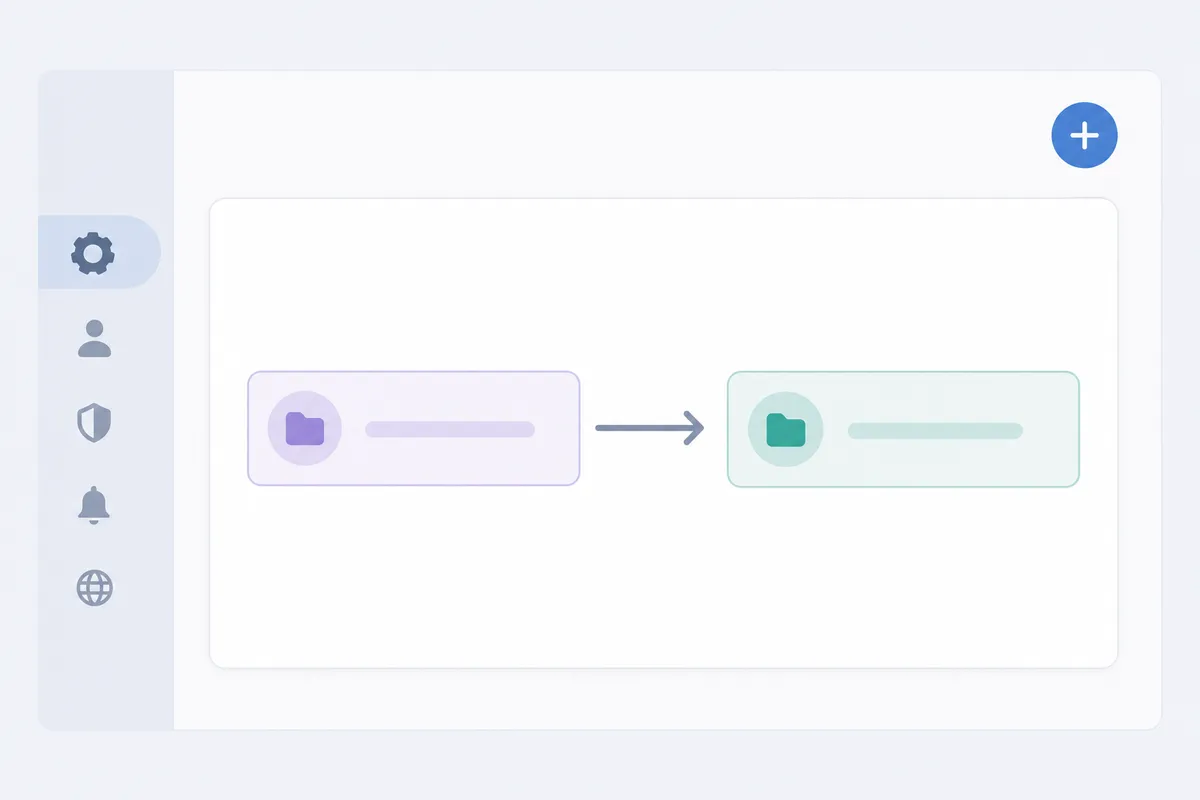
Log into your Wix dashboard and go to Settings, then the SEO section. Wix groups the redirect tool under SEO Tools, usually next to the sitemap and robots.txt controls. The panel exists to pair an old path with a new one.
Add the redirect
Once you're in the redirect tool:
- Click the option to add a new redirect.
- Enter the old URL path, which is just the part after your domain, like
/old-page-namerather than the fullhttps://yoursite.com/old-page-name. - Type the new URL path it should point to.
- Confirm the redirect type is set to permanent (301), the default for this kind of move.
- Save.
Wix applies the redirect to your live site as soon as you save the setting, with no separate publish step.
Test it
Open an incognito browser window and paste the old URL in directly. Within a second you should land on the new page, with the new URL showing in the address bar. If you still see a 404, check the old path for typos, because a missing slash or an extra character is the most common reason a redirect doesn't fire.
When Wix's built-in tools are enough, and when they aren't

Wix's redirect manager does its intended job well and runs out of room beyond it.
| Situation | Wix's built-in tool | Better approach |
|---|---|---|
| One page deleted or renamed | Handles it fully: add one redirect, done | None needed |
| A handful of pages (under 10–15) | Still manageable one at a time | None needed |
| Bulk migration (50+ URLs, new site structure) | No bulk import; entering each one manually is slow and error-prone | Export your old URL list, plan the mapping in a spreadsheet first, then enter redirects in batches |
| Recurring restructuring (frequent slug changes) | No alerts when a redirect breaks or a new 404 appears | A broken-link or redirect monitoring tool that checks your site on a schedule |
| Auditing existing redirects for chains or loops | No built-in chain detection | A redirect checker that traces the full chain |
For one broken link, the dashboard is the right tool and you'll finish in minutes. If you're replatforming, consolidating dozens of pages or still finding new 404s months after a migration, you need a process that catches problems before they cost you rankings. A place to type in redirects one at a time won't do that.
Even a stable Wix site benefits from an occasional check of its redirect chains. SearchBlueprint's free redirect checker traces a URL's full path and flags chains or loops that quietly waste crawl budget.
Common mistakes with Wix redirects
- Forgetting the redirect entirely. Deleting a page without redirecting it is the biggest cause of avoidable 404s on Wix sites.
- Redirecting to an unrelated page. Google and users both notice when an old blog post about pricing redirects to your homepage instead of the new pricing page. Relevance matters as much as the redirect itself.
- Chaining redirects. If you send page A to B and later B to C, update A to point straight to C. Each extra hop adds load time and dilutes the signal slightly.
- Typos in the old path. A redirect only fires on an exact match, so
/old-pageand/old-page/can behave differently depending on how the original URL was structured. - Redirecting to a page that gets deleted later. Redirects need occasional maintenance after you set them up.
These mistakes show up on every platform. If you manage sites on more than one system, the fix looks similar whether you're fixing a broken link in WordPress, setting one up in Squarespace or handling it in Shopify. Old path, new path and permanent status work the same everywhere, and only the menu you click through changes.
Google's documentation on site moves confirms the core point: a 301 signals search engines to transfer ranking value to the new URL instead of treating it as a separate, unrelated page (see Google Search Central's guidance on site moves).
FAQs
Does Wix support 301 redirects without a paid plan?
Yes. The redirect manager is part of Wix's standard SEO tools and isn't gated behind a specific premium tier. It's available on the plans that give you access to SEO settings.
How long does it take for a Wix redirect to work after I save it?
It typically takes effect almost immediately on the live site. Google may take anywhere from a few days to a few weeks to recrawl the old URL and update its index.
Can I redirect a whole folder of pages at once in Wix?
Wix's standard tool maps one URL to one URL. Wildcard or pattern-based redirects for an entire folder aren't a native feature, so folder-level moves usually mean entering each URL individually.
Will a Wix 301 redirect pass my old page's rankings to the new page?
Largely, yes. A 301 is the correct signal for a permanent move, and Google's own guidance confirms that search engines treat it as grounds to transfer most ranking signals. The transfer is usually neither instant nor perfectly 1:1, but a 301 is the right mechanism for it.
What happens if I don't set up a redirect after deleting a page?
Visitors and search engines hit a 404 error. Backlinks pointing to that URL stop passing value, and the page's existing rankings typically decline instead of moving anywhere.
Put the redirect in place today
Open your Wix dashboard, find the SEO Tools redirect panel and map any URL you've recently changed or deleted before Google recrawls it as a dead end. Setting up a Wix 301 redirect takes less time than reading this guide. If you want to see what else on your Wix site might be costing you rankings, this sample SEO report shows what a full audit would surface.
Resources / References
About the author
SearchBlueprint researched, wrote and scored this article with the content pipeline our customers run on their own sites. The score in the byline is what our content engine gave this page before it published. Nothing here is reviewed by hand, which is the point: it is the product's output, published where anyone can check it.