Yoast News SEO: The Setup That Gets Your Articles Into Google News
By Toy Wen Da, Co-Founder · Updated · 7 min read · scored 93/100
Yoast News SEO is a paid Yoast SEO add-on that gives your WordPress site a News sitemap, NewsArticle schema and an in-editor checklist, so Google News can find and understand your articles faster. Install it, submit the News sitemap in Search Console, and run the News SEO analysis before you publish.

Setting up Yoast News SEO in WordPress
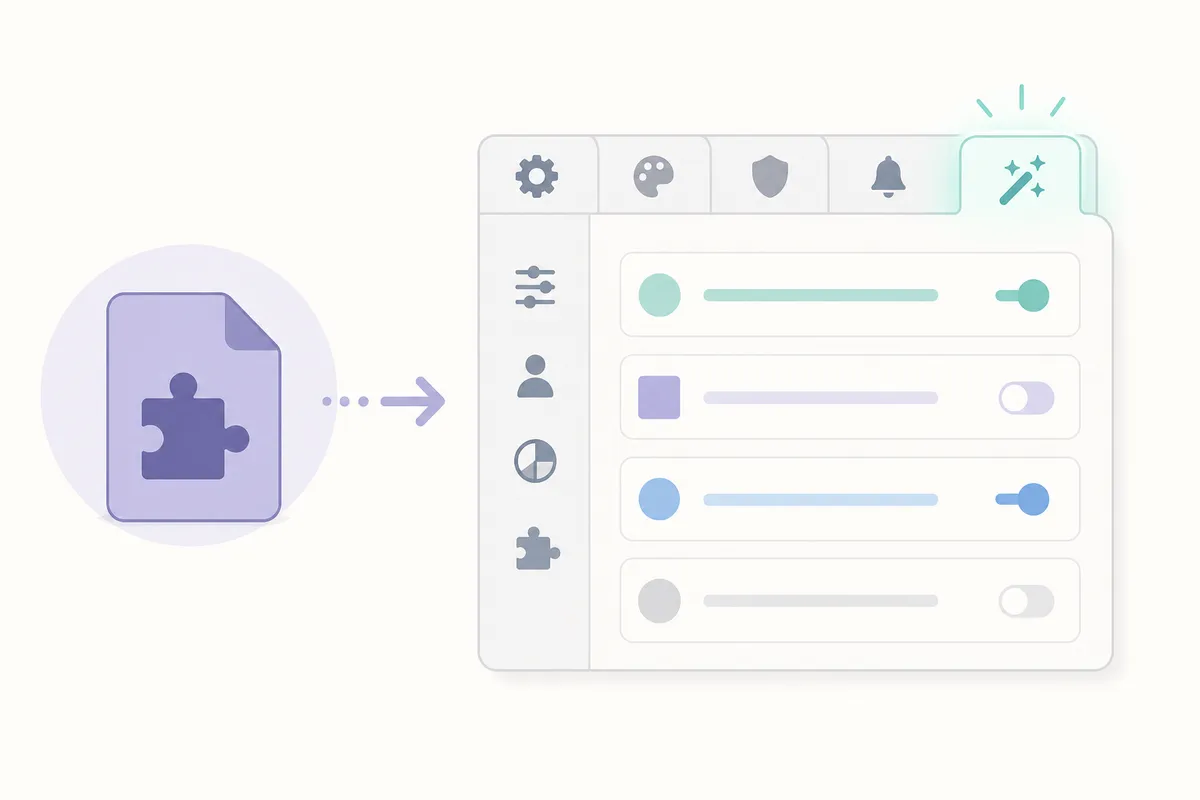
The add-on sits inside your existing Yoast SEO installation, so you configure one extra tab and never run a second plugin from scratch.
Install and activate the add-on
Buy and download Yoast News SEO from Yoast's site, then upload it as you would any WordPress plugin: Plugins > Add New Plugin > Upload Plugin, choose the zip file, install and activate. Once it's active, a new News SEO tab appears in the main Yoast SEO settings menu in your dashboard.
Turn on the news sitemap
Inside the News SEO tab, a toggle enables the News sitemap, a feed of recent articles built for Google News. Switch it on and WordPress generates the file automatically, usually at a URL like yourdomain.com/news-sitemap.xml. It lists only articles published in the last 48 hours, which matches how Google's News sitemap guidelines expect fast-moving news content to be submitted.
Set your news categories
Not every post on a WordPress site is news. In the News SEO settings you choose which categories count, so if your site mixes blog posts, reviews and breaking coverage, tag only the ones that belong in the News sitemap. Leave this unset and Google may see irrelevant pages mixed in with your actual news.
Run the analysis on every article
Once setup is done, a News SEO analysis tab appears in the block editor sidebar next to the regular SEO and readability checks. It flags problems such as a missing dateline, a thin word count for a news story or an image with the wrong dimensions for a news thumbnail. Clear each flag before publishing. People skip this step most often when they're rushing a time-sensitive story out the door.
Submit the sitemap to Search Console
Go to Google Search Console, open Sitemaps under the Indexing section and submit the news sitemap URL. This is a separate submission from your regular XML sitemap. Google News draws from this feed specifically, so if it's missing, your articles can rank normally in web search while never reaching Top Stories or the News tab.
When WordPress's own tools are enough, and when they aren't

Decide on scope before you spend money or time here. WordPress and Yoast News SEO handle the technical plumbing well, but editorial judgment, server speed and getting your publication approved for Google News are outside what they do.
They're enough when:
- A single article is missing from the News sitemap because of a category tag or an analysis warning you ignored.
- You run a small or mid-size WordPress news site that just needs the sitemap, schema and editor checks working correctly.
- The problem is one-off, such as a specific post that didn't get crawled.
- You can trace the failure to a setting you control inside WordPress.
They fall short when:
- The issue recurs across many articles, which usually points to a crawl-budget problem and has little to do with plugin settings.
- Your site hasn't been through Google's inclusion process for Google News at all, since no plugin substitutes for that.
- You're diagnosing a site-wide indexing issue rather than a news-specific one, which calls for a broader technical audit instead of another look at the News SEO tab.
- Page speed is the real bottleneck.
If you suspect the problem is bigger than this one add-on, running your news articles through SearchBlueprint's free SEO audit tool will show whether indexing, schema or page speed is the real bottleneck before you keep tweaking plugin settings.
Yoast SEO Free vs. Yoast SEO Premium vs. Yoast News SEO

The three share a name and a settings menu, so they get confused constantly. Here's what each one does:
| Product | What it's for | Core feature | Who needs it |
|---|---|---|---|
| Yoast SEO (Free) | General on-page SEO for any WordPress site | Title/meta control, basic sitemap, readability checks | Every WordPress site, as a baseline |
| Yoast SEO Premium | Deeper on-page optimization and content planning | Internal linking suggestions, multiple focus keyphrases, redirect manager | Sites that want more than the free checklist covers |
| Yoast News SEO | Getting articles into Google News specifically | News sitemap, NewsArticle schema, news-specific editor checks | WordPress sites publishing time-sensitive news content |
Yoast News SEO is an add-on that requires the base Yoast SEO plugin, free or Premium, to be installed first. If you're weighing whether the paid tier of the main plugin is worth adding, this breakdown of what Yoast SEO Premium actually includes covers that decision separately from the News SEO question.
Common mistakes with Yoast News SEO
A few patterns show up again and again on WordPress news sites:
- Forgetting to set news categories. Without them, the sitemap either includes pages that shouldn't be there or stays empty.
- Publishing before clearing the News SEO analysis warnings. A missing dateline or an undersized featured image is a small fix before publishing and a wasted news cycle after.
- Never submitting the news sitemap to Search Console. The plugin generates the feed but doesn't submit it for you.
- Running it alongside a page builder that strips the analysis panel. Some WordPress site builders interfere with how Yoast's editor checks render, so if you build pages in Elementor, check this fix for Yoast SEO's missing analysis in Elementor before you assume the plugin itself is broken.
- Treating News SEO as a replacement for Google News inclusion. The plugin optimizes content for crawling, but your publication still has to be approved to appear in Google News.
Google News eligibility goes beyond the plugin
The News sitemap and NewsArticle schema matter because they're the structured signals Google's crawlers use to identify and classify news content, as described in Google's article structured data guidelines. The NewsArticle type itself is defined in the shared Schema.org vocabulary that search engines rely on for this kind of markup. Eligibility also depends on things no plugin controls: how fast your pages load, whether your byline and dateline conventions are consistent and whether your content meets Google's broader content policies.
If you care most about getting new articles indexed and ranking quickly, this guide to SEO for news sites covers the indexing speed side in more depth, including publishing cadence, internal linking between fresh stories and how quickly Google tends to crawl time-sensitive content.
FAQs
Do I need Yoast SEO Premium to use Yoast News SEO?
No. Yoast News SEO works as an add-on to either the free or Premium version of Yoast SEO. It's billed and installed separately either way.
Why isn't my article showing up in Google News even with the plugin active?
Check in order whether the article's category is marked as a news category in the News SEO settings, whether the analysis warnings were cleared before publishing and whether the news sitemap was submitted in Search Console. If all of those check out and the problem persists across multiple articles, the issue is likely outside the plugin, often site speed or Google News inclusion status.
Does Yoast News SEO work with any WordPress theme?
Generally yes, since it hooks into the Yoast SEO plugin rather than the theme. Page builders that override the standard WordPress editor, like Elementor, can occasionally hide the analysis panel, which is a display issue and has no effect on the sitemap.
How is the News sitemap different from my regular XML sitemap?
The News sitemap only includes articles published in the last 48 hours and uses Google News-specific tags. Your regular sitemap covers your whole site and has no time limit. They serve different Google systems and need to be submitted separately in Search Console.
Can I use Yoast News SEO without being approved for Google News?
You can install and configure it on any WordPress site, but the sitemap and schema only matter for Google News visibility once your publication has gone through Google's own inclusion process for news content.
Check your news sitemap today
Open Search Console and confirm that the news sitemap Yoast News SEO generates is submitted and showing no errors. This one check catches the most common reason articles go missing from Google News. If you want a clearer picture of what else might be holding your WordPress news site back, request a sample SEO report and talk to the team.
Resources / References
About the author
SearchBlueprint researched, wrote and scored this article with the content pipeline our customers run on their own sites. The score in the byline is what our content engine gave this page before it published. Nothing here is reviewed by hand, which is the point: it is the product's output, published where anyone can check it.