How to Monitor Your Website Traffic Free in 2026
SearchBlueprint · · 5 min read · scored 95/100

If you're wondering how to monitor your website traffic, the best answer is to combine two free tools: Google Analytics 4 for what visitors do on your site, and Google Search Console for how they find you in search. Add a behavior tool like Microsoft Clarity and a weekly review habit, and you'll see more than most paid dashboards show.
Key Takeaways
- GA4 + Search Console covers 90% of what most site owners need, at zero cost.
- Track a handful of metrics, sessions, traffic source, engaged sessions, conversions, top pages, not everything the dashboard offers.
- Competitor traffic estimators (Semrush, Ahrefs, Similarweb) are useful for benchmarking, but they're models, not your real numbers.
- Check traffic weekly, not daily. Day-to-day swings are mostly noise.
- In 2026, watch referral traffic from AI assistants too, it's small but growing for many sites.
Set Up the Two Free Essentials First
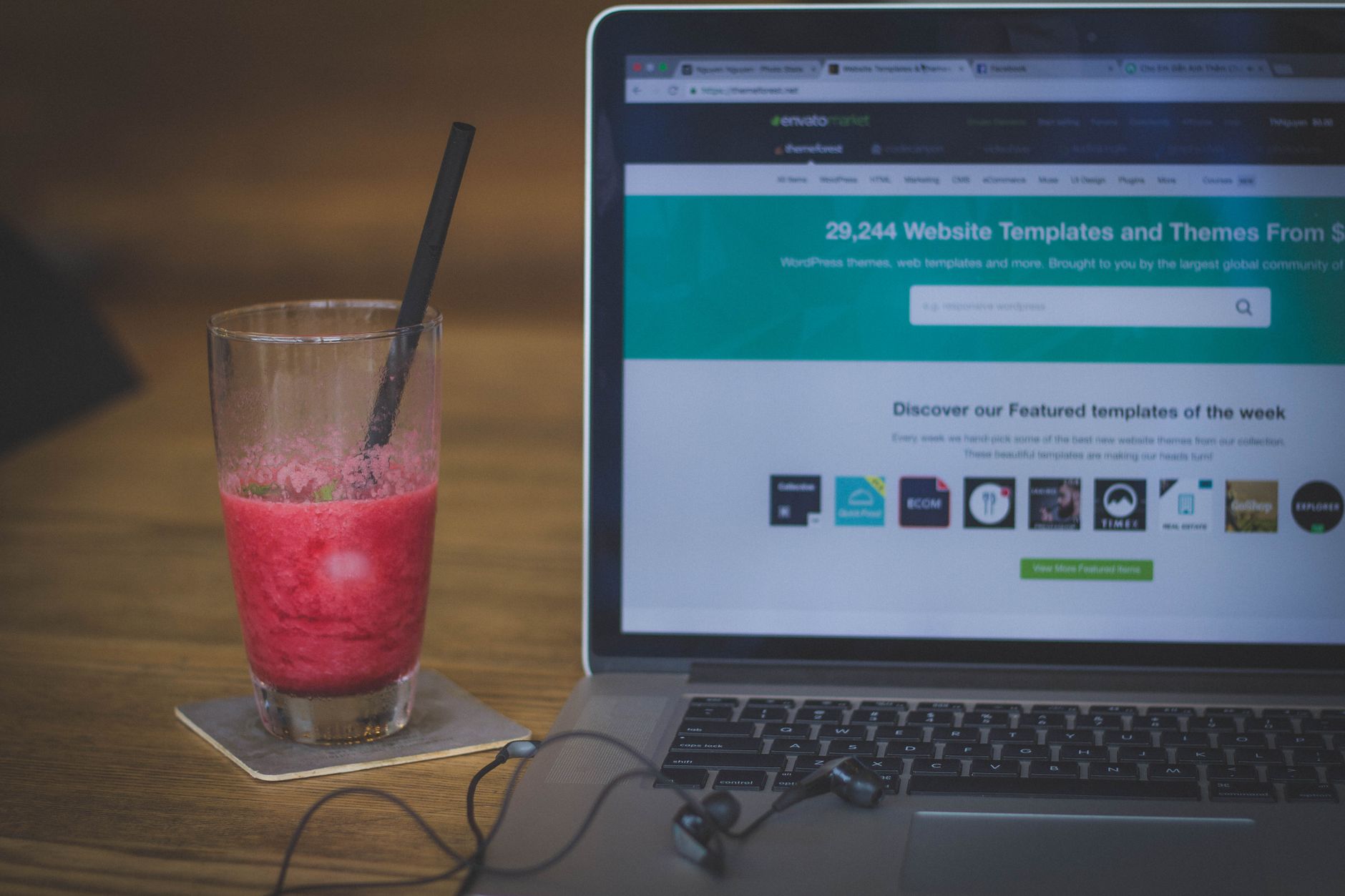
Before anything else, install the two tools that give you first-party data, numbers measured directly from your own visitors.
Google Analytics 4: What Visitors Do
GA4 measures events: page views, clicks, scrolls, form submissions. Setup takes three steps, create an account, create a property (the container that holds your data), then add a web data stream and place the tag on your site. Google recommends using Google Tag Manager so you can adjust tracking without editing code each time; the official steps are documented at Google Search Central and its developer docs.
Once it's live, focus on:
- Sessions and users, your baseline volume
- Traffic acquisition, organic search, direct, referral, social, paid
- Engaged sessions, visits lasting 10+ seconds or including a conversion
- Conversions, the events that map to revenue: purchases, form fills, calls
Google Search Console: How Search Finds You
Search Console shows the query data GA4 can't: which keywords trigger your pages, how many impressions you get, your click-through rate, and your average position. It also flags indexing problems, pages Google can't crawl produce zero traffic no matter how good they are. Verify your domain, then check the Performance report weekly; Google documents the verification process step by step in its Search Console Help Center.
Free Tools to Monitor Your Website Traffic
Different tools answer different questions. Here's how the main free options compare:
| Tool | What It Shows | Cost | Best For |
|---|---|---|---|
| Google Analytics 4 | Sessions, sources, behavior, conversions on your own site | Free | Your core traffic and conversion tracking |
| Google Search Console | Search queries, impressions, clicks, indexing status | Free | Understanding and fixing organic search performance |
| Microsoft Clarity | Heatmaps and session recordings of real visits | Free | Seeing why visitors leave or convert |
| Cloudflare Web Analytics | Privacy-first traffic counts without cookies | Free | Lightweight monitoring where privacy matters |
| Ahrefs (Webmaster Tools / Starter) | Site audits, backlinks, competitor traffic estimates | Free tier; Starter listed at $29/mo | SEO audits plus competitor benchmarking |
| Similarweb Traffic Checker | Estimated traffic and channels for any domain | Free with a daily search limit (3/day) | Quick competitor snapshots |
Start with the first three. They're free forever, measure your actual visitors, and take under an hour to set up combined; Microsoft confirms Clarity is free with no traffic limits on its official product page.

Benchmarking Against Competitors

You can't install analytics on a competitor's site, so tools like Semrush's Website Traffic Checker, Ahrefs' traffic checker, and Similarweb estimate it instead. The typical flow is simple: enter a domain, choose the analysis scope, and review the free web traffic analysis, estimated visits, top pages, top keywords, and traffic sources. Our free website traffic checker does the same for organic Google traffic in the US, with no signup: estimated monthly visits, ranking keywords, and how many of them rank in the top 3 and top 10.
Treat these as directional. They model traffic from clickstream data and search rankings, so numbers can differ significantly from a site's real analytics. A SparkToro study cited by Similarweb found its estimates align most closely with actual Google Analytics data for mid-sized sites. Use estimates to answer "who's growing and from which channels," not "exactly how many visits do they get."
When the estimates reveal a competitor's winning pages, that's a strategy input. If you're building out from there, this guide to building an SEO strategy from scratch shows how to turn traffic gaps into a plan.
Don't Ignore AI Traffic
Search behavior is shifting. AI Overviews, ChatGPT, and Perplexity now answer questions directly, and many industries see fewer classic search clicks as a result. In GA4, check your referral reports for AI-assistant domains, and watch Search Console for impression trends. The volume is usually small today, but the trend line matters more than the total.
Common Traffic Monitoring Mistakes
- Checking daily and reacting to noise. Weekly reviews reveal real trends; daily checks mostly reveal anxiety.
- Tracking vanity totals. 10,000 sessions that never convert are worth less than 500 that do.
- Ignoring segments. A flat total can hide organic traffic falling while paid rises.
- No conversion tracking. Without defined conversion events, you're counting visitors, not measuring results.
- Never acting on the data. Reports only matter if they change what you publish or fix. If dashboards feel opaque, here's how to read an SEO report without technical skills.
FAQs
What is the best free way to monitor website traffic?
Google Analytics 4 plus Google Search Console. GA4 tracks what visitors do on your site; Search Console shows the queries and rankings bringing them in. Both are free with no traffic limits.
How often should I check my website traffic?
Weekly for most sites. Daily numbers fluctuate too much to act on, while monthly reviews can miss a drop until it's expensive. Set one recurring 20-minute review.
Can I check another website's traffic?
Only as an estimate. Tools like Semrush, Ahrefs, and Similarweb model competitor traffic from clickstream and search data. Expect directional accuracy, not exact figures.
Why does GA4 show different numbers than Search Console?
They measure different things. Search Console counts clicks from Google Search only; GA4 counts sessions from all sources and uses different attribution rules. Gaps between them are normal.
Do I need paid tools to monitor traffic?
No. Free tools cover monitoring completely. Paid tools like Ahrefs Starter (listed at $29/mo) add competitor research, rank tracking, and backlink data, useful for growth, not required for monitoring.
Put Your Numbers in Context This Week
Once you know how to monitor your website traffic, the next question is what the numbers should be telling you to do. Browse a sample SEO report that turns traffic data into actions to see what a decision-ready view looks like, then talk to the team about building one for your site.
Resources / References
Sources
About the author
SearchBlueprint researched, wrote and scored this article with the content pipeline our customers run on their own sites. The score in the byline is what our content engine gave this page before it published. Nothing here is reviewed by hand, which is the point: it is the product's output, published where anyone can check it.